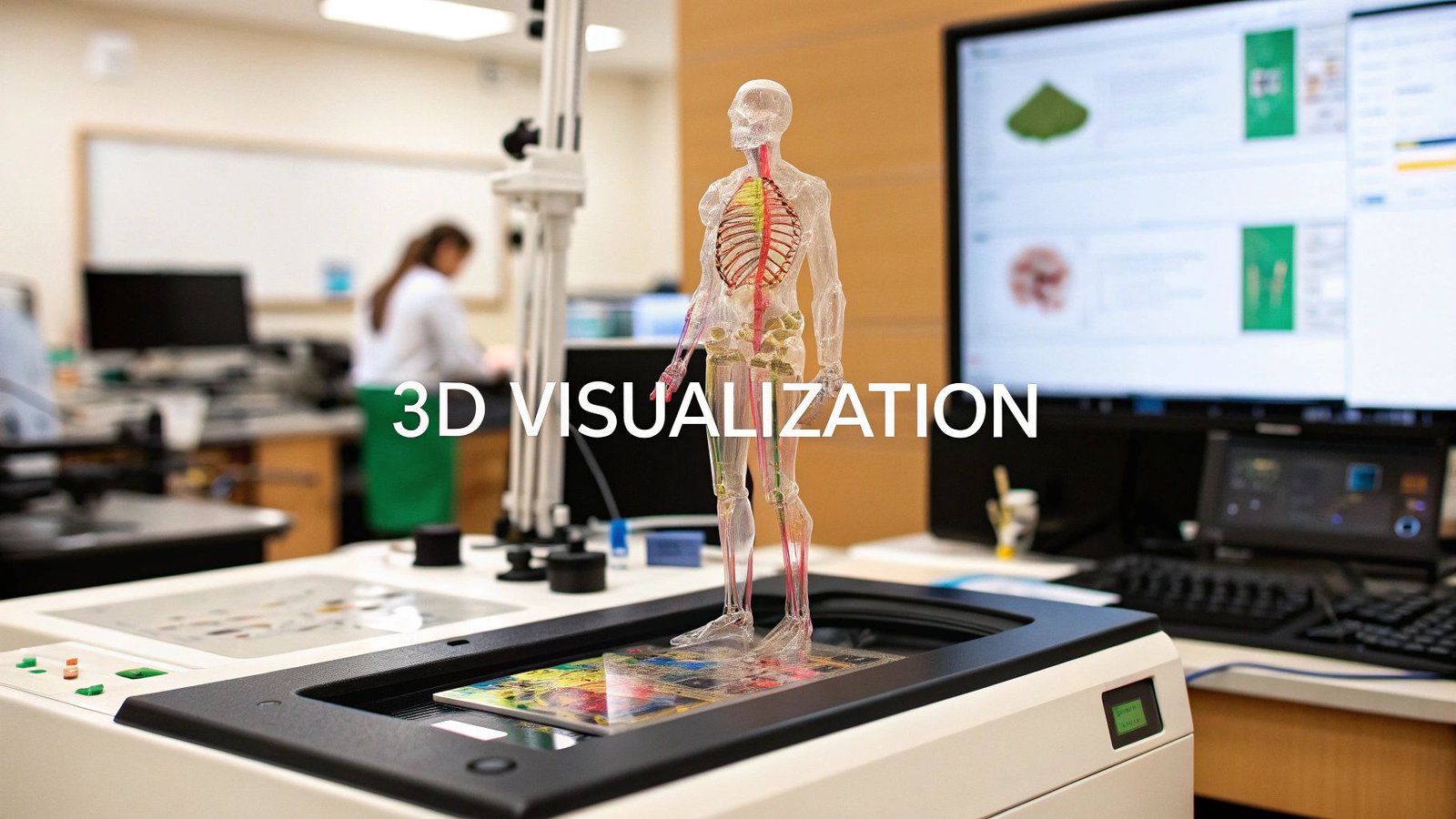
In modern medicine, interpreting complex scans from MRI, CT, and PET systems is a daily challenge. Standard 2D slices often fail to provide a complete anatomical picture for surgical planning, patient education, or in-depth diagnostics. This is where 3d visualization programs are transforming healthcare, converting raw DICOM data into interactive, three-dimensional models. These tools offer unprecedented clarity, allowing clinicians to explore anatomical structures, simulate procedures, and detect abnormalities with far greater precision.
Beyond general medical scans, specialized techniques like advanced body composition ultrasound technology also generate crucial data that can be brought to life through visualization, highlighting the expanding applications of these platforms. However, with a growing market of specialized software, choosing the right program can be a daunting task for any medical team or device manufacturer.
This guide cuts through the noise to review 12 of the leading 3d visualization programs available today. We analyze their unique strengths, specific medical use cases, and critical integration capabilities. Each review includes screenshots and direct links, providing a clear and practical resource to help you find the perfect fit for your clinical, research, or development needs. We will examine solutions ranging from industry giants like Autodesk and Blender to specialized rendering engines like Chaos V-Ray and Lumion.
1. 3D Slicer
3D Slicer is a powerhouse in the medical imaging research community, serving as a comprehensive, open-source software platform for image analysis and scientific visualization. It excels at processing a wide array of medical scans, including MRI, CT, and PET, enabling complex tasks like image segmentation, registration, and quantification. Its strength lies in its unparalleled modularity; users can customize and extend its core functionality through a massive library of extensions for specialized fields such as radiotherapy planning, neuroimaging, and diffusion tensor imaging (DTI) analysis.
To harness its full potential, users must commit to learning its intricate interface, which can be initially overwhelming. Understanding the fundamentals of effective data visualization best practices can significantly shorten this learning curve by helping you focus on creating clear, impactful visualizations from complex datasets. Although powerful, 3D Slicer’s performance is heavily reliant on robust hardware, particularly when handling large, high-resolution image volumes.
Key Features & Considerations
| Feature | Details |
|---|---|
| Pricing & Access | Completely free and open-source with no licensing costs. |
| Primary Use Cases | Medical imaging research, surgical planning, algorithm development, and academic education. |
| Limitations | Steep learning curve; performance is hardware-dependent; not FDA-cleared for primary diagnosis. |
2. Blender
Blender is a comprehensive, free, and open-source 3D creation suite that has gained significant traction beyond its artistic roots, emerging as a versatile tool in scientific and medical visualization. While not a dedicated medical imaging platform, its powerful modeling, sculpting, and rendering capabilities make it exceptional for creating high-fidelity anatomical models, educational animations, and publication-quality visuals from segmented medical data. Its two primary render engines, the real-time Eevee and the photorealistic path-tracing Cycles, offer unparalleled flexibility for producing everything from quick previews to stunning, lifelike imagery.
The platform's strength is magnified by its massive, active community and an extensive ecosystem of add-ons, many of which are designed to streamline complex scientific workflows. Its unconventional user interface can present a learning curve for those accustomed to traditional CAD or medical software, but its rapid development cycle ensures it constantly adopts new features. This adaptability makes it one of the most dynamic 3d visualization programs available, especially for custom presentation and educational content creation.
Key Features & Considerations
| Feature | Details |
|---|---|
| Pricing & Access | Completely free and open-source for personal and commercial use. |
| Primary Use Cases | Creating high-quality medical illustrations, surgical animations, 3D printing preparation, and educational content. |
| Limitations | Not a native DICOM viewer; UI can be unintuitive for beginners; requires data to be imported from other segmentation software. |
3. Unreal Engine (plus Twinmotion and RealityCapture via Epic)
Unreal Engine is a dominant force in real-time 3D creation, renowned for producing hyper-realistic visuals across gaming, film, and enterprise applications. For medical and scientific visualization, its power lies in creating interactive, high-fidelity models of anatomical structures, medical devices, or complex biological processes. The ecosystem includes Twinmotion, an intuitive tool for architects and designers to quickly create stunning visualizations, and RealityCapture for generating 3D models from photos (photogrammetry). This suite of tools provides a pathway from raw data or CAD models to immersive, real-time experiences for training, education, and product demonstration.
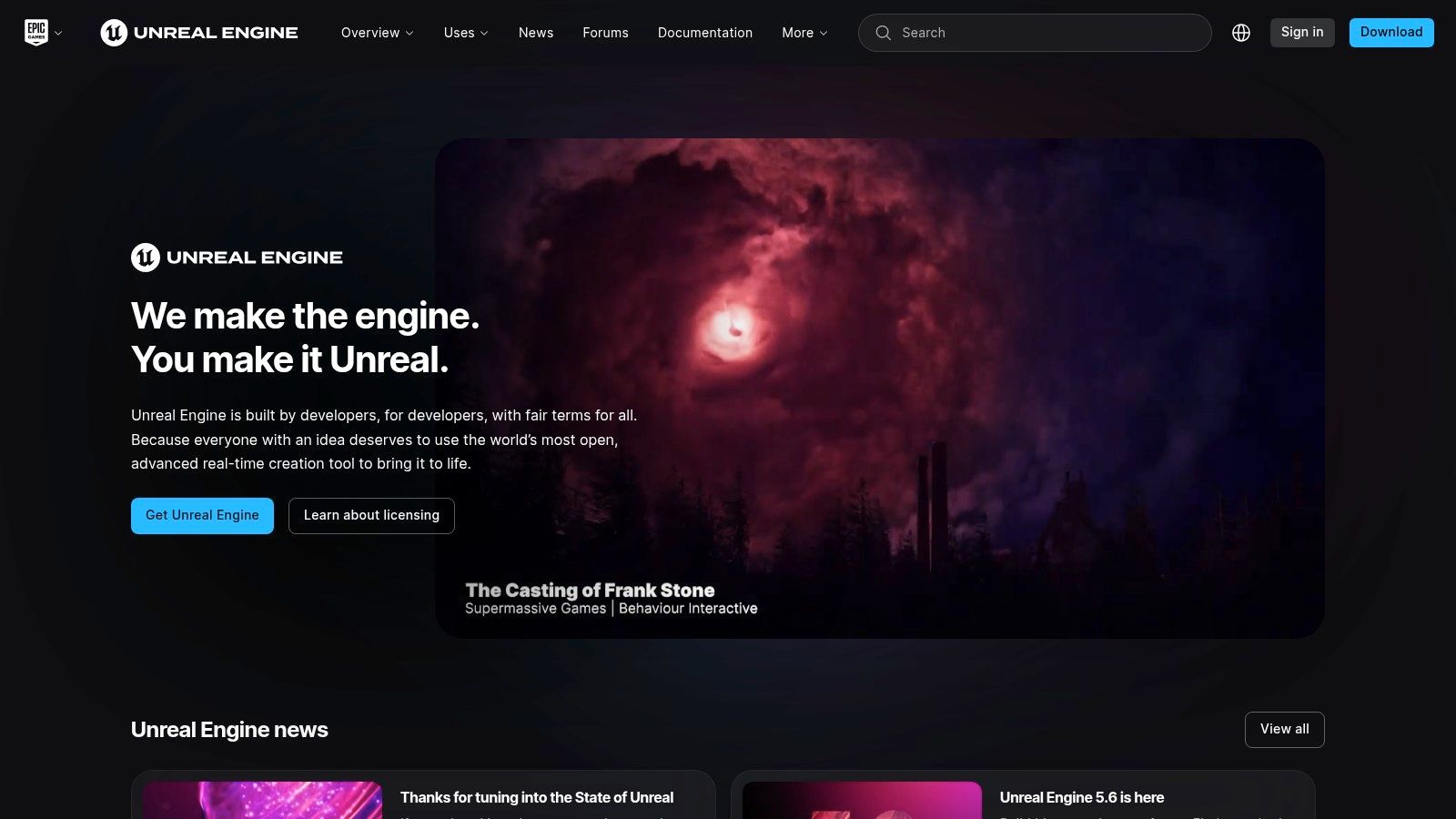
The platform’s Datasmith pipeline is crucial for medical device manufacturers, as it streamlines the import of complex CAD and BIM data, preserving scene hierarchy and metadata. While the engine's core capabilities present a steeper learning curve compared to dedicated scientific software, the payoff is unparalleled visual quality and interactivity. This makes it one of the premier 3d visualization programs for creating compelling VR surgical simulators, patient education apps, or interactive device configurators that require both accuracy and aesthetic polish. The extensive learning resources and asset marketplace further support rapid development.
Key Features & Considerations
| Feature | Details |
|---|---|
| Pricing & Access | Seat-based subscription for non-game commercial use. Royalty-based for games with revenue exemptions. Twinmotion is included for businesses with under $1M annual revenue. |
| Primary Use Cases | High-fidelity medical device visualization, surgical simulation, VR/AR training applications, architectural visualization for healthcare facilities, and photogrammetry workflows. |
| Limitations | Steep learning curve for advanced features; complex licensing for enterprise use cases; not inherently designed for direct medical image (DICOM) processing. |
4. Unity
Unity transcends its gaming origins to serve as a powerful real-time 3D development platform, making it a standout choice for interactive and immersive 3D visualization programs. Its strength lies in creating dynamic experiences, from surgical simulations in virtual reality to augmented reality overlays for medical training. The platform’s robust engine enables the development of high-fidelity, interactive applications that can be deployed across a vast range of devices, including desktops, mobile, and XR headsets, offering unparalleled reach and flexibility for medical and scientific content.

While not a dedicated medical imaging tool out of the box, its vast asset store and active developer community provide extensive resources for building custom solutions. To achieve photorealistic or scientifically accurate visualizations, users often need to implement custom data import pipelines and rendering shaders. This requires a significant development effort compared to specialized software, but the trade-off is complete control over the application’s interactivity and user experience, making it ideal for creating engaging training modules or interactive product showcases.
Key Features & Considerations
| Feature | Details |
|---|---|
| Pricing & Access | Per-seat subscription model with a free Personal tier for beginners and small projects. |
| Primary Use Cases | Interactive surgical simulations, augmented/virtual reality training, medical device visualization, and educational applications. |
| Limitations | Requires significant customization for high-end visualization; subscription pricing can be costly for teams. |
5. SketchUp (by Trimble)
SketchUp stands out as one of the most accessible 3d visualization programs, prized for its intuitive push-pull modeling interface that simplifies the creation of 3D forms. While not a conventional medical imaging tool, its strength lies in conceptual design, making it invaluable for visualizing new lab layouts, designing custom medical device enclosures, or creating clear, easy-to-understand models for patient education and grant proposals. The platform's extensive 3D Warehouse provides a vast library of pre-made assets, accelerating the design process significantly.

Its real power for high-fidelity visualization is unlocked through its integration with powerful rendering plugins like V-Ray and Enscape, transforming simple models into photorealistic scenes. This makes it an excellent choice for creating marketing materials for new devices or presenting architectural plans for healthcare facilities. However, its core functionality is less suited for the complex, organic, and parametric modeling required for intricate anatomical or molecular visualization, where other specialized software would be more appropriate.
Key Features & Considerations
| Feature | Details |
|---|---|
| Pricing & Access | Offers a free web-based version (SketchUp Go); paid subscriptions (Pro, Studio) are required for desktop access and advanced features. Visit their pricing page for details. |
| Primary Use Cases | Architectural and interior design for healthcare facilities, medical device concept modeling, educational aids, and presentation visuals. |
| Limitations | Not ideal for high-detail organic or parametric modeling; subscription costs for professional versions have increased. |
6. Maxon (Cinema 4D + Redshift; Maxon One)
Maxon offers a powerful suite of tools centered around Cinema 4D, an artist-friendly 3D application renowned for its robust motion graphics capabilities via its MoGraph toolset. When paired with the Redshift GPU renderer, it becomes a formidable solution for creating photorealistic medical animations, device visualizations, and detailed anatomical models. The comprehensive Maxon One subscription bundles Cinema 4D with other key applications like ZBrush for digital sculpting, providing a seamless pipeline from initial concept to final render. This integration makes it one of the more versatile 3d visualization programs for creating high-fidelity marketing and educational content.
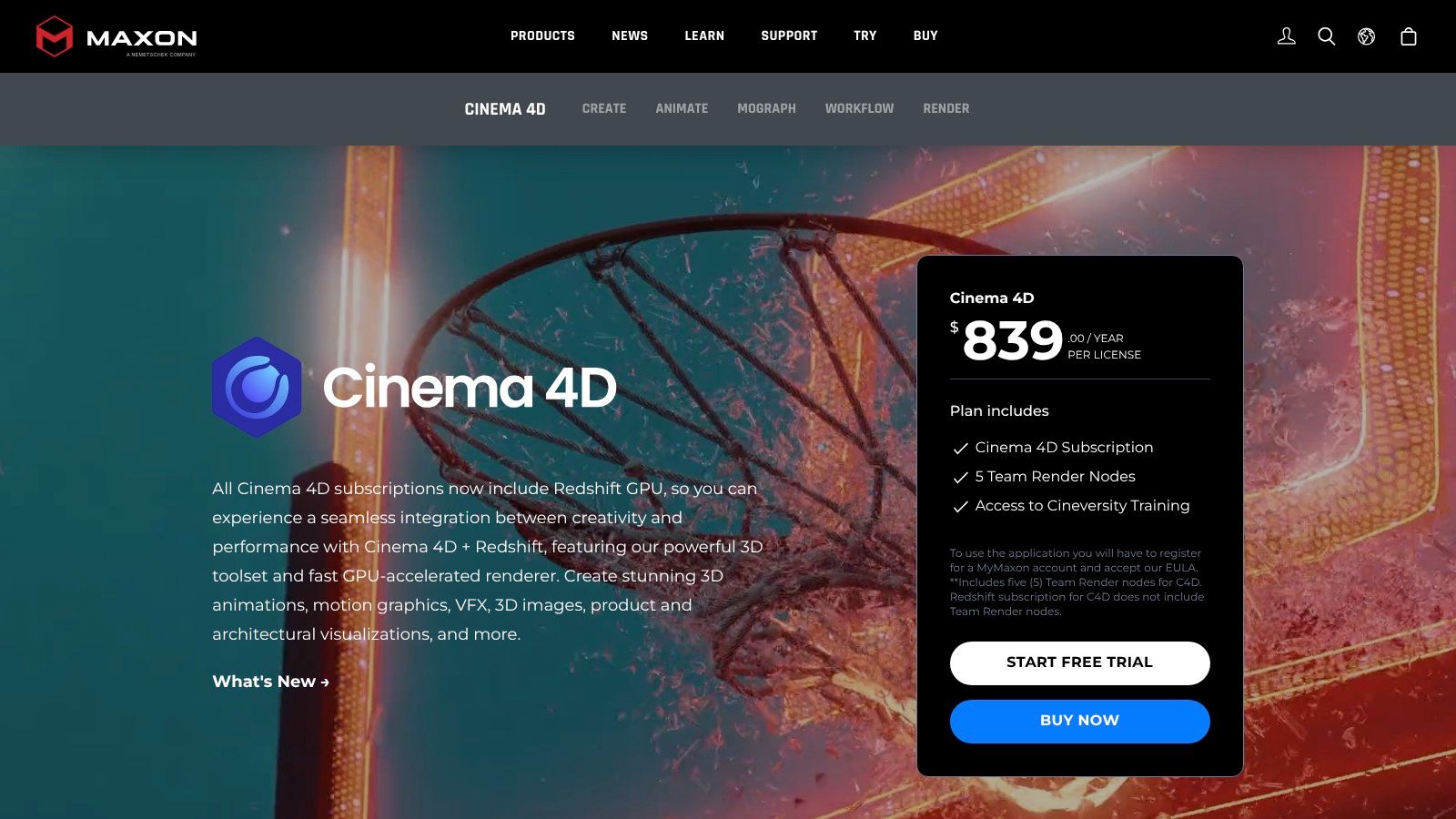
While not a primary tool for diagnostic imaging analysis, Maxon's software excels at transforming clinical data into compelling visual narratives. The user interface is known for being more intuitive than many competitors, lowering the barrier to entry for artists and designers. However, its subscription-only model and pricing, which requires login or regional selection to view, can be a hurdle for some organizations. For teams needing a complete creative pipeline for non-diagnostic visualization, Maxon One offers exceptional value and high-performance rendering.
Key Features & Considerations
| Feature | Details |
|---|---|
| Pricing & Access | Subscription-based model; pricing requires login/region selection. Maxon One bundle offers access to all products. |
| Primary Use Cases | Medical animation, product visualization for medical devices, educational content, and high-quality marketing materials. |
| Limitations | Subscription-only access can be costly; not designed for diagnostic image analysis; pricing is not transparent upfront. |
7. Chaos (V-Ray, Corona, Enscape, Vantage, Cosmos)
Chaos offers a suite of industry-standard rendering solutions that, while not medical-specific, provides unparalleled photorealism for visualizing medical devices and architectural concepts for healthcare facilities. Products like V-Ray and Corona are renowned for creating high-fidelity, production-quality images from 3D models, perfect for marketing materials or device prototyping. The ecosystem also includes Enscape for real-time visualization and VR walkthroughs, allowing stakeholders to experience a proposed clinical environment or interact with a device model immersively.

The primary advantage of Chaos is its integration within popular 3D modeling programs like 3ds Max, SketchUp, and Rhino, which are often used for industrial and architectural design. This makes it one of the most versatile 3d visualization programs for teams creating detailed device models or planning hospital layouts. While the focus is on visualization rather than diagnostics, its rendering quality is essential for securing funding, training, and public communication. The variety of tools under one umbrella streamlines the visualization pipeline from concept to final render.
Key Features & Considerations
| Feature | Details |
|---|---|
| Pricing & Access | Subscription-based with various plans (e.g., Chaos Corona, Chaos V-Ray, Chaos Enscape). A comprehensive "Chaos One" plan bundles multiple products. Educational discounts are available. |
| Primary Use Cases | Medical device marketing, architectural visualization for healthcare facilities, surgical training simulations (using rendered assets), and educational material creation. |
| Limitations | Not designed for direct DICOM/NIfTI data analysis; multiple product licenses can be complex; pricing can be a significant investment. |
8. Lumion
Lumion is a powerful architectural visualization tool celebrated for its ability to transform 3D models into stunning, photorealistic experiences with remarkable speed. It is designed for architects and designers who need to produce high-quality images, videos, and 360-degree panoramas without the steep learning curve often associated with other 3D rendering software. Its primary strength lies in its real-time engine and extensive content library, allowing users to quickly build living, detailed environments around their models, complete with vegetation, weather effects, and animated objects.
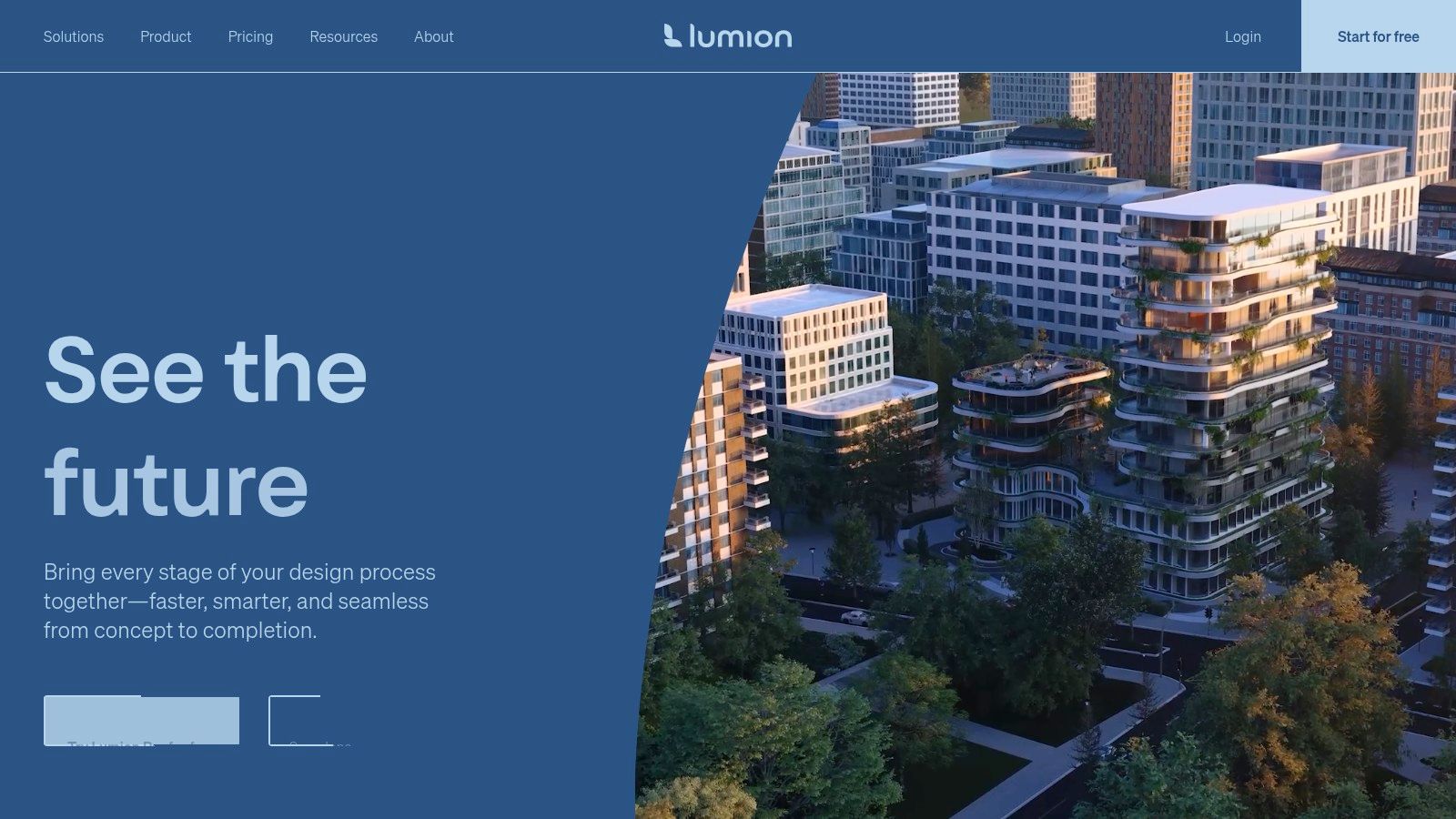
While not a medical imaging tool, Lumion’s ease of use and rapid rendering capabilities make it an interesting option for visualizing architectural aspects of healthcare facilities, such as clinic layouts, hospital wings, or research labs. This focus on speed and simplicity allows for fast iterations, making it ideal for client presentations where quick turnarounds are essential. However, its streamlined workflow comes at the cost of the granular control found in more complex 3D visualization programs, and it is a hardware-intensive, Windows-only application.
Key Features & Considerations
| Feature | Details |
|---|---|
| Pricing & Access | Subscription-based model with Standard and Pro tiers; free trial available. |
| Primary Use Cases | Architectural visualization, real estate marketing, landscape design, and urban planning. |
| Limitations | Windows-only; requires powerful hardware for optimal performance; not suitable for scientific or medical data analysis. |
9. Enscape (by Chaos)
Enscape stands out as a premier real-time rendering and virtual reality plugin designed for the architecture, engineering, and construction (AEC) industry. It integrates directly into major CAD and BIM applications like Revit, SketchUp, and Rhino, providing a live link that visualizes model changes instantaneously. This seamless workflow makes it an indispensable tool for interactive design reviews, client presentations, and internal collaboration, eliminating the long rendering times associated with traditional 3D visualization programs. Its core strength is enabling users to walk through fully rendered projects in real-time with just one click.

While not a medical imaging tool by design, its application in healthcare facility design and planning is significant. Architects can use Enscape to create immersive, realistic walkthroughs of proposed hospital wings or operating rooms, allowing medical staff to provide critical feedback on layout, equipment placement, and workflow efficiency before construction begins. The intuitive interface requires minimal training, empowering teams to produce high-quality videos, panoramas, and VR experiences without needing specialized visualization experts. For those needing ultra-photorealistic marketing stills, Enscape's integration with the Chaos ecosystem allows a seamless transition to V-Ray.
Key Features & Considerations
| Feature | Details |
|---|---|
| Pricing & Access | Subscription-based; offers fixed-seat and floating licenses with a 14-day free trial. |
| Primary Use Cases | Architectural visualization, healthcare facility design, interior design, construction planning, and virtual reality walkthroughs. |
| Limitations | Optimized for real-time visualization, not high-end photorealistic stills; less suited for complex medical data analysis. |
10. Twinmotion (Epic Games)
Developed by Epic Games, Twinmotion is a real-time 3D visualization tool designed for speed and ease of use, primarily targeting architecture, construction, and urban planning. It excels at transforming CAD and BIM models into high-quality, dynamic environments with minimal effort. For healthcare contexts, this makes it an exceptional choice for visualizing new hospital wings, clinic layouts, or the placement of large-scale medical equipment within a simulated space, allowing stakeholders to experience the design before construction begins.

Its direct integration with popular modeling software via Datasmith streamlines the import process, while its intuitive interface allows for rapid scene assembly. Users can easily add animated people, vehicles, and dynamic weather to create realistic simulations. This accessibility makes it a powerful tool for design teams and a great entry point into more complex 3D visualization programs like its sibling, Unreal Engine. Twinmotion Cloud further enhances collaboration by enabling stakeholders to explore interactive presentations from any web browser.
Key Features & Considerations
| Feature | Details |
|---|---|
| Pricing & Access | Free for individuals and companies with less than $1M USD annual revenue. Paid subscription required for larger organizations. |
| Primary Use Cases | Architectural visualization, medical facility planning, interior design, real-time walkthroughs, and landscape architecture. |
| Limitations | Less customization compared to Unreal Engine; primarily focused on environmental visualization, not intricate medical data sets. |
11. D5 Render
D5 Render is a real-time ray tracing renderer designed primarily for the architecture, engineering, and construction (AEC) and product design industries. It leverages GPU acceleration to deliver impressively fast and high-quality visualizations directly from popular modeling software. Through its LiveSync plugins for programs like SketchUp, Revit, Rhino, and 3ds Max, designers can see their changes reflected in a photorealistic environment almost instantly. This rapid iteration cycle makes it a powerful tool for developing and presenting designs efficiently.

While not a medical imaging tool by trade, its ease of use and visual fidelity make it a viable option for creating marketing materials, facility walkthroughs, or presentations involving medical devices within a clinical setting. The vast built-in library of assets and materials helps users quickly populate scenes, adding realistic context without extensive modeling. D5 Render stands out as one of the most accessible yet powerful 3d visualization programs for those who need stunning visuals without a steep learning curve.
Key Features & Considerations
| Feature | Details |
|---|---|
| Pricing & Access | Free Community version available; paid Pro and Teams plans unlock advanced features like VR and animation support. |
| Primary Use Cases | Architectural visualization, interior design, landscape design, product rendering, and marketing animations. |
| Limitations | Primarily Windows-based; ecosystem is newer and smaller than established competitors; not suited for scientific data analysis. |
12. KeyShot (Luxion)
KeyShot is a specialized 3D rendering and animation software widely adopted in product design and medical device manufacturing for its speed and realism. It excels at transforming 3D CAD models into photorealistic images, animations, and interactive visuals with remarkable efficiency. The platform’s strength is its intuitive drag-and-drop workflow, allowing users to apply scientifically accurate materials and real-world lighting environments to create stunning marketing and educational content without a steep learning curve.
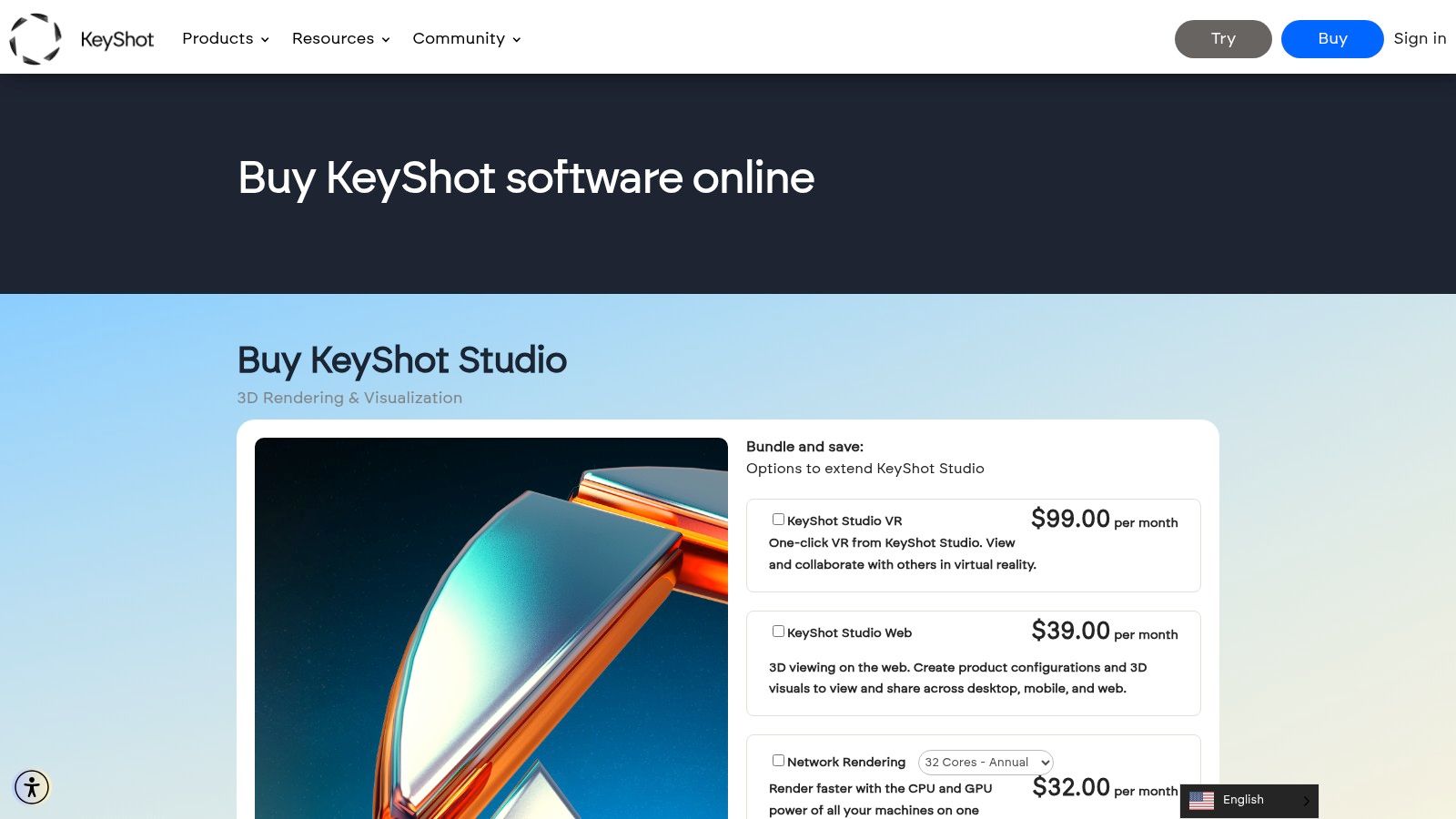
Unlike more complex 3D visualization programs, KeyShot focuses on a streamlined path from model to final image, making it ideal for teams needing high-quality visuals for regulatory submissions, patient education, or marketing campaigns. Its ability to seamlessly import a broad range of CAD files and provide real-time feedback on both CPU and GPU makes it a flexible tool in a fast-paced development pipeline. The KeyShot Hub further extends its utility by enabling asset management and secure collaboration across teams.
Key Features & Considerations
| Feature | Details |
|---|---|
| Pricing & Access | Subscription-based model; add-ons like Web, VR, and Network Rendering require additional fees. |
| Primary Use Cases | Medical device visualization, product marketing imagery, surgical tool animation, and industrial design. |
| Limitations | Primarily a rendering engine, not a 3D modeler; core functionality can be limited without purchasing expensive add-ons. |
3D Visualization Software Comparison Overview
| Software | Core Features / Capabilities | User Experience & Quality ★★★★☆ | Value Proposition 💰 | Target Audience 👥 | Unique Selling Points ✨ |
|---|---|---|---|---|---|
| Autodesk (3ds Max, Maya, Arnold) | Mature modeling, animation, Arnold renderer, CAD/BIM integration | Industry-standard, extensive resources, plugin ecosystem | High subscription cost 💰💰💰 | Professional studios, architects | Deep Autodesk ecosystem, plugin variety ✨ |
| Blender | Open-source, modeling, sculpting, Eevee & Cycles renderers | Free, large community, fast updates | Free for all 💰 | Indie artists, hobbyists, studios | Completely free, strong add-ons ✨ |
| Unreal Engine (w/ Twinmotion) | Real-time visualization, CAD/BIM import, XR support | High-fidelity visuals, steep learning curve | Free + royalty/subscription 💰💰 | Architects, visualization pros, XR devs | Twinmotion for easy start, Datasmith ✨ |
| Unity | Real-time 3D engine, XR support, DOTS/ECS for performance | Large dev community, extensive platforms | Subscription based 💰💰 | Interactive & XR developers, product viz | Broad platform support, strong interactivity✨ |
| SketchUp (Trimble) | Easy modeling, web & desktop, large 3D Warehouse | User-friendly, quick results | Moderate pricing 💰💰 | Architects, interior designers, product viz | Massive content library, plugin support ✨ |
| Maxon (Cinema 4D + Redshift) | MoGraph, GPU rendering, comprehensive creative pipeline | Artist-friendly UI, strong motion graphics | Subscription only 💰💰 | Motion graphic artists, product viz pros | Integrated Redshift GPU renderer ✨ |
| Chaos (V-Ray, Corona, Enscape) | Photoreal offline & real-time, supports many hosts | Proven quality, complex licensing | Variable pricing 💰💰 | Visualization pros, AEC teams | Broad rendering product suite ✨ |
| Lumion | Fast architectural renderer, rich content library | Very fast setup, Windows-only | Single license steep 💰💰💰 | Architects, designers | Speed & ease for quick client visuals ✨ |
| Enscape (by Chaos) | Real-time visualization plugin, VR support | Extremely easy to deploy | Moderate, requires Chaos products 💰 | AEC teams, live collaboration | Live sync BIM/ CAD, VR integration ✨ |
| Twinmotion (Epic Games) | Simple real-time viz, easy BIM import, cloud sharing | Fast learning, free for small businesses | Free (<$1M revenue), subscription 💰 | Architects, small design teams | Cloud sharing, easy scene setup ✨ |
| D5 Render | GPU real-time and biased rendering, LiveSync | Good balance quality & simplicity | Clear tiers incl free version 💰 | Architects, interior designers | Fast with large asset libs ✨ |
| KeyShot (Luxion) | CPU & GPU rendering, CAD import, animation, collaboration | Fast setup, excellent surface accuracy | Subscription + addons 💰💰 | Product designers, marketing professionals | Turnkey CAD & network rendering ✨ |
Choosing Your Lens: Matching the Tool to the Task
Navigating the expansive landscape of 3D visualization programs can feel overwhelming, but as we've explored, the key isn't to find the single "best" software, but the one that best aligns with your specific objectives. The journey from raw data to actionable insight is unique for every project, whether it's for pre-surgical planning, academic research, or patient education. The optimal tool is the one that seamlessly integrates into your workflow, enhances your analytical capabilities, and ultimately, helps you achieve your goals with precision and efficiency.
Your final decision hinges on a careful evaluation of several critical factors. A large-scale architectural firm creating immersive hospital walkthroughs might prioritize the real-time rendering power of Unreal Engine or Lumion. In contrast, a product designer at a medical device startup will likely find KeyShot's material accuracy and rapid prototyping capabilities indispensable for creating photorealistic product shots.
Key Takeaways for Your Selection Process
To distill the comprehensive analysis from this article, consider these core decision points:
- Workflow Integration: How well does the software fit into your existing pipeline? For those heavily invested in Autodesk's ecosystem, sticking with 3ds Max and Arnold offers unparalleled interoperability. Teams focused on rapid, collaborative design might find the simplicity and vast asset library of SketchUp paired with a real-time renderer like Enscape or V-Ray to be the most efficient combination.
- Learning Curve vs. Capability: Be realistic about your team's available time and expertise. Blender offers immense power at zero cost, but its steep learning curve can be a significant barrier. Programs like Twinmotion and D5 Render, on the other hand, provide a much more intuitive user experience, allowing for stunning results with minimal training, making them ideal for teams needing to get up to speed quickly.
- Rendering Needs and Specialization: Define your primary output. If your focus is on creating cinematic-quality animations for marketing or training, the robust toolsets within Cinema 4D or the comprehensive Chaos ecosystem provide industry-leading control. For static, hyper-realistic visuals where material definition is paramount, KeyShot remains a dominant force.
Final Considerations and Next Steps
Before committing to a particular software, it is crucial to leverage trial periods to test the program with your own project files and data. Assess not just the features, but the user experience, the quality of support documentation, and the strength of the community forums. This hands-on evaluation is the most reliable way to determine if a program's workflow resonates with your team's operational style.
Ultimately, the most effective 3d visualization programs are those that act as a transparent lens, allowing you to see your data and designs with greater clarity and depth. By carefully matching the tool's strengths-from real-time feedback and animation capabilities to photorealistic rendering and ease of use-to your specific task, you empower your team to innovate, communicate, and create with unprecedented impact. The right choice will not only streamline your current projects but will also serve as a scalable platform for future challenges and creative explorations.
Ready to push the boundaries of medical imaging analysis? While the visualization tools discussed here provide the canvas, PYCAD delivers the intelligent brushstrokes. We specialize in developing and integrating cutting-edge AI and Deep Learning models to automate complex tasks like organ and tumor segmentation from DICOM and NIfTI files. Enhance your chosen 3D visualization program by integrating our powerful models to achieve faster, more accurate results. Visit PYCAD to discover how our AI solutions can revolutionize your medical data workflow.