
Navigating the landscape of medical imaging software can be a significant challenge, especially when searching for a reliable DICOM viewer for Windows. The right tool is critical for everything from clinical diagnosis and surgical planning to academic research and medical device development. A subpar viewer can create workflow bottlenecks, hinder accurate analysis, and even compromise data integrity. This guide is designed to cut through the noise, providing a detailed, practical comparison of the leading DICOM viewers available for the Windows operating system.
We will move beyond generic feature lists and marketing claims. Instead, this resource offers an in-depth analysis of each application, focusing on real-world usability, specific use-case suitability, and potential limitations. Whether you are a researcher requiring advanced segmentation tools, a hospital IT administrator needing seamless PACS integration, or a medical device engineer validating imaging output, this list will help you identify the optimal solution for your specific requirements.
Each entry in this comprehensive listicle provides:
- A concise overview of its core functionality and target audience.
- An honest assessment of its strengths and weaknesses.
- Key feature analysis, including supported modalities and advanced tools.
- Direct links and relevant screenshots to aid your evaluation process.
Our goal is to equip you with the necessary information to make an informed decision quickly and efficiently. By comparing tools like the high-performance RadiAnt, the open-source powerhouse 3D Slicer, and cloud-integrated solutions like PostDICOM, you will gain a clear understanding of which DICOM viewer for Windows best aligns with your technical needs and organizational goals. Let's explore the top contenders.
1. RadiAnt DICOM Viewer (Medixant)
RadiAnt DICOM Viewer has earned its reputation as a premier DICOM viewer for Windows by delivering exceptional performance in a remarkably lightweight package. Designed as a native Windows application, it runs incredibly fast, even on modest hardware, because it avoids dependencies like .NET or Java. This focus on speed and efficiency makes it a favorite among radiologists, clinicians, and researchers who need to review studies quickly without system lag.
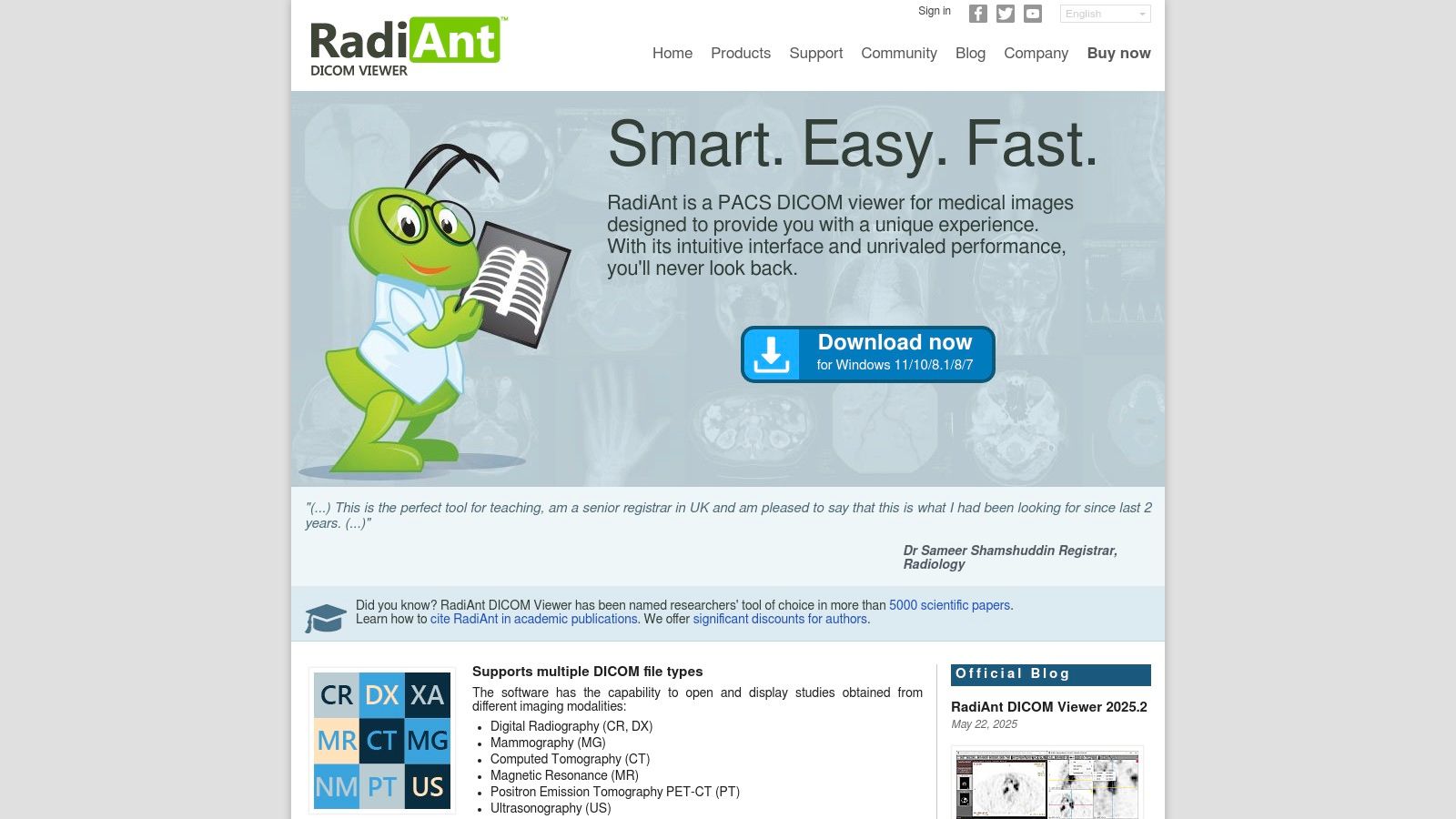
The platform excels in both local file viewing and PACS integration. Users can effortlessly open images from CDs, DVDs, or local folders, and its built-in PACS client supports C-FIND, C-MOVE, and C-STORE protocols for seamless network access. Its clean, intuitive user interface allows for rapid navigation through series and application of tools like measurements, annotations, and windowing adjustments.
Key Features and Use Cases
RadiAnt's feature set is robust, catering to both diagnostic and research needs. The 3D MPR (Multiplanar Reconstruction) and Volume Rendering (VR) capabilities are particularly powerful, enabling clinicians to visualize anatomical structures from multiple perspectives.
- Clinical Review: Ideal for radiologists and referring physicians who need fast access to patient studies from a PACS or physical media. Its DSA (Digital Subtraction Angiography) mode is useful for viewing angiographic series.
- Research & Anonymization: Researchers can use the built-in tools to de-identify patient data from DICOM tags, ensuring compliance with privacy regulations before using images for studies.
- Patient Media Creation: The software can create autorun packages on CDs/DVDs or USB drives, allowing patients to take their imaging studies to other specialists with an easy-to-use viewer included.
Pricing and Limitations
Access to RadiAnt is subscription-based, with licenses offered on a time-limited basis (e.g., 1-year or 2-year plans). While this model ensures continuous updates, it lacks a perpetual license option. A significant limitation is that the high-performance 3D Volume Rendering feature requires a compatible NVIDIA GPU, which may be a consideration for users with different hardware.
Visit RadiAnt DICOM Viewer Website
2. MicroDicom DICOM Viewer
MicroDicom has established itself as a reliable and accessible DICOM viewer for Windows, especially for users seeking a straightforward, no-cost solution for non-commercial purposes. Its design prioritizes ease of use and functionality, offering a clean interface that new users can navigate with a minimal learning curve. The software is lightweight and available as a portable ZIP version, allowing it to run directly from a USB drive without installation, a significant advantage for users working across multiple workstations.
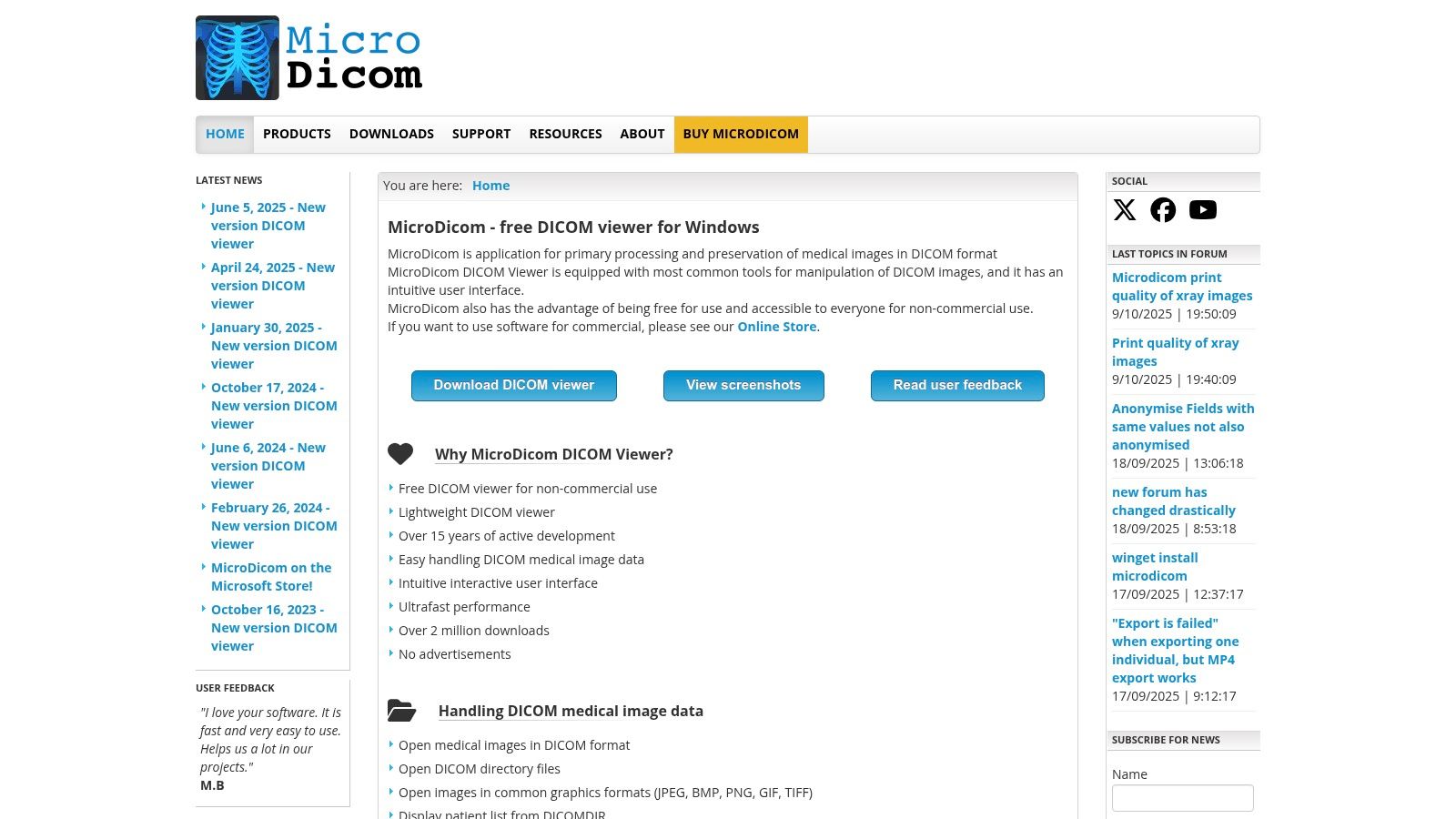
The platform provides robust support for core DICOM operations, including a full-featured PACS client with C-FIND, C-GET, C-MOVE, and C-STORE capabilities. This makes it a practical tool for retrieving studies from a PACS server for local review. It also stands out with its broad export options, allowing users to save images in common formats like JPEG, BMP, and WMV, or even copy them directly to the clipboard for use in presentations and reports.
Key Features and Use Cases
MicroDicom’s feature set is well-suited for basic clinical review, academic use, and data management tasks. The inclusion of a DICOM tag editor and anonymizer makes it highly useful for research and educational environments where patient privacy is paramount.
- Academic & Research Use: The free version is perfect for students, researchers, and educators who need to view and anonymize DICOM files for studies and presentations without a commercial license.
- Basic Clinical Tasks: Clinicians can use it for quick-and-easy image review, measurements, and annotations. Its PACS connectivity allows for efficient retrieval of patient data.
- Data Portability & Conversion: The ability to export to various image formats and its portable application version make it ideal for sharing non-diagnostic images or carrying a viewer on the go.
Pricing and Limitations
MicroDicom operates on a freemium model. The viewer is completely free for non-commercial use, which is its main draw. For commercial applications, including use in a clinical practice, a paid perpetual license is required. A separate license is also needed for the CD/DVD autorun distribution version. Its primary limitation is the lack of advanced visualization tools like 3D volume rendering or fusion imaging, which are found in more specialized, paid alternatives.
Visit MicroDicom DICOM Viewer Website
3. Sante DICOM Viewer Pro (Santesoft)
Sante DICOM Viewer Pro positions itself as a comprehensive and powerful DICOM viewer for Windows, combining viewing, converting, anonymizing, and PACS server functionalities into one robust package. Developed by Santesoft, its strong focus on the Windows platform (from Windows 7 to 11 and Server editions) ensures deep integration and optimized performance. The software is built for medical professionals who require more than just a viewer, offering an all-in-one toolkit for managing DICOM files.
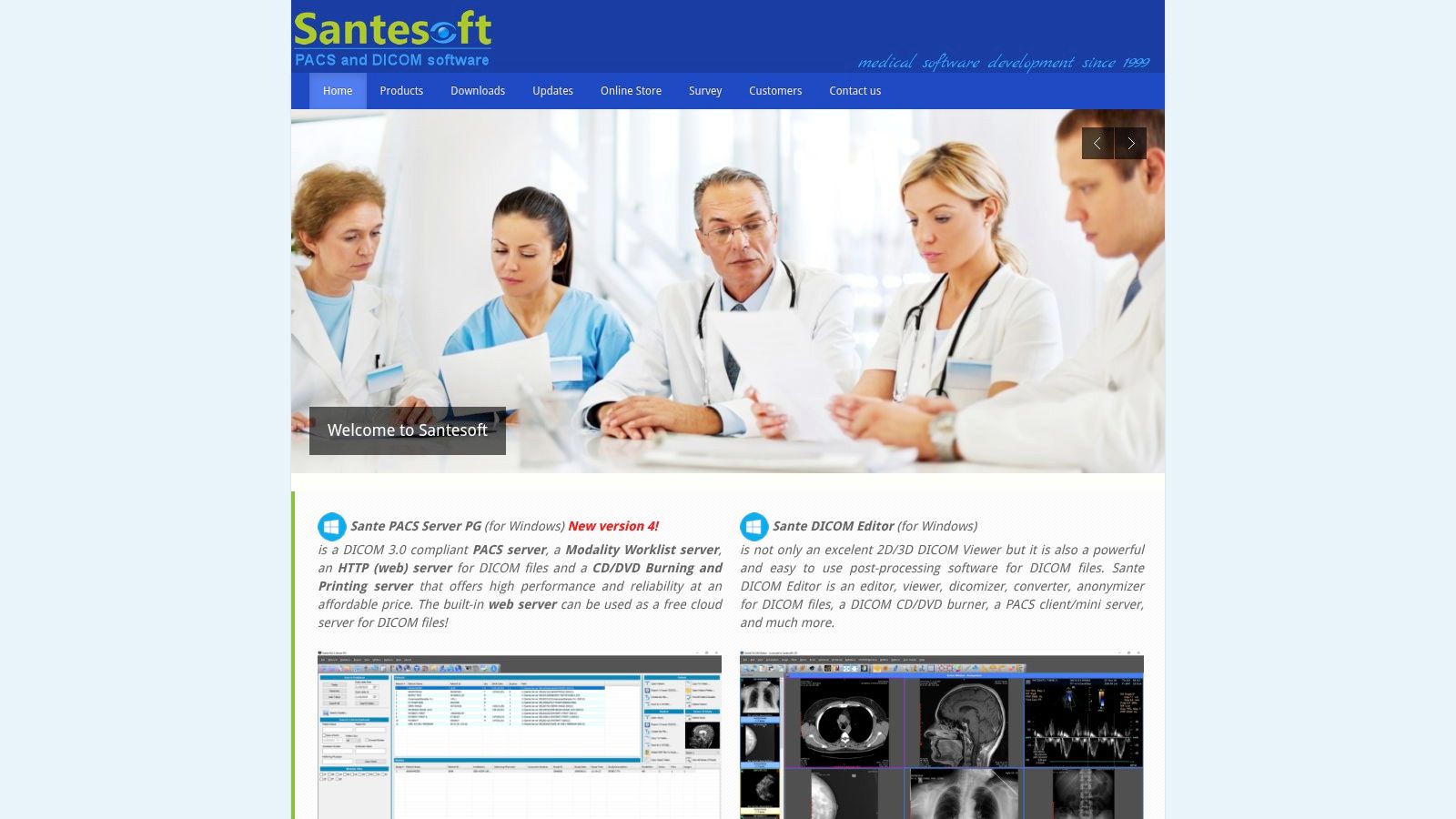
Its standout feature is its multi-utility design. Users can seamlessly switch between viewing detailed 2D and 3D reconstructions, converting files to other formats, editing DICOM headers, and even running a mini PACS server. This versatility makes it a valuable asset for small clinics, research labs, or IT departments needing a single application to handle diverse imaging tasks without investing in multiple software licenses.
Key Features and Use Cases
Sante DICOM Viewer Pro is packed with tools catering to advanced clinical and administrative workflows. The software includes powerful 3D rendering, a C-FIND/C-MOVE PACS client, and utilities for burning studies to CDs/DVDs with an included viewer.
- Small Clinic/Practice Management: The built-in mini PACS server allows a small practice to store and manage patient studies locally, providing a cost-effective alternative to a full-scale PACS solution.
- Data Conversion & Anonymization: Researchers and administrators can use the software to convert DICOM files to common image formats (JPEG, TIFF) or video (WMV) and strip patient-identifying information for research or educational purposes.
- Advanced Diagnostic Viewing: Clinicians can leverage its full suite of measurement tools, annotations, and multi-planar reconstructions for detailed case reviews directly on their Windows workstations.
Pricing and Limitations
The software is offered with a perpetual license, which includes free updates and technical support for life-a significant advantage over subscription models. This one-time purchase can be cost-effective in the long run. However, the initial price point is higher than many competitors. Additionally, its user interface is feature-dense and can present a steeper learning curve for users accustomed to more minimalist viewers.
Visit Sante DICOM Viewer Pro Website
4. 3D Slicer
3D Slicer stands apart as more than just a DICOM viewer for Windows; it is a powerful, open-source platform for medical image analysis and visualization. Funded by the National Institutes of Health (NIH), it provides an extensive suite of research-grade tools for tasks far beyond simple viewing, such as image segmentation, registration, and complex 3D rendering. Its power lies in its modularity and extensibility, making it a go-to choice for academic researchers and clinicians engaged in advanced imaging projects.
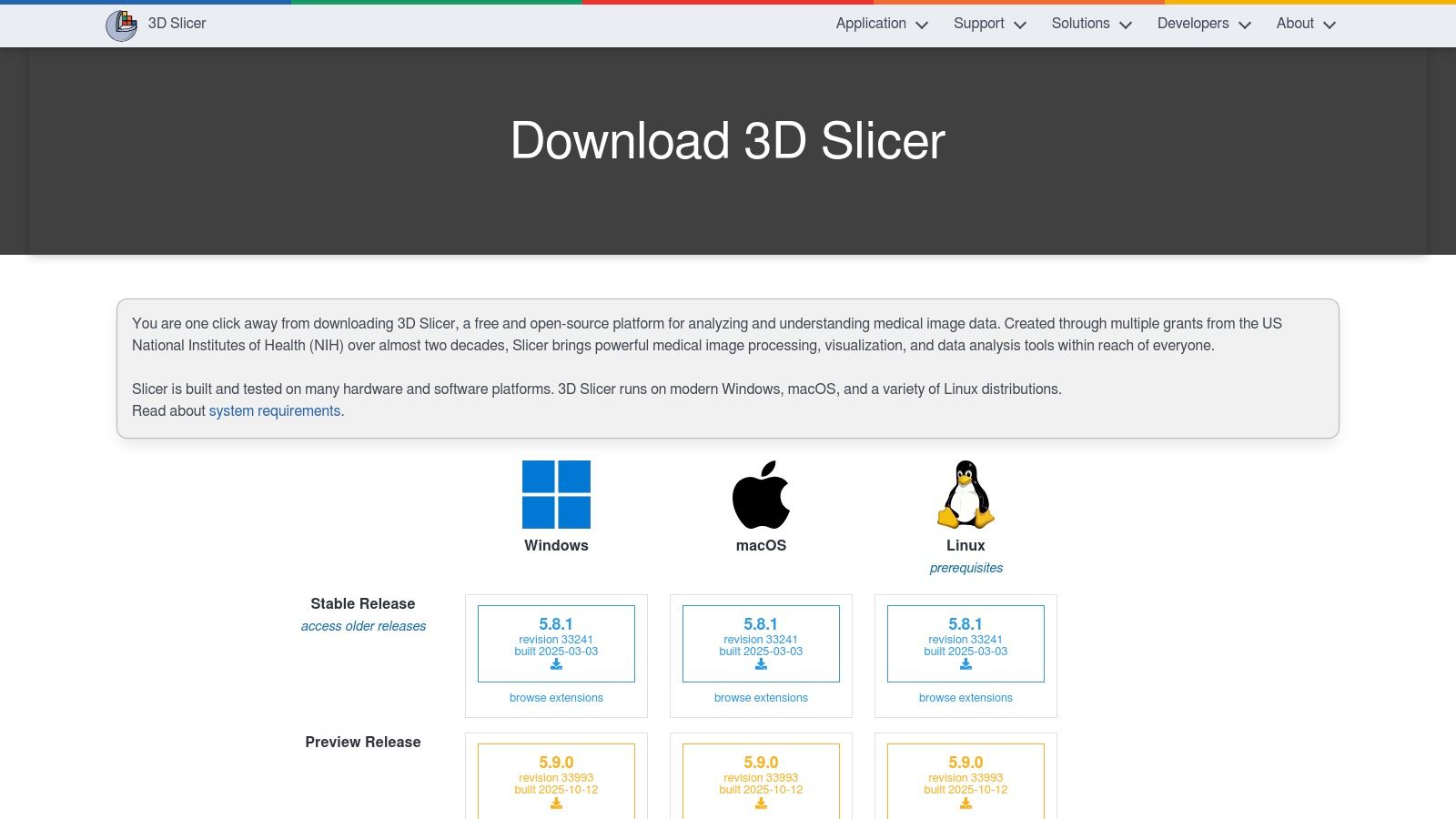
The platform is built on a foundation of scientific computing, allowing users to import DICOM data and apply sophisticated algorithms. While its user interface is more complex than a typical viewer, it offers unparalleled control over the analysis workflow. The large, active community of developers and users contributes a vast library of extensions, adding functionality for specific modalities like dMRI, radiation therapy planning, and surgical navigation.
Key Features and Use Cases
3D Slicer is an ecosystem for innovation, enabling workflows that bridge the gap between medical imaging and tangible applications like 3D printing and procedural simulation. Its strength is in its customizability for highly specific research questions.
- Advanced Research & Segmentation: Ideal for researchers who need to perform detailed segmentation of anatomical structures for volumetric analysis or to create 3D models from scan data.
- Surgical Planning & Simulation: Surgeons and engineers can use Slicer to create patient-specific 3D models for pre-operative planning or to design custom implants and surgical guides.
- Prototyping & 3D Printing: The platform is a cornerstone for converting medical scans into printable models. For those extending medical imaging into physical models, understanding the properties of different 3D printing materials becomes essential.
Pricing and Limitations
3D Slicer is completely free and open-source, which is its most significant advantage. However, this accessibility comes with a trade-off. Its extensive capabilities create a steep learning curve, and the platform can feel overwhelming for users who only require basic DICOM viewing and measurement tools. It is not designed for routine clinical diagnostic workflow and may be considered overkill for simple image review.
5. Weasis DICOM Viewer
Weasis stands out as a powerful, free, and open-source DICOM viewer for Windows designed for enterprise environments and flexible deployment. It can be run as a standalone desktop application or launched from a web context, making it highly adaptable for integration with PACS, RIS, HIS, and EHR systems. Its modern user interface provides a clean and intuitive experience, appealing to clinicians who need a no-cost yet feature-rich viewing solution.
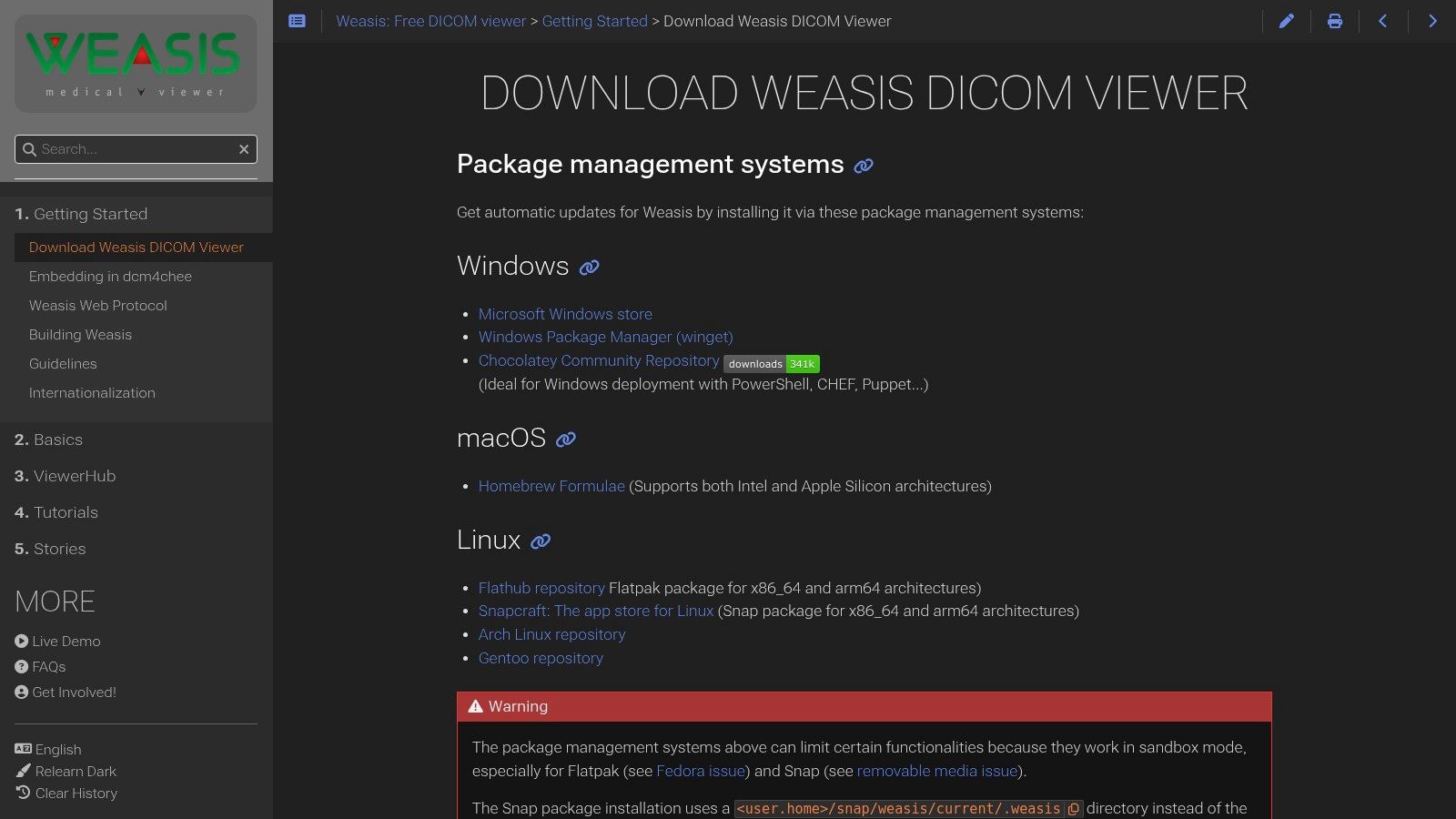
The platform is built on Java, which ensures its cross-platform compatibility, and it supports a wide range of DICOM standards, including DICOMweb for modern web-based access. For Windows users, Weasis offers convenient installation through package managers like winget and Chocolatey, as well as the Microsoft Store, simplifying deployment for IT departments. Its strong support for various modalities and DICOM object types makes it a versatile tool for diverse clinical needs.
Key Features and Use Cases
Weasis is engineered for extensibility, allowing developers to create custom plug-ins to meet specific workflow requirements. This flexibility, combined with its robust core features, makes it suitable for both clinical practice and research.
- Integrated Healthcare Environments: Its ability to be launched from other applications makes it perfect for hospitals needing to embed a viewer directly into their existing patient record systems.
- Multi-Platform Deployments: Institutions with mixed operating system environments (Windows, macOS, Linux) can standardize on Weasis for a consistent user experience across all workstations.
- Cost-Effective Solution: As a free and open-source tool, it offers a powerful alternative to commercial viewers, ideal for academic institutions, small clinics, or research projects with limited budgets.
Pricing and Limitations
Weasis is completely free and open source, with no licensing fees for its use. This is its most significant advantage. However, its Java foundation can be a limitation; embedding it into other systems requires Java platform knowledge, which may present a technical hurdle for some teams. Additionally, sandboxed installations (like those from app stores) might restrict certain functionalities, such as direct access to the local file system, which users should consider during setup.
Visit Weasis DICOM Viewer Website
6. PostDICOM (Cloud PACS + Web DICOM Viewer)
PostDICOM shifts the paradigm from a traditional installable program to a cloud-based PACS and web viewer accessible from any modern browser. While not a native Windows application in the traditional sense, it offers a powerful DICOM viewer for Windows users through its zero-install HTML5 interface. This approach eliminates software maintenance and server management, making it an excellent choice for clinics, teleradiology groups, and researchers seeking a scalable, hosted solution for storing, viewing, and sharing medical images.
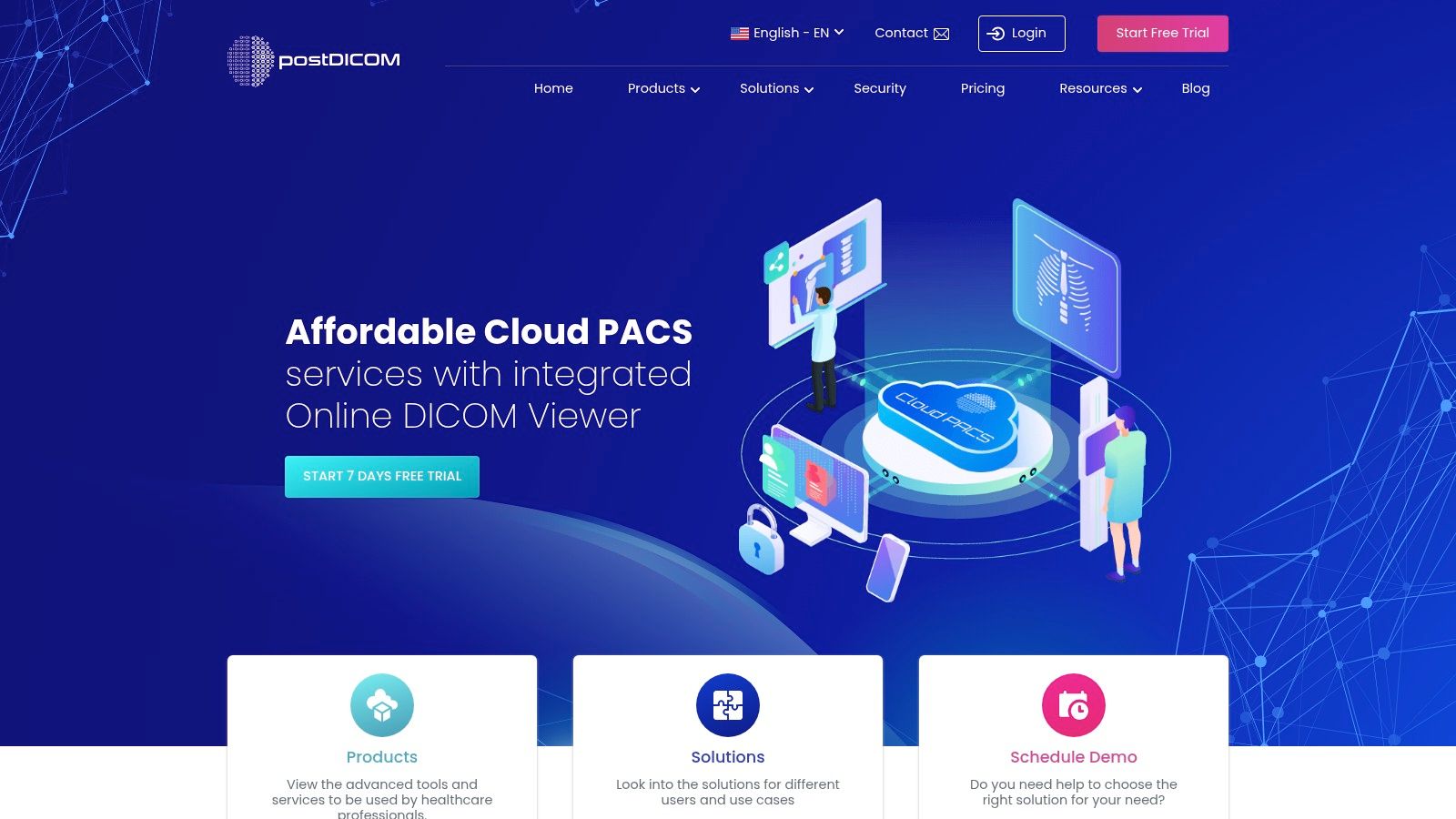
The platform is built around a secure, cloud-native architecture, providing users with tools for multi-user management, role-based access controls, and secure image sharing via encrypted links. Its focus on a HIPAA-style workflow ensures that patient data is handled with appropriate security measures. The core strength lies in its accessibility; authorized users can review studies from anywhere with an internet connection, fostering collaboration among distributed teams.
Key Features and Use Cases
PostDICOM’s feature set is tailored for collaborative and remote diagnostic workflows, combining storage, viewing, and sharing into one integrated platform. It provides standard tools like measurements, annotations, and windowing, alongside advanced visualization.
- Teleradiology & Remote Collaboration: Its primary use case is for practices that need to share studies with remote specialists. Radiologists can view images and create reports directly within the web interface.
- Clinical Data Management: Small to medium-sized clinics can use it as their primary PACS, offloading the costs and complexity of maintaining on-premise servers.
- Research & Education: The platform facilitates sharing anonymized datasets with research partners or for educational purposes, with optional DICOMweb and FHIR API add-ons for integration.
Pricing and Limitations
PostDICOM operates on a subscription model where costs scale based on storage needs and the number of users. A free trial is available to test the platform. The most significant limitation is its dependency on a stable internet connection for both access and performance. As a web-based viewer, it may not match the raw rendering speed of a high-performance native desktop application for extremely large datasets.
7. MedDream DICOM Viewer (Softneta/MedDream)
MedDream establishes itself as an enterprise-grade DICOM viewer for Windows built for broad integration and regulatory compliance. As an FDA-cleared and CE Class IIb certified HTML5 zero-footprint viewer, it is designed for diagnostic use across healthcare organizations. Its architecture emphasizes flexibility, offering deployment on Windows servers via traditional installers or modern Docker containers, ensuring it can fit into various IT infrastructures.
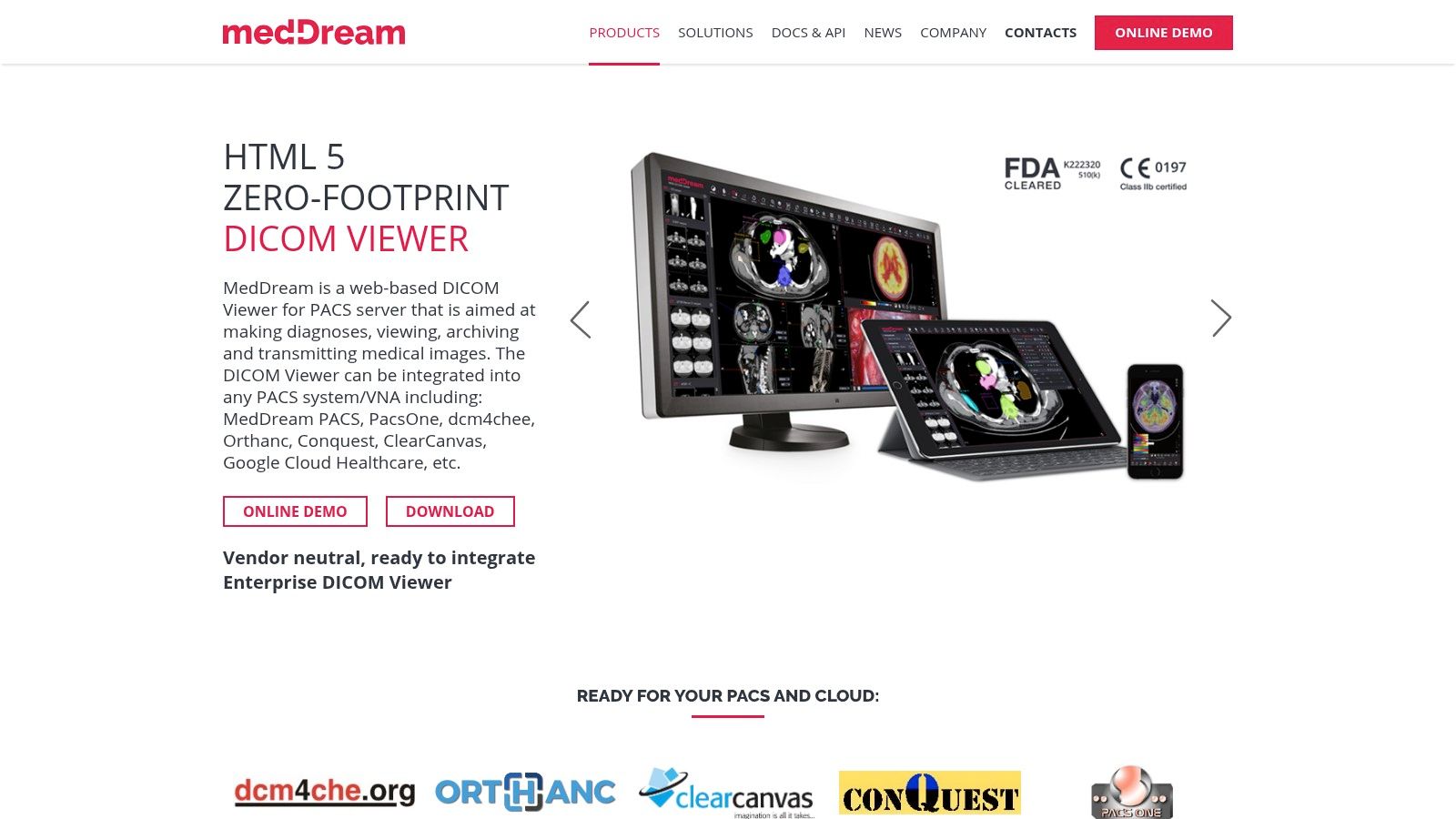
The platform's strength lies in its web-based nature, providing access to medical images from any device with a browser without requiring client-side installations. This makes it ideal for large-scale deployments in hospitals and clinics. MedDream offers extensive compatibility with a wide range of PACS, VNA, and other EMR/HIS systems, positioning it as a powerful, centralized imaging solution rather than a standalone desktop application.
Key Features and Use Cases
MedDream is tailored for clinical environments where diagnostic reliability, security, and seamless workflow integration are paramount. Its feature set supports demanding radiological and specialty imaging needs, including support for video and multi-frame DICOM files.
- Hospital-Wide Integration: Perfect for integrating with existing HIS/RIS/EMR systems, providing physicians and specialists with unified access to imaging data directly within the patient record.
- Diagnostic Teleradiology: The zero-footprint design and regulatory clearances make it a secure and reliable choice for remote diagnostic reading, allowing radiologists to review studies from any location.
- Multi-Disciplinary Collaboration: Clinicians across different departments can access and review images simultaneously on various devices, from desktops to tablets, facilitating collaborative patient care.
Pricing and Limitations
MedDream's pricing is enterprise-focused and not publicly listed; potential customers must contact the sales team for a custom quote. This model is typical for solutions of this scale but can be a barrier for smaller practices or individual users. As a server-based solution, its installation and maintenance are more complex than a simple desktop viewer, requiring dedicated IT resources for setup and management.
Visit MedDream DICOM Viewer Website
8. Mango (Research Imaging Institute, UT Health San Antonio)
Mango stands out as a powerful, research-focused DICOM viewer for Windows developed by the Research Imaging Institute at UT Health San Antonio. It is engineered specifically for neuroimaging analysis, offering robust support for both DICOM and NIfTI formats. Its non-clinical, academic pedigree means it is packed with advanced features for volumetric analysis, image registration, and region-of-interest (ROI) editing without the complexity of a clinical diagnostic tool. Mango is entirely free, making it an accessible yet potent option for researchers and students.
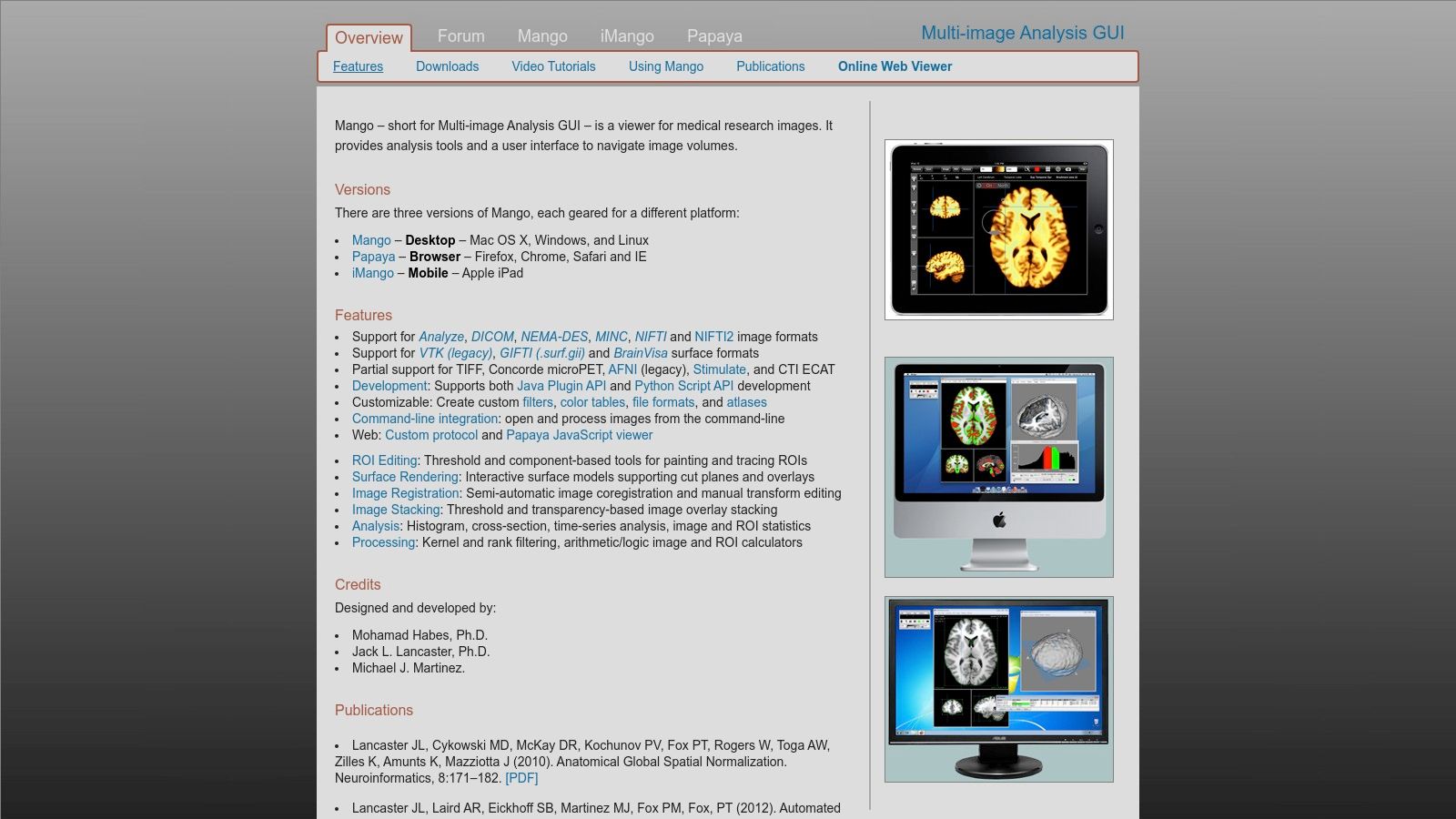
The platform is built for deep analytical work rather than routine clinical review. Its user interface is functional and geared towards researchers who need to perform complex tasks like creating custom filters, analyzing image histograms, or performing surface rendering. Mango’s ecosystem also includes a large plugin set for extending its capabilities and a companion web viewer, Papaya, which allows for browser-based image viewing and sharing. This makes it a comprehensive suite for academic medical imaging projects.
Key Features and Use Cases
Mango's strength lies in its sophisticated toolset tailored for in-depth image analysis, particularly in neuroscience and related fields. It provides a level of analytical control not typically found in free viewers.
- Neuroimaging Research: Ideal for analyzing brain scans (MRI, PET, CT) and performing tasks like ROI definition, statistical analysis, and DTI (Diffusion Tensor Imaging) analysis.
- Volumetric Measurement & 3D Rendering: Researchers can accurately measure volumes of anatomical structures and create detailed 3D surface renderings for visualization and publication.
- Cross-Platform Collaboration: The desktop application for Windows, macOS, and Linux, combined with the Papaya web viewer, facilitates collaboration among research teams.
Pricing and Limitations
Mango is completely free for both academic and commercial use, which is its most significant advantage. However, its primary limitation is its intentional design as a non-diagnostic tool; it is not FDA-cleared for clinical decision-making. The user interface, while powerful, has a steeper learning curve than clinical viewers and is optimized for research workflows, which may feel less intuitive for day-to-day diagnostic reviews.
9. OHIF Viewer (Open Health Imaging Foundation)
OHIF Viewer stands out as a powerful, open-source, and web-based DICOM viewer for Windows and other platforms. As a zero-footprint solution, it requires no local installation for end-users, running entirely within a web browser. It is designed for developers, researchers, and institutions aiming to build customized medical imaging solutions or integrate viewing capabilities into existing health information systems. Its web-native architecture, built on modern technologies, makes it highly flexible and extensible.
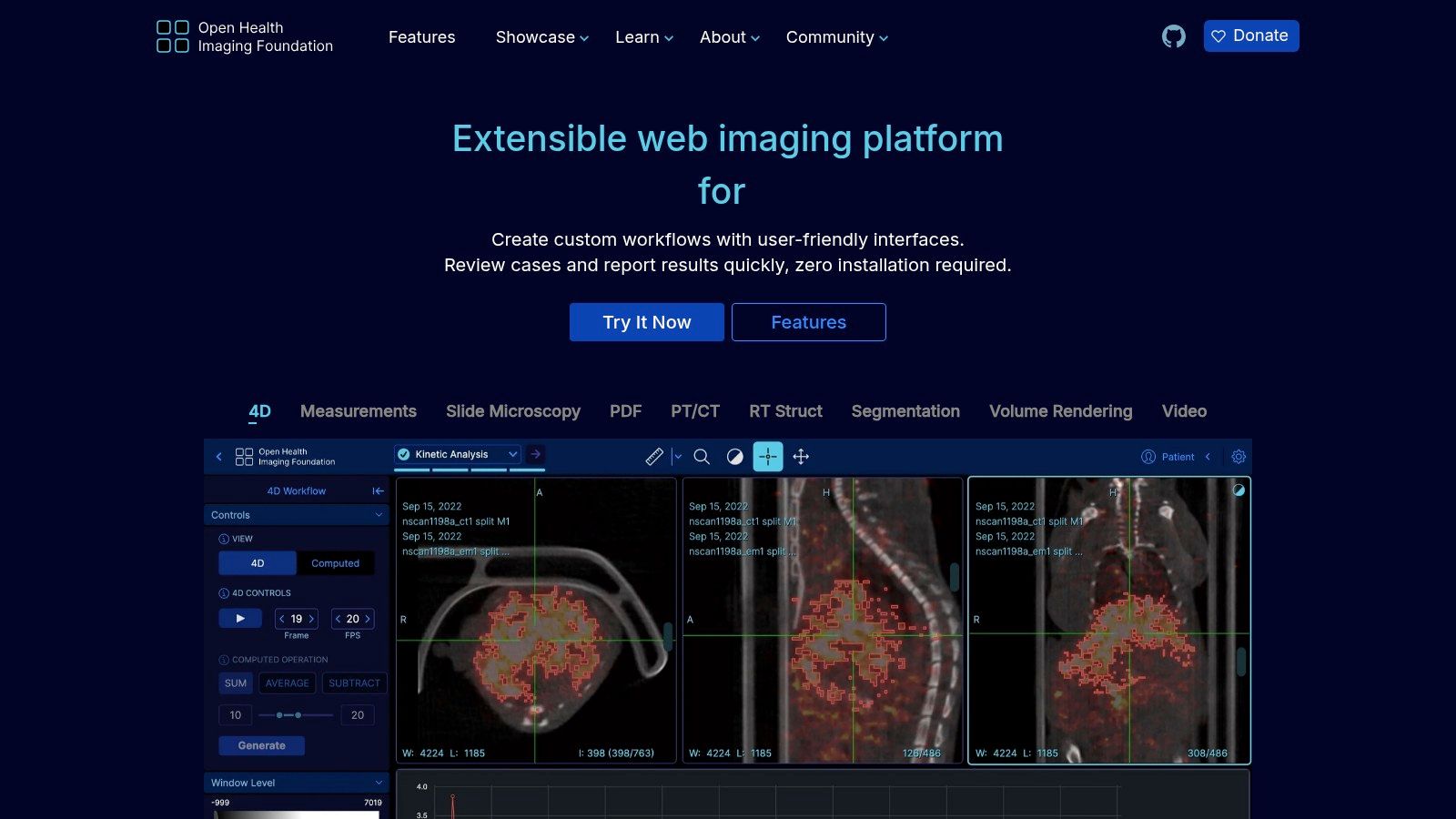
The platform is not a traditional desktop application but a framework that can be deployed on a Windows server and accessed by clients across a network. It connects seamlessly with PACS systems using modern DICOMweb standards, providing a robust foundation for building clinical-grade viewing applications. The user interface is clean and modern, focusing on an efficient and collaborative workflow.
Key Features and Use Cases
OHIF's strength lies in its customizability and support for modern imaging modalities. It provides advanced visualization tools, including 2D/3D viewing with MPR and MIP, alongside support for structured reports (SR) and segmentations.
- Clinical System Integration: Ideal for hospitals and health tech companies that need to embed a fully-featured DICOM viewer directly into their Electronic Health Record (EHR) or Picture Archiving and Communication System (PACS).
- AI and Research Platforms: Researchers leverage OHIF to build platforms for viewing, annotating, and segmenting images for AI model training, thanks to its extensible architecture and strong community support.
- Collaborative and Educational Environments: Its web-based nature facilitates remote access and collaboration, making it suitable for teleradiology, multi-disciplinary team meetings, and academic training.
Pricing and Limitations
OHIF Viewer is completely free to use and modify under the permissive MIT open-source license, which is a significant advantage. However, its primary limitation is that it is not a standalone, out-of-the-box desktop application. Deploying and configuring OHIF requires IT infrastructure and development expertise, making it unsuitable for individuals or small clinics seeking a simple plug-and-play solution.
10. Orthanc (Open-source DICOM server with Web Viewers)
Orthanc stands out as a powerful, open-source ecosystem rather than just a standalone application. It functions as a lightweight, modular DICOM viewer for Windows and a server, providing a robust backend for medical imaging workflows. Its primary strength lies in its ability to turn any Windows machine into a mini-PACS, accessible through modern web viewers, making it a favorite for developers, researchers, and academic institutions needing a flexible, scriptable imaging solution.
The platform is managed via a REST API, enabling extensive automation and integration possibilities. While it doesn't have a native GUI viewer, its architecture is designed for web-based access. By installing plugins like the official web viewer or integrating with viewers like OHIF or Stone Web Viewer, users can create a fully functional, browser-based viewing and management system that is both powerful and highly customizable.
Key Features and Use Cases
Orthanc’s modularity allows it to be tailored for very specific needs, from simple image archiving to complex research data pipelines. Its server-based nature makes it ideal for collaborative environments where multiple users need to access the same image repository.
- Research & Development: Perfect for researchers who need to build custom image processing and analysis pipelines. The REST API allows for easy scripting with Python or other languages.
- Local PACS Deployment: Small clinics or individual departments can use Orthanc to set up a free, local PACS for storing, routing, and viewing studies without investing in expensive commercial solutions.
- Educational Tool: An excellent platform for teaching students about DICOM, PACS, and medical imaging informatics due to its open nature and extensive documentation.
Pricing and Limitations
Orthanc is completely free and open-source (FOSS) under the GPLv3 license, making it an incredibly cost-effective solution. However, its power comes with a steeper learning curve; it requires some technical knowledge of server administration and network configuration to set up and manage effectively. The reliance on web viewers means that performance for advanced visualizations like 3D rendering will depend on the chosen viewer plugin and the client's browser capabilities.
11. Aliza DICOM Viewer (Aliza Medical Imaging)
Aliza DICOM Viewer stands out by offering both a feature-rich commercial build and a capable open-source version, making it an adaptable DICOM viewer for Windows. This dual-offering approach caters to a wide spectrum of users, from students and researchers leveraging the free build to clinical professionals requiring the advanced, validated tools of the paid version. Developed with a focus on active community feedback, Aliza is continuously updated to support modern DICOM standards.
The platform provides a comprehensive toolset that goes beyond basic viewing. It integrates seamlessly with PACS environments using C-FIND, C-GET, and C-MOVE protocols, allowing for efficient network-based study retrieval. Its strength lies in its advanced analytical capabilities, including support for image segmentation, filters, and complex DICOM objects like RTSTRUCT (Radiotherapy Structure Sets), making it particularly useful in oncology and research settings.
Key Features and Use Cases
Aliza’s advanced functionalities are designed for in-depth image analysis and research, positioning it as a powerful tool for technical and clinical specialists. The inclusion of PET SUV analysis and support for structured reports adds significant value for quantitative imaging.
- Medical Research: The open-source version is an excellent starting point for academic projects, while the commercial build provides validated tools for more rigorous scientific studies, including segmentation and filtering.
- Radiation Oncology: With its support for RTSTRUCT objects, clinicians can view, analyze, and manipulate radiotherapy treatment plans and contours alongside patient imaging.
- PACS Integration: Its full suite of PACS functions makes it a viable workstation client for retrieving and reviewing studies directly from a central archive without needing a proprietary vendor viewer.
Pricing and Limitations
Aliza operates on a unique model with a free, open-source build available alongside a commercial version with expanded, validated features. Pricing for the commercial license is not publicly listed and requires contacting the company for a quote or trial. A notable limitation is that the website and user interface feel less polished compared to some mainstream competitors, which may present a slight learning curve for new users.
Visit Aliza DICOM Viewer Website
12. Philips Multi-Modality DICOM Viewer / Q-Vue
For organizations heavily invested in the Philips ecosystem, the official Philips viewers are the most reliable DICOM viewer for Windows options. Rather than a single application, Philips provides access to specialized viewers like the Multi-Modality Viewer and Q-Vue for ultrasound through its support portals. These tools are engineered for guaranteed compatibility and accurate rendering of images originating from Philips medical imaging equipment.
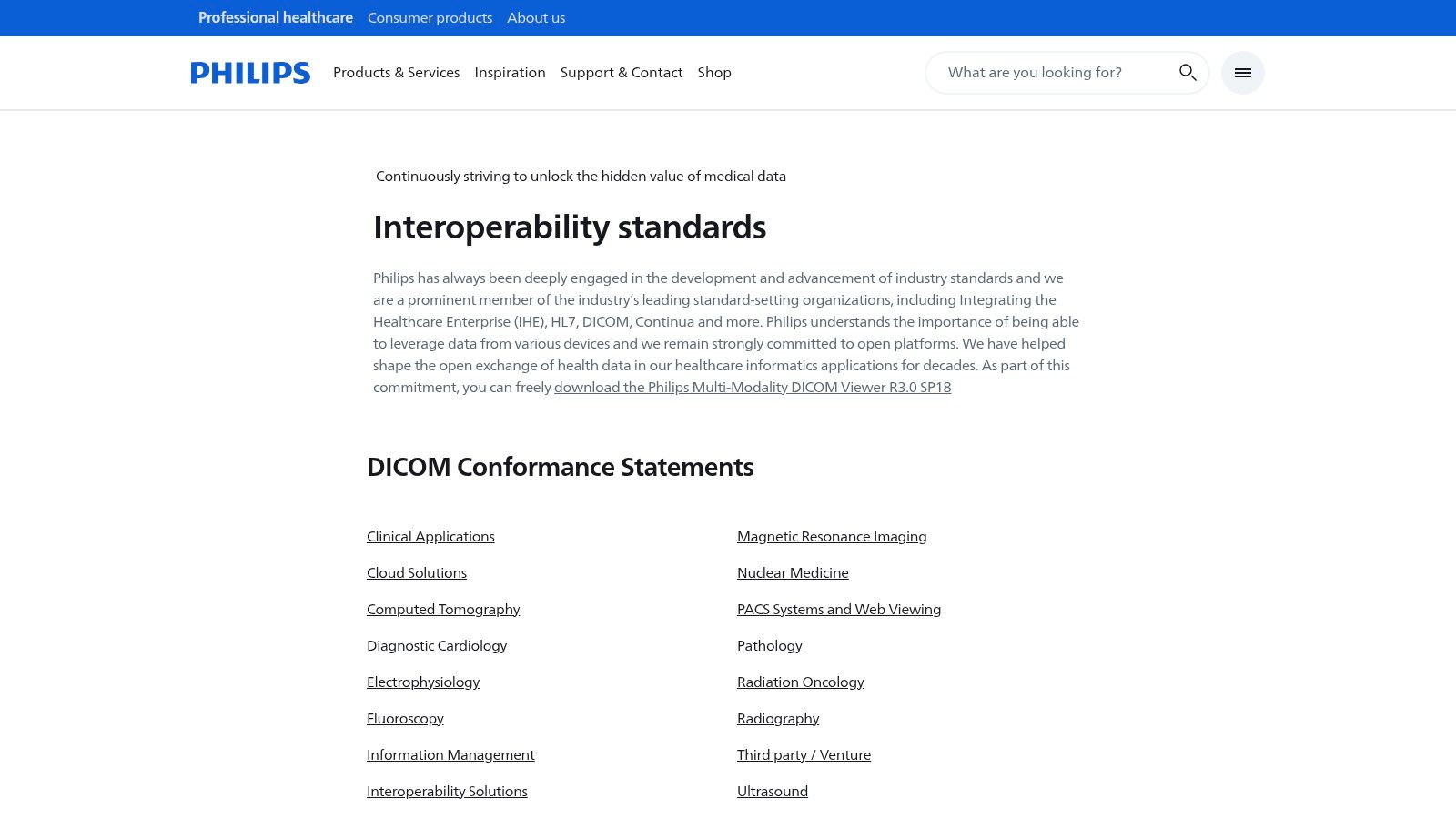
The primary advantage of using these vendor-supplied viewers is the assurance of fidelity. When reviewing a study from a Philips CT, MRI, or ultrasound machine, these viewers ensure that all proprietary data elements and presentation states are interpreted correctly. This eliminates potential display inconsistencies that can arise with third-party software, making them an authoritative source for clinical review within a Philips-centric workflow.
Key Features and Use Cases
The viewers are designed for specific, yet critical, review tasks rather than as all-in-one PACS replacements. Their feature sets are focused on accurate image representation and basic analysis tools aligned with the source modality.
- Clinical Quality Assurance: Ideal for technologists and clinicians to verify image quality and review studies from a specific Philips machine on a separate Windows workstation.
- Specialized Review: The Q-Vue viewer is purpose-built for reviewing Philips ultrasound studies, offering modality-specific tools that a general-purpose viewer might lack.
- Troubleshooting & Support: Hospital IT and biomedical engineering teams use these viewers to validate DICOM exports and troubleshoot interoperability issues with Philips equipment.
Pricing and Limitations
These viewers are typically available as free downloads from Philips' support and interoperability websites, although access may require navigating regional portals or creating a customer account. The main limitation is their specificity; the tools are tailored for Philips workflows and may lack the advanced features or broad multi-vendor compatibility found in commercial, third-party viewers. Their user interfaces are often functional but may not be as modern as newer alternatives.
Visit Philips Interoperability Solutions Website
DICOM Viewer Features Comparison for Windows
| Viewer | Core Features & Capabilities | User Experience & Quality ★★★★☆ | Value & Pricing 💰 | Target Audience 👥 | Unique Selling Points ✨ |
|---|---|---|---|---|---|
| RadiAnt DICOM Viewer | Fast Windows-native, 3D MPR/VR, PACS client | Responsive UI, small footprint | Subscription-based, mid-tier pricing | Clinicians, Researchers | ARM64 optimized, GPU-accelerated 3D 🏆 |
| MicroDicom DICOM Viewer | PACS connectivity, anonymizer, portable ZIP | Easy to learn, solid export options | Free non-commercial; paid commercial | Educators, Small clinics | Portable, free non-commercial use ✨ |
| Sante DICOM Viewer Pro | 2D/3D viewer, mini PACS server, converter tools | Comprehensive toolset, dense UI | Perpetual license, higher upfront cost | Hospitals, Power users | Perpetual license with free updates 🏆 |
| 3D Slicer | Segmentation, registration, 3D visualization | Research-grade, steep learning curve | Free and open-source | Researchers, Advanced users | NIH-funded, extensible plugins ecosystem ✨ |
| Weasis DICOM Viewer | Cross-platform, PACS/RIS/HIS integration | Modern UI, enterprise-ready deployment | Free and open-source | Enterprises, IT professionals | Multi-platform, web/desktop hybrid ✨ |
| PostDICOM | Cloud PACS, web-based viewer, multi-user management | Easy sharing, no maintenance | Subscription, scales with use | Clinics, Small practices | Web zero-install, HIPAA focus 🏆 |
| MedDream DICOM Viewer | FDA/CE cleared, Docker & Windows install bundles | Clinical diagnostic quality, heavy install | Enterprise pricing, contact sales | Hospitals, Enterprises | Regulatory cleared, broad PACS support 🏆 |
| Mango | Multi-platform, ROI and volumetric neuro tools | Research-focused, intuitive for academic use | Free and open-source | Scientists, Neuroimaging | Neuroimaging & volumetrics specialty ✨ |
| OHIF Viewer | Web-based, 2D/3D, structured reports, PWA | Highly customizable, requires dev effort | Free, MIT licensed | Developers, Clinics | Extensible web app, supports advanced formats |
| Orthanc | Lightweight DICOM server + web viewers | Quick PACS setup, requires config knowledge | Free and open-source | IT admins, Developers | Simple PACS + web viewers combo ✨ |
| Aliza DICOM Viewer | PACS functions, segmentation, PET SUV analysis | Feature-rich, active dev community | Paid & open-source versions available | Clinicians, Researchers | Segmentation & advanced analytics ✨ |
| Philips Multi-Modality Viewer | Multi-modality & ultrasound viewer, vendor support | Vendor-backed, device-compatible | Free downloads via Philips portals | Philips device users | Official vendor support, guaranteed compatibility 🏆 |
Final Thoughts
Navigating the landscape of DICOM viewer for Windows software reveals a diverse and highly specialized market. The journey from a simple image display tool to a comprehensive diagnostic and research platform is vast, and the ideal solution is rarely a one-size-fits-all answer. This guide has dissected a dozen leading options, from the user-friendly efficiency of RadiAnt and MicroDicom to the immense analytical power of 3D Slicer and the collaborative, web-based ecosystems of PostDICOM and MedDream.
The core takeaway is that your selection process must be driven by a precise understanding of your primary use case. A clinical radiologist requires FDA or CE-certified software with robust reporting tools and seamless PACS integration. In contrast, a medical researcher may prioritize advanced segmentation, volumetric analysis, and scripting capabilities, making open-source platforms like 3D Slicer or OHIF far more suitable. For a medical device manufacturer, the key might be finding a viewer that can be easily integrated or bundled, where options like Weasis or Orthanc provide critical flexibility.
Key Selection Criteria Revisited
As you move forward, distill your requirements using these critical filters. Reflect on the software we have reviewed and map it against your organization's specific needs.
- Clinical vs. Research Use: This is the most significant fork in the road. Certified viewers like Sante DICOM Viewer Pro and Philips Q-Vue are built for diagnostic decision-making, while research tools like Mango and 3D Slicer are designed for discovery and analysis. Using a non-certified viewer for primary diagnosis is a critical compliance and safety risk.
- Standalone vs. Integrated Workflow: Do you need a lightweight, portable tool to quickly view images on a local machine, or does your operation demand a solution that integrates with an existing PACS, RIS, or EMR? Solutions like RadiAnt excel as standalone viewers, whereas PostDICOM and MedDream are built around a connected, cloud-based infrastructure.
- Technical Expertise and Customization: The level of IT support and development resources at your disposal matters. A plug-and-play commercial product is ideal for teams needing immediate deployment with minimal configuration. Conversely, platforms like OHIF and Orthanc offer unparalleled customization for organizations with development teams capable of building bespoke medical imaging applications.
- Budget and Licensing Model: The financial commitment ranges from completely free, open-source software to subscription-based services and perpetual licenses. Evaluate the total cost of ownership, which includes not just the license fee but also potential costs for support, maintenance, training, and necessary hardware upgrades.
Actionable Next Steps for Implementation
Selecting the right DICOM viewer for Windows is only the first step. Successful implementation requires a strategic approach.
- Initiate a Pilot Program: Before a full-scale rollout, identify a small group of end-users to test your top two or three choices. Gather structured feedback on usability, performance with your specific datasets, and integration with existing workflows.
- Verify Technical Compatibility: Confirm that the software is compatible with your current IT infrastructure, including operating system versions, network security protocols, and hardware specifications (especially GPU requirements for 3D rendering).
- Plan for Data Migration and Training: If moving to a new system with a database or PACS component, map out a clear data migration strategy. Allocate resources for comprehensive user training to ensure the software's advanced features are fully utilized, maximizing your return on investment.
The right tool will not just display images; it will empower your team to work more efficiently, collaborate more effectively, and unlock deeper insights from your medical imaging data. By carefully aligning your specific needs with the capabilities of the viewers detailed in this guide, you can confidently choose a solution that serves as a powerful asset for years to come.
Ready to take your medical imaging analysis to the next level with automation? PYCAD offers a suite of AI-powered tools and pre-trained models designed to streamline complex tasks like organ and tumor segmentation directly from DICOM files. Explore how PYCAD can accelerate your research and development workflows by automating the most time-consuming aspects of medical image processing.
Keep Reading
Related Articles
Explore the full DICOM HubAll services, tools, and guides on this topic — in one place.
Visit Hub →