
Effective PACS system training is the strategic foundation that transforms a functional imaging department into a high-performing clinical engine. It's the critical process of equipping radiologists, technologists, and support staff with the skills to operate Picture Archiving and Communication Systems efficiently, ensuring diagnostic accuracy and patient safety.
Why World-Class PACS System Training Matters
Let’s be honest. Too often, training is treated like a box to be checked off. But investing in a truly exceptional PACS training program isn't just a technical necessity—it’s a massive strategic advantage that directly impacts everything from diagnostic speed to patient outcomes.
A well-trained team is the difference between simply using a system and fully unlocking its potential to deliver superior care. This is about creating a culture of competence where every user feels confident and capable, no matter their role. When training is an afterthought, departments inevitably suffer from workflow bottlenecks, user frustration, and even critical diagnostic errors. A robust program, on the other hand, empowers your staff, minimizes mistakes, and makes complex imaging workflows feel second nature.
The True Cost of Inadequate Training
Poor training introduces friction at every point in the patient imaging journey. You see it when technologists struggle with image acquisition protocols, leading to frustrating retakes and unnecessary radiation exposure. You see it when radiologists miss crucial software features that could have shaved precious minutes off their diagnostic process.
This inefficiency isn't just an annoyance—it has very real consequences:
- Increased Report Turnaround Times: Clumsy system use slows everything down, delaying critical patient care decisions.
- Higher Error Rates: From incorrect patient data entry to misapplying imaging tools, untrained users are far more likely to make mistakes that compromise data integrity and patient safety.
- Underutilization of Technology: It's a classic story. Departments invest in powerful, expensive PACS features that go completely unused simply because staff were never shown how to apply them to their day-to-day work.
A Foundation for Clinical Excellence
Think of your training plan as the bedrock for operational success. For a strong foundation, consider understanding the objectives of documentation for onboarding, because clarity and compliance are absolutely central to getting users to buy in. When you build this solid base, you’re not just preparing your team for routine cases—you're equipping them to handle high-pressure situations with precision and confidence.
This is more important than ever as the medical imaging field continues to explode. The global PACS market is projected to expand significantly, reaching an estimated USD 5.80 billion by 2034, all driven by the relentless demand for digital imaging. This growth just highlights the urgent need for skilled professionals who can command these systems effectively.
Investing in your team's skills is a direct investment in patient outcomes. When a radiologist can navigate a complex study effortlessly, or a technologist can resolve a workflow issue instantly, the entire care continuum benefits.
Here at PYCAD, we see this firsthand every single day. We build custom web DICOM viewers and integrate them into medical imaging web platforms, and we know that even the most advanced tools are only as powerful as the people using them. Our work, which you can see in our portfolio, consistently shows that user confidence is the key to unlocking technological potential.
By reading our detailed guide on https://pycad.co/what-is-pacs-system/, you can gain even more context on why mastering these platforms is so crucial.
Building Your Foundational Training Curriculum
A great PACS training program isn't just a feature tour; it’s a carefully crafted learning experience built with a clear purpose. You’re not just writing a user manual. You're designing a journey that builds genuine competence, boosts confidence, and drives clinical efficiency from day one.
The first move is always to get everyone speaking the same language. Medical imaging runs on a universal standard, and it’s non-negotiable that everyone understands the basics. This means every training program, no matter the user's role, must start with the fundamentals of DICOM (Digital Imaging and Communications in Medicine).
If you need a refresher, you can find a solid overview of what DICOM is and why it matters in our detailed guide. A shared understanding here prevents a world of headaches, from simple communication mix-ups to critical data integrity issues down the line.
Structuring Your Core Training Modules
With the DICOM groundwork in place, you can shift focus to the PACS viewer itself. The big temptation here is to give a bland tour of every single button and menu. Don't do it. Instead, build your modules around real-world tasks and workflows. How does a radiologist actually manage a STAT case when they're working remotely? What are the exact steps a technologist takes for QC and image verification?
Your curriculum needs to answer these practical questions through hands-on learning.
- Basic Navigation and Interface Mastery: Start simple. Cover logging in, searching for patients, and just getting comfortable with the main layout.
- Advanced Image Manipulation: This is where you go beyond zoom and pan. Teach your team how to properly use measurement tools, apply annotations, and leverage those powerful 3D reconstructions.
- Reporting and Integration: Show them how to seamlessly launch the dictation system, pull key images directly into reports, and finalize studies without friction.
- Workflow Optimization: Use real clinical scenarios. Train them on how to manage complex multi-part studies, collaborate with other specialists on the fly, and handle the inevitable exceptions or errors.
Building an effective program means thinking like an instructional designer, not just a PACS admin. If you're new to this, resources on how to create a training curriculum from scratch can be a game-changer, helping you turn deep clinical knowledge into a program that actually works.
Tailoring Content with a Role-Based Approach
Here’s the single most common mistake I see: delivering the exact same training to everyone. A radiologist, a technologist, and a referring physician all have wildly different needs. They interact with the system in completely different ways.
A role-based curriculum isn't a "nice-to-have"—it's the only way to make training relevant and efficient. It prevents information overload and keeps people engaged because they see how it applies directly to their job.
For instance, a technologist’s training needs to be laser-focused on image acquisition, QA protocols, and troubleshooting DICOM transmission errors. A radiologist, on the other hand, needs to master advanced diagnostic tools, hanging protocols, and efficient reporting integrations. Meanwhile, administrative staff might only need to know how to look up a patient or share a study.
The goal is to deliver precisely the right information to the right person at the right time. This targeted approach respects your staff's time and dramatically accelerates their path to proficiency.
To illustrate how different roles require different learning paths, here’s a breakdown of how you might structure training modules.
Role-Based PACS Training Modules
This table outlines essential training modules tailored to different user roles within a healthcare organization, ensuring relevance and efficiency.
| User Role | Core Modules | Advanced Modules |
|---|---|---|
| Radiologist | Interface Navigation, Basic Image Tools, Reporting Integration, Hanging Protocols | 3D/MPR Reconstructions, AI-Enabled Workflows, Advanced Measurement Tools |
| Technologist | Patient/Study Search, Image QA, DICOM Send/Verify, Annotation Basics | Advanced Troubleshooting, Workflow Exception Handling, Protocol Management |
| Referring Physician | Web Viewer Access, Basic Image Viewing, Report Access, Image Sharing | Mobile Access Features, Basic Measurement Tools, Peer Collaboration |
| Admin/Support Staff | Patient Lookup, Study Management, Media Creation (CD/USB), Basic Security | User Account Management, Audit Trail Review, System Monitoring Basics |
By tailoring the curriculum, you ensure each user becomes an expert in their specific domain without being bogged down by irrelevant information.
This structured training directly fuels better departmental performance. You're not just checking a box; you're actively minimizing errors, smoothing out workflows, and making sure you get the full value out of the powerful tools at your team's disposal.
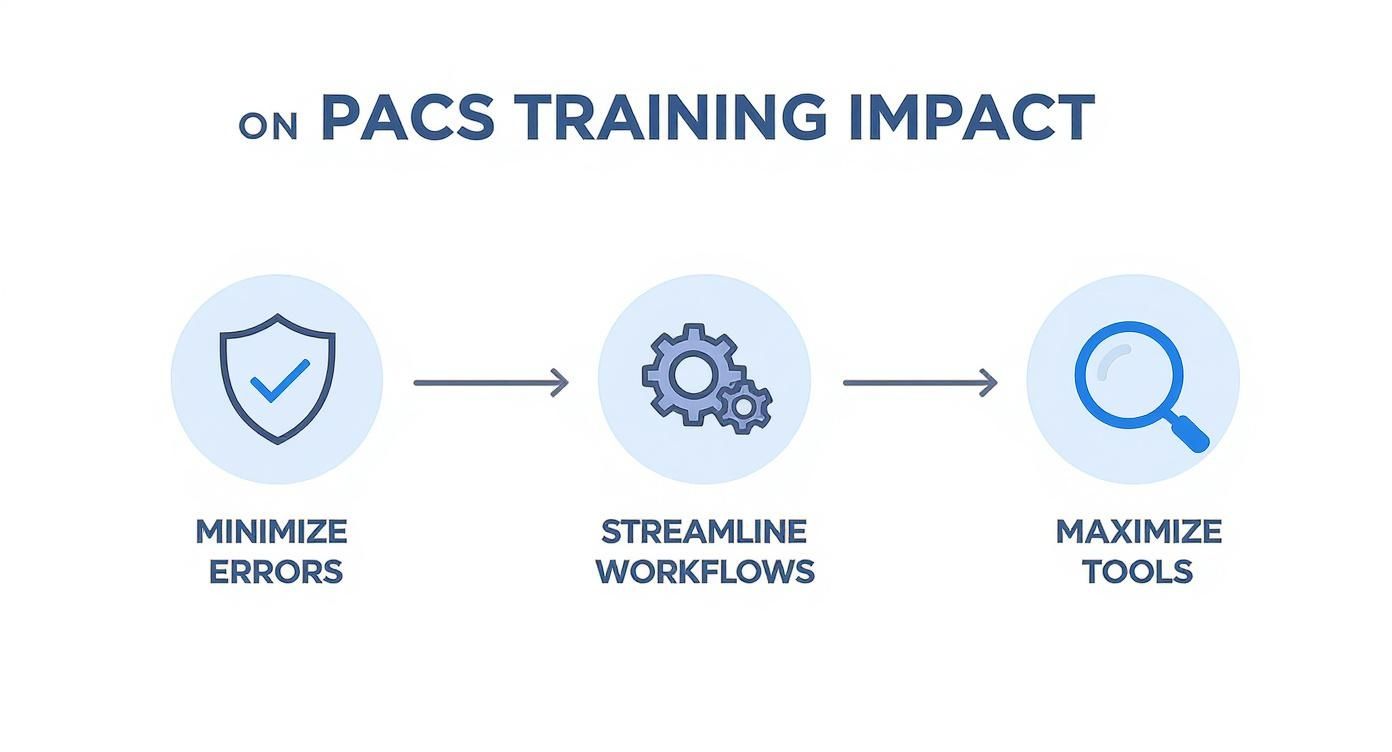
As this shows, targeted training isn't just an educational exercise—it's a direct driver of operational excellence and better patient care.
Weaving Advanced Tools and Modern Workflows into Your Training
Great PACS system training does more than teach the clicks and shortcuts for today's system. It prepares your team for the tools and workflows they'll need to thrive tomorrow. Medical imaging is evolving faster than ever, so your training curriculum has to keep pace.
This means looking beyond the basics and building skills around the technologies that are truly defining the future of diagnostics. The most significant shift? The move to the cloud. This isn't just about where you store data; it fundamentally changes how your team accesses, shares, and secures every patient image.
Adapting Training for Cloud-Based PACS
The adoption of cloud technology in healthcare is no longer a trend—it's the standard. The global healthcare cloud PACS market is projected to climb from USD 565.21 million in 2024 to USD 620.16 million in 2025, driven by an undeniable need for flexibility. You can read the full research about cloud PACS growth to see just how fast this is moving.
This transition demands a whole new training mindset. The focus shifts away from local server maintenance and toward a new set of critical skills:
- Secure Remote Access: Teach your team how to reliably and securely pull up studies from anywhere, whether they’re working from a home office or consulting from another hospital.
- Cloud-Native Security: This is your chance to reinforce best practices for data protection, covering everything from multi-factor authentication to the nuances of data residency.
- Performance and Uptime: Give users the knowledge to optimize their workflow for cloud retrieval speeds and manage their expectations for system performance in a distributed environment.
The real goal here is to build unshakable confidence. When your team trusts the system's performance and security, they can finally work with the flexibility modern healthcare demands.
The Power of Custom Web DICOM Viewers
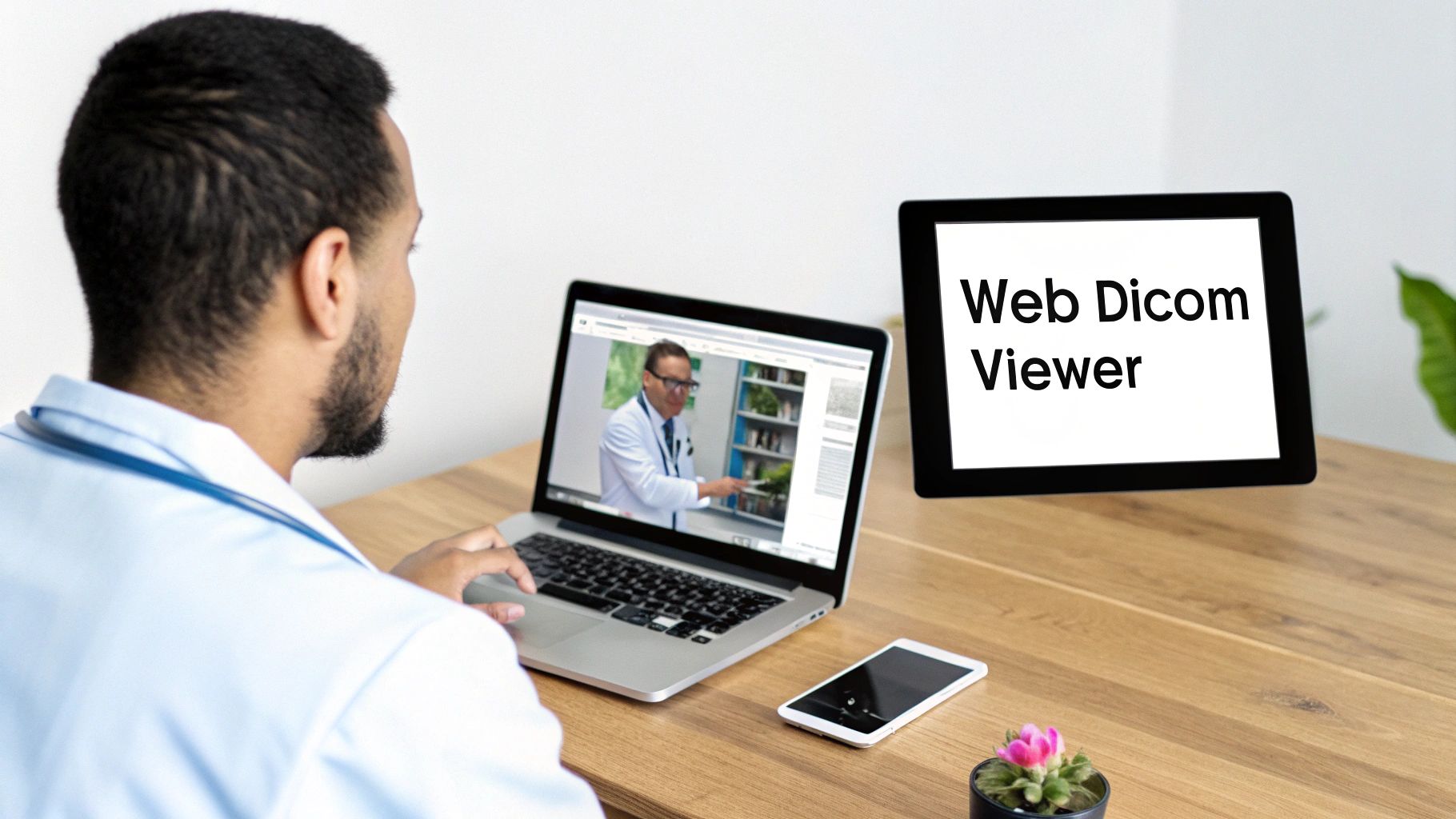
One of the biggest game-changers in recent years has been the rise of powerful, browser-based web DICOM viewers. These tools are incredible because they free clinicians from being chained to a specific workstation or operating system. Suddenly, "view anywhere" becomes a reality.
At PYCAD, we specialize in building custom web DICOM viewers and integrate them into medical imaging web platforms. We've seen firsthand how this technology demolishes barriers to collaboration and dramatically speeds up diagnostic timelines. Feel free to explore some of the solutions we've built in our portfolio.
Your training program absolutely needs a module dedicated to mastering these viewers. Show your team how to:
- Launch real-time case reviews with specialists on the other side of the world using built-in collaboration tools.
- Pull up and manipulate images securely on a tablet for an impromptu consultation in the hallway.
- Navigate the viewer seamlessly from within the EMR for a truly unified and fluid user experience.
By mastering a modern web viewer, your team is no longer limited by hardware. They are empowered to collaborate and make critical decisions from anywhere, at any time, which is a massive leap forward in patient care efficiency.
Of course, the magic lies in proper integration. To get a better handle on the technical and strategic side of things, our guide on PACS integration strategies is a great place to start.
Training for the AI-Powered Future
Let's be clear: artificial intelligence isn't some far-off concept in radiology anymore. It’s here, now. AI-powered tools are already being woven into PACS workflows to help spot subtle findings, automate tedious measurements, and flag critical cases for immediate review.
But just flipping the switch on an AI algorithm isn't enough. Your team needs thoughtful, structured training to build both trust and skill in using these new digital assistants. The point isn’t to teach them to blindly accept what the AI suggests; it's to train them to be expert validators of its insights.
A solid AI training curriculum should cover three core areas:
- Understanding the Algorithm: Be transparent. Explain exactly what the AI tool is designed to do, where it excels, and—just as importantly—where its limitations lie.
- Validating AI Findings: Design hands-on exercises where users review cases both with and without AI assistance. This is where they learn to critically evaluate the algorithm’s output and build real-world confidence.
- Incorporating Insights into Reports: Create clear protocols for how to properly document AI-assisted findings in the final diagnostic report, ensuring total clarity and accountability.
Empowering your team to use AI confidently is one of the most critical goals of any modern PACS system training program. It’s how you turn a powerful new technology into a reliable co-pilot that enhances, rather than replaces, human expertise.
Delivering Training That Actually Sticks
You can have the most brilliant curriculum on paper, but if the delivery falls flat, it's all for nothing. Now we pivot from planning to practice, moving into the dynamic strategies that transform great content into genuine, durable skills. The secret is to ditch the passive lectures and cultivate an active learning environment where people can build real muscle memory without fear of making a mistake.
The best way I've found to do this is with a blended learning model. It’s about combining the best of both worlds. Use efficient, self-paced modules for the foundational stuff—like DICOM theory or navigating the basic user interface. Then, bring everyone together for live, hands-on sessions where the real skill-building happens. This approach respects everyone's packed schedules while giving them the direct mentorship they need for the tricky parts.
Crafting Realistic Hands-On Exercises
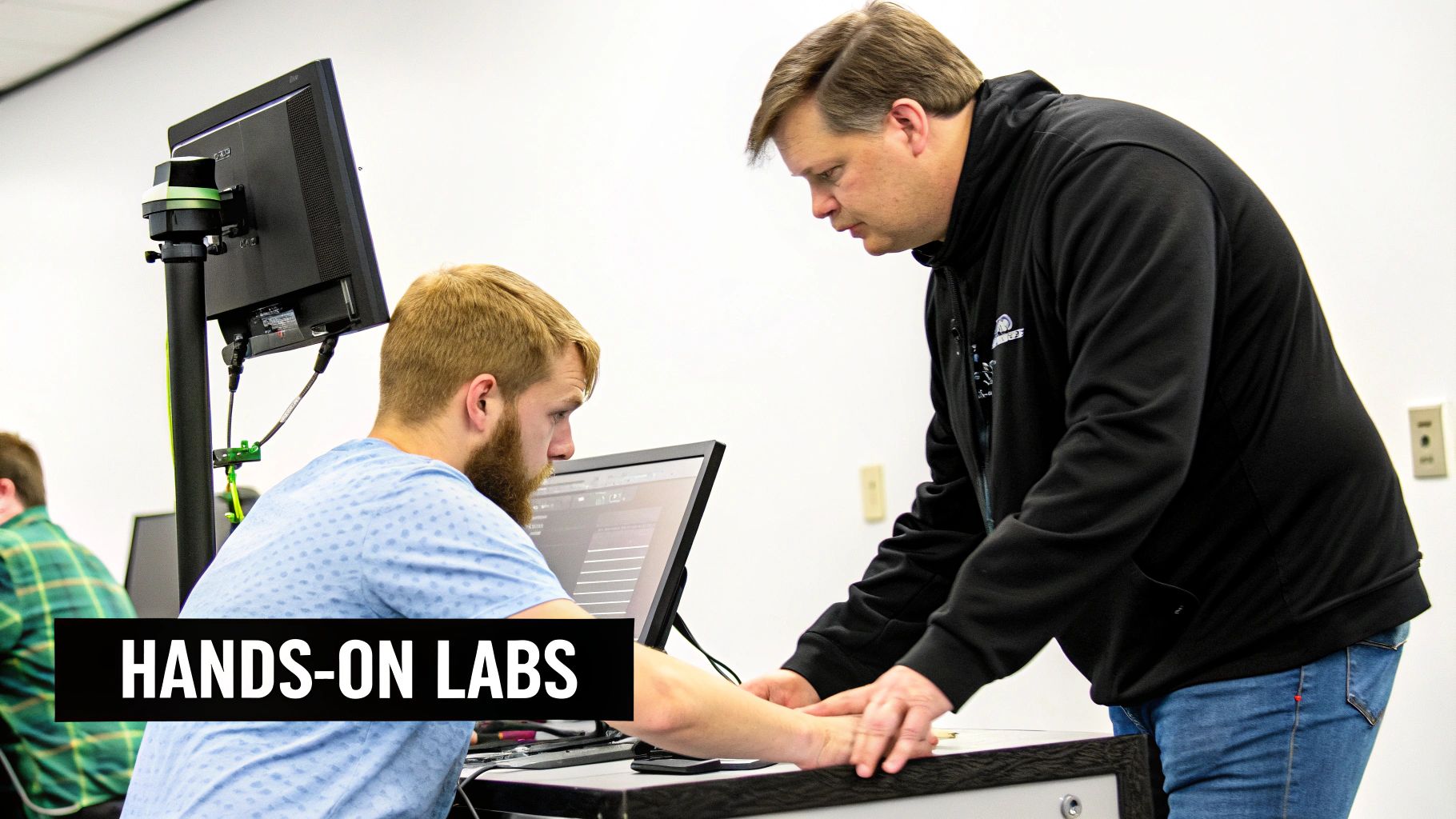
The absolute core of impactful PACS system training is the hands-on lab. This is where theory gets its hands dirty and becomes real-world ability. Your goal here is to design exercises that feel like a real day in the clinic, complete with all the pressure and complexity, but in a totally safe space.
Forget those simplistic "click this, then click that" tutorials. Your labs need to be rooted in scenarios.
Imagine this: a complex trauma case just hit the ER. You could build an exercise that challenges the user to:
- Find and prioritize the STAT study from a busy worklist.
- Apply the right hanging protocols for a multi-part trauma series.
- Whip out advanced measurement and annotation tools to mark critical findings.
- Launch the dictation software and draft a preliminary report.
This kind of immersive experience does so much more than just teach features. It builds confidence under pressure and wires their brains to perform when it actually counts.
Creating Practical Support Materials
Learning doesn't clock out when the training session is over. For the new skills to stick and for users to actually embrace the system, you need to arm them with practical, on-demand support resources. Think of these as a safety net—one that empowers them to solve minor problems on their own.
These resources have to be dead simple to access and quick to digest.
- Quick-Reference Job Aids: Think one-page guides—printable or digital—that break down key workflows. This could be a checklist for a niche study protocol or a visual map of the most-used advanced tools.
- Searchable Video Tutorial Library: Record snappy, two-to-three-minute videos that show exactly how to do one specific thing. When someone forgets how to share a study or use a 3D reconstruction tool, they can get a clear answer in seconds instead of submitting a help ticket.
At PYCAD, we live and breathe intuitive design. We build custom web DICOM viewers and integrate them into medical imaging web platforms, always focusing on a user experience that minimizes the need for a hefty manual. Our work, which you can check out in our portfolio, shows how smart, user-centric design can make even the most complex workflows feel natural.
A robust library of support materials turns frustration into empowerment. It gives users the tools they need to find answers quickly, fostering a culture of self-sufficiency and continuous learning.
Choosing Your Delivery Method
How you deliver the training is just as important as what you teach. Each method comes with its own set of trade-offs, and the right choice often depends on your team's location, schedule, and the complexity of the material.
Let’s break down the most common options.
Comparing Training Delivery Methods
| Method | Pros | Cons | Best For |
|---|---|---|---|
| On-Site, Instructor-Led | Highly interactive, immediate feedback, builds team cohesion. | Expensive (travel, time), logistically complex, difficult to scale. | Initial system rollout, training new hires, complex workflow changes. |
| Live Virtual Classroom | Scalable, cost-effective, accessible from anywhere. | Can feel impersonal, risk of technical glitches, "Zoom fatigue." | Refresher courses, training geographically dispersed teams, focused skill-building. |
| Self-Paced E-Learning | Maximum flexibility, consistent delivery, users learn at their own pace. | Lacks direct interaction, low completion rates without motivation. | Foundational knowledge (DICOM basics), compliance training, pre-work for live sessions. |
| Blended Model | Combines flexibility with hands-on practice, highly effective. | Requires more planning and coordination to integrate different elements. | Comprehensive PACS implementation, ongoing education programs. |
Ultimately, a blended model that combines the flexibility of e-learning with the focused engagement of live sessions often provides the most powerful and lasting results.
Assessing Competency Beyond Attendance
Let’s be honest: tracking who showed up for training is a vanity metric. It tells you nothing about who can actually do the job. The real goal isn't just to share information; it's to build and verify competence.
This means shifting to scenario-based competency checks. Forget the multiple-choice quiz. Instead, drop a user into a clinical challenge within the training environment. Ask them to perform a series of critical tasks and grade them on both accuracy and efficiency. This gives you concrete proof of their skills and pinpoints anyone who might need a bit more coaching. It’s the only way to ensure your PACS system training delivers a real, measurable impact on patient care.
Measuring Success and Ensuring Long-Term Adoption
The final whistle doesn't sound when the last training session ends. I've seen it time and again: the best PACS system training programs are living, breathing initiatives that grow right alongside your team and the technology. This final phase is all about shifting from initial instruction to fostering a real culture of continuous learning. And just as importantly, it's about proving the value of all your hard work.
Think of training as an investment, not an expense. But to get the budget you need for next year and to truly champion your efforts, you have to speak the language of results. This means getting beyond the "everyone enjoyed the training" feedback and digging into the hard data that shows a clear return on investment (ROI). It’s about connecting the dots between your program and tangible improvements in how your clinic operates.
What Does Success Actually Look Like?
Before you can measure success, you have to define it. Your goal is to track metrics that directly reflect real-world efficiency, clinical quality, and how comfortable your users are with the system. These key performance indicators (KPIs) become the concrete evidence that justifies your program and guides where it goes next.
I always recommend focusing on data points that paint a clear before-and-after picture:
- Faster Report Turnaround Times: This is a huge one. Faster reporting directly translates to quicker diagnoses and treatment decisions. Start tracking the average time from when a study is completed to when the final report is signed off.
- Fewer User-Generated Errors: Keep an eye on the number of help desk tickets related to common user mistakes, like incorrect patient merges or mishandled study protocols. A steady drop in these tickets is a powerful sign that your training is sticking.
- Better Image Acceptance Rates: Work with your quality control team. What percentage of initial images are accepted without needing retakes? When this number goes up, it’s a clear indicator of better technologist proficiency and less patient exposure.
Building a Culture of Continuous Learning
A one-time training event is almost guaranteed to fade from memory. To make sure the skills stick and adoption lasts, you have to weave learning into the very fabric of your department's daily life. This is about creating an environment where people feel comfortable asking for help and where getting better is just part of the job.
One of the most powerful things you can do is start a super-user program. Find those people in each department who are not only good with the tech but are also genuinely passionate about helping their colleagues. Give them advanced training and empower them to be the go-to person on the ground, answering questions and championing best practices.
Beyond that, you can roll out smaller, ongoing learning opportunities:
- "Lunch and Learns": Host short, informal sessions focused on a single advanced feature or a new workflow.
- Monthly Tips & Tricks: Send a quick email with one or two actionable tips that help users work smarter, not harder.
- Clear Support Channels: Make it incredibly simple for every user to know exactly where to turn for help, whether it's their department's super-user or a dedicated support line.
True adoption happens when proficiency becomes a shared responsibility, not just an instructor's goal. By empowering internal champions and providing constant, bite-sized learning opportunities, you transform training from an event into a sustainable process.
Justifying the Investment with Tangible ROI
With your KPIs in hand, you're ready to build a powerful business case. It's not just about showing that people learned something; it's about demonstrating how that learning positively impacts the bottom line and—most importantly—patient care.
Try framing your results in a story that everyone can understand:
- Operational Efficiency: "Our focused workflow training resulted in a 15% reduction in average report turnaround time, which helps our clinicians make faster, more confident decisions."
- Cost Avoidance: "By improving technologist skills, we cut our image rejection rate by 20%. This avoided the costs of repeated scans and saved hundreds of clinical hours over the last quarter."
- Enhanced Technology Use: "After our session on the new web DICOM viewer, we saw a 40% jump in the use of remote consultation features, which has dramatically improved collaboration between our facilities."
At PYCAD, this connection is at the heart of what we do. We build custom web DICOM viewers and integrate them into medical imaging web platforms, and we’ve consistently seen the highest success rates when our clients pair powerful technology with a serious commitment to user education. You can see examples of the sophisticated yet intuitive platforms we develop in our portfolio.
This data-driven approach shifts the conversation. Your training program is no longer a "cost center"—it’s a proven driver of clinical and financial value, ensuring it stays a top priority for years to come.
Answering the Tough Questions About PACS Training
As you get into the weeds of designing your training program, a few practical questions always pop up. They’re the same ones I’ve heard from countless teams over the years, and they get right to the heart of making PACS system training truly stick. Answering them well isn’t just about logistics; it’s about building trust and showing your team you’re serious about setting them up for success.
Think of these aren't roadblocks. They're your chance to prove you're building a learning culture that actually supports people.
How Long Should PACS Training Really Take?
This is probably the number one question I get, especially when a new radiologist is coming on board. There's no magic number, but a really effective program usually lands somewhere between 8 and 16 hours of dedicated learning time. The key is to break it up—don't try to cram it all into one marathon session.
Here’s how that time is best spent to make sure knowledge is absorbed, not just presented:
- Self-Paced Basics (4-6 hours): Let them get comfortable with the core theory and interface on their own time.
- Hands-On Lab Time (4-8 hours): This is non-negotiable. It's where they get to live in the system, working through real-world scenarios in a safe environment.
- Personalized Workflow Setup (2-4 hours): Time dedicated to helping them customize the system to match their unique way of working.
The objective isn't just to check off the hours. It’s to get every single radiologist to a place where they can confidently tackle a complex study without needing to ask for help on their first day.
Navigating Those Big, Scary PACS Upgrades
Nothing causes more anxiety than a major system upgrade. The best way to calm those nerves is to get out ahead of it with a clear, proactive training plan. Don't spring it on them the week of go-live.
Start communicating weeks in advance. I’ve found that creating short, digestible videos that walk through the biggest workflow changes works wonders. Then, make hands-on workshops in a test environment mandatory. This gives everyone a risk-free playground to get comfortable.
Here's the most critical piece of advice I can give: empower your own people. Handpick a few "super-users" from each department and train them first. They become your on-the-ground champions, the first line of support for their peers. That kind of peer-to-peer guidance is priceless during a transition.
How Do We Train Our Remote Radiologists?
With so many teams spread out geographically, training remote staff effectively is a must. The most successful approach I've seen is a blended model. Kick things off with online modules they can work through at their own pace to cover the foundational stuff.
Next, schedule live, interactive webinars. This is where an instructor shares their screen and walks the entire group through a training version of the PACS. It’s also where having the right tools makes all the difference. A high-performance web DICOM viewer—like the ones we at PYCAD build and integrate into medical imaging web platforms—is absolutely essential. It makes remote access a breeze and ensures the training experience is smooth for everyone. You can see examples of this in our portfolio of projects.
Finally, don't forget the ongoing support. Set up a dedicated chat channel or hold regular virtual "office hours." This simple step ensures your remote team members feel just as connected and supported as everyone in the office, building one cohesive, highly skilled team.
At PYCAD, our passion is building the sophisticated, intuitive platforms that modern healthcare runs on. We develop secure web platforms with advanced DICOM viewers, integrated CRM workflows, and AI-powered features that make even the most complex tasks feel simple. See how our custom solutions can transform your medical imaging capabilities by exploring our work at https://pycad.co/portfolio.