
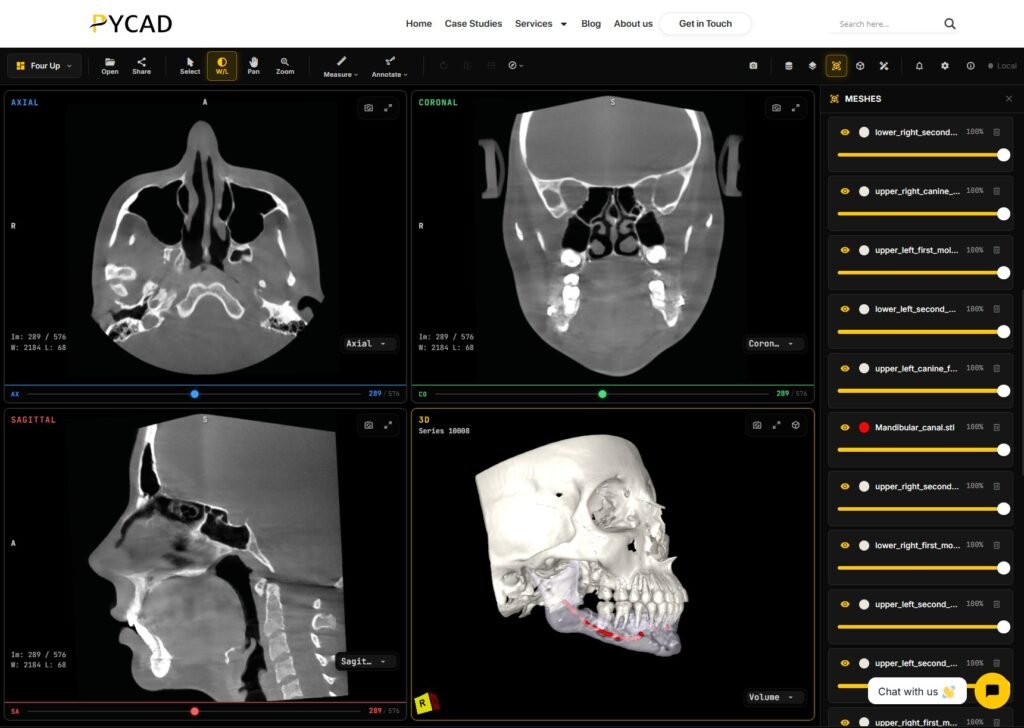
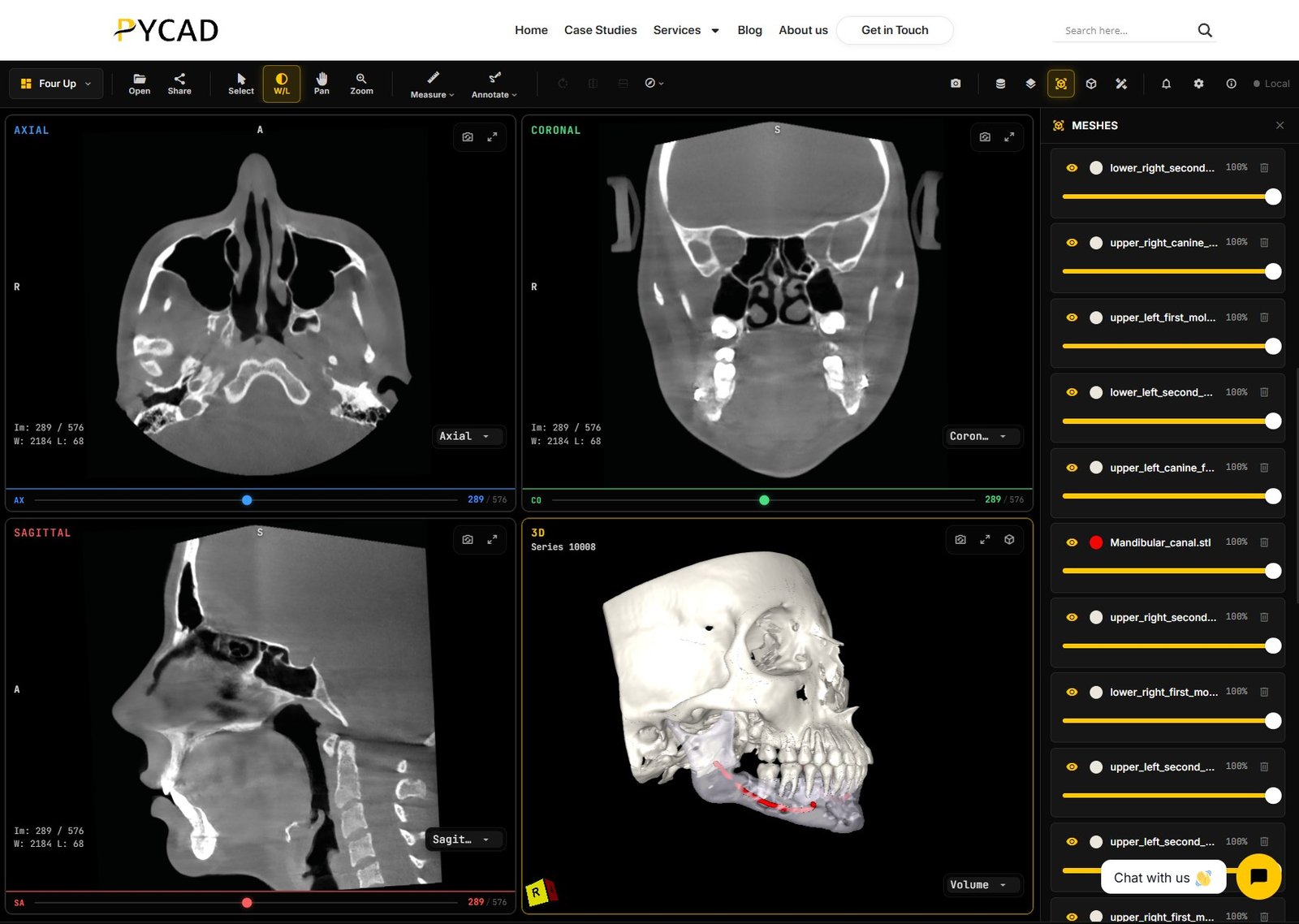
A zero-footprint DICOM viewer runs in the browser with nothing installed on the user’s computer. If you run a platform, such as a teleradiology service, a dental software suite, an AI product, or a clinical trial portal, you probably want that viewer inside your app, under your brand, opening CT, MRI, and CBCT studies your users already have.
At PYCAD we embed our web viewer into other companies’ platforms. The same questions come up in every scoping call. This checklist collects them so your product and engineering teams can answer them before a purchase order.
Embed method: iframe or JavaScript component
iframe (what we ship today)
The viewer runs on its own origin inside an iframe in your page. Your app and the viewer talk through postMessage events, such as “study loaded”, “measurement added”, or “session saved”. This is the path we use in live OEM embeds.
- Styles and scripts stay isolated, so your CSS cannot break the viewer and the viewer cannot break your page.
- Upgrades ship on the viewer side without a rebuild of your app.
- You need a
frame-ancestorsContent Security Policy on the viewer that lists your domains. - Deep UI integration, like putting viewer tools in your own toolbar, is harder.
Web component or JavaScript SDK (on request)
Some buyers want the viewer as a component inside their own page, sharing their DOM. We can scope a JavaScript component or SDK embed when the product needs tighter visual integration than an iframe allows.
- Tighter visual integration. Your toolbar, side panels, and viewer can feel like one product.
- Your app pins a viewer version, so upgrades go through your release cycle.
- Bundle size and CSS scoping become your team’s concern.
Most OEM projects start with the iframe because it ships fastest. Ask early which events and commands your app needs from the viewer, because that list defines the integration contract either way.
Authentication: who owns the login
Decide which system the user signs into. In most embeds your platform owns the login and the viewer trusts it.
- Session handoff. Your backend issues a short-lived signed token for one user and one study, and passes it to the viewer by
postMessageor URL fragment. Keep tokens out of query strings so they do not land in server logs. - SSO. If your customers sign in through their own identity provider with OIDC or SAML, we can wire the viewer to accept that identity on request. Session-token handoff from your backend is the default.
- Expiry and refresh. Agree what happens when a token expires mid-read: silent refresh through your app, or a prompt.
- Audit. Decide which system logs who opened which study, and where those logs live.
Branding and white-label
List what changes per customer:
- Logo, colours, and fonts in the viewer header and dialogs.
- The domain the viewer is served from, for example a subdomain of yours.
- The allowlist of parent domains allowed to embed the viewer.
- Removal of vendor marks for full white-label.
- Interface language for each market you sell into.
If you resell to several customers, ask whether branding is set per tenant or once for your whole platform.
Case load: how studies reach the viewer
This is usually the largest part of the integration. Common patterns:
- From a PACS or VNA over DICOMweb, using the Study Instance UID to query and retrieve. See our PACS integration post for the plumbing.
- From object storage, using signed URLs that expire after a set time.
- From user upload, with drag and drop of a folder or ZIP into the browser.
- From your own API, where your backend already knows which study belongs to which case.
For each pattern, confirm who de-identifies data when that is required, where the viewer caches pixel data, and how long cached data stays on the server.
Mobile and tablet
Clinicians open shared links on phones and tablets whether you plan for it or not. Check:
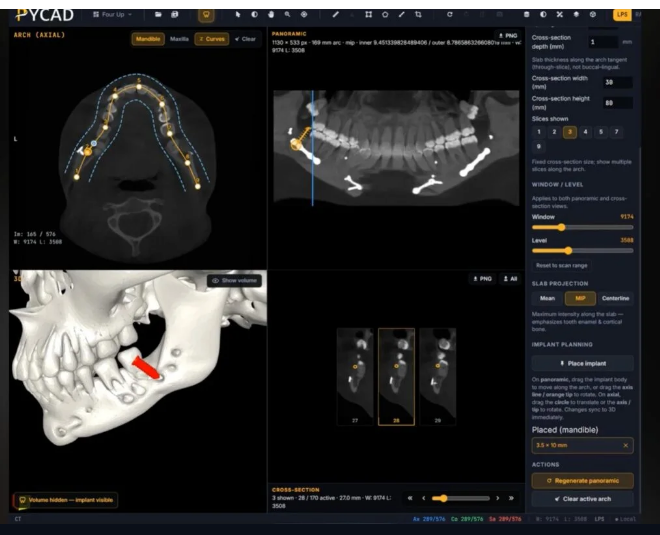
- Touch gestures for scroll, zoom, window/level, and measurement.
- How the layout collapses from four viewports to one on a small screen.
- Memory limits in mobile browsers, which are lower than on desktop.
- Where rendering happens for large volumes. Our viewer serves large scans at server-derived resolution levels so phones and slow connections stay responsive. The trade-offs are covered in server-side vs browser DICOM rendering.
Entitlement: modules, seats, and feature flags
Your customers will not all buy the same package. Agree how the viewer knows what each tenant can use:
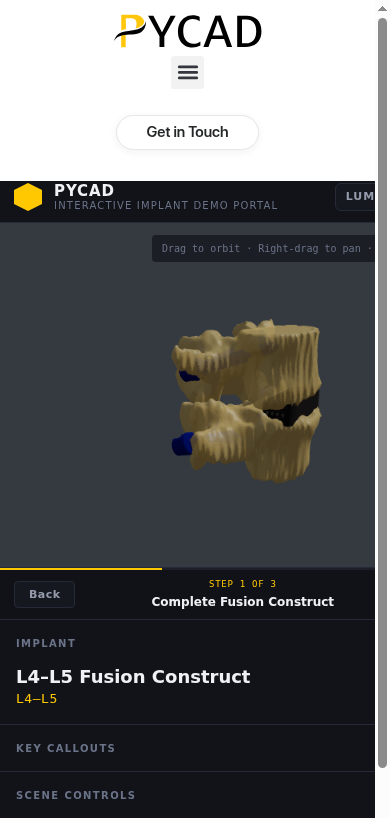
- Modules, such as MPR, 3D, dental panoramic and implant planning, segmentation overlays, and measurements.
- Licensing unit: named seats, concurrent users, studies per month, or a flat platform fee.
- How entitlements reach the viewer, usually as claims in the session token.
- Who switches a feature on or off for a tenant: your admin console or ours. Per-tenant feature flags are available on request when you need different module packs for different customers.
Performance at a high level
Study size varies by modality. A thin-slice CT can run to many hundreds of slices. A CBCT has fine isotropic voxels in a single large volume. An MRI exam arrives as several series with different sequences. Ask the vendor:
- Does the first image appear before the full volume downloads?
- Are there multiple resolution levels for large volumes?
- Which DICOM transfer syntaxes, including compressed ones, are supported?
- Does rendering happen on the user’s GPU, on a server, or both?
Test with your own heaviest real studies on the slowest device your users have. Vendor benchmark numbers will not tell you how your data behaves.
Questions to ask before the purchase order
Copy this list into your vendor review:
- ☐ Which embed method do you support today: iframe, and is a component available on request?
- ☐ Which
postMessageevents and commands are documented? - ☐ How does our login hand off to the viewer, and how long do tokens live?
- ☐ Can branding and language be set per tenant?
- ☐ Which case-load paths are supported: DICOMweb, signed URL, upload, API?
- ☐ Which modalities are tested: CT, MRI, CBCT, others we need?
- ☐ How does the viewer behave on iOS and Android tablets?
- ☐ How are modules and seats switched per tenant?
- ☐ Where is pixel data cached, and for how long?
- ☐ Who hosts the viewer, and in which regions?
- ☐ What is the upgrade cadence, and how are breaking changes announced?
- ☐ What does support look like after go-live?
If you want our web viewer embedded in your platform with your branding, your login, and your case-load path, Contact us. Send the modalities you handle, how studies reach your app today, and whether an iframe is enough or you need a component embed scoped on request, and we will scope the embed from there.