
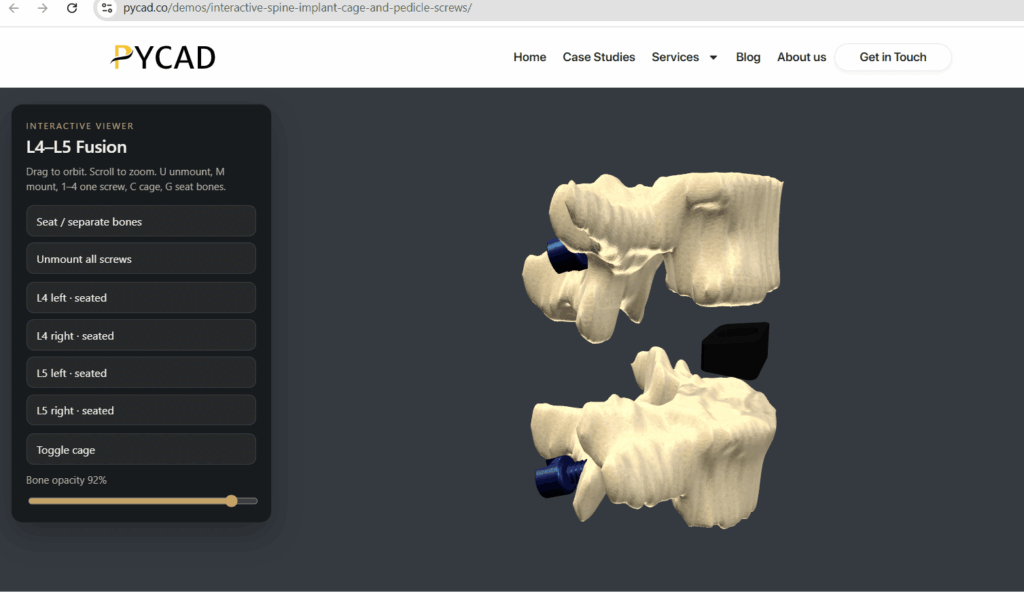
Implant manufacturers often choose between two strong formats for 3D on the web and at congress: a film-style rendered medical animation, and a manipulable interactive 3D embed of the commercial SKU (Stock Keeping Unit). We at PYCAD build the interactive embed side for marketing, med-ed, and sales enablement. Animation studios cover the directed film side.
Both can be right. They solve different moments. This post is a category comparison for marketing and sales leaders, not a teardown of PDF size tables (we already covered that playbook here).
What each format is for
Film-style / rendered medical animation. A directed story. Camera moves you choose. Lighting, anatomy context, brand polish. Ideal when you need a splash for a launch, a congress loop, or a brand film that plays while people walk the booth. Linear video: the viewer watches the path you locked in the edit.
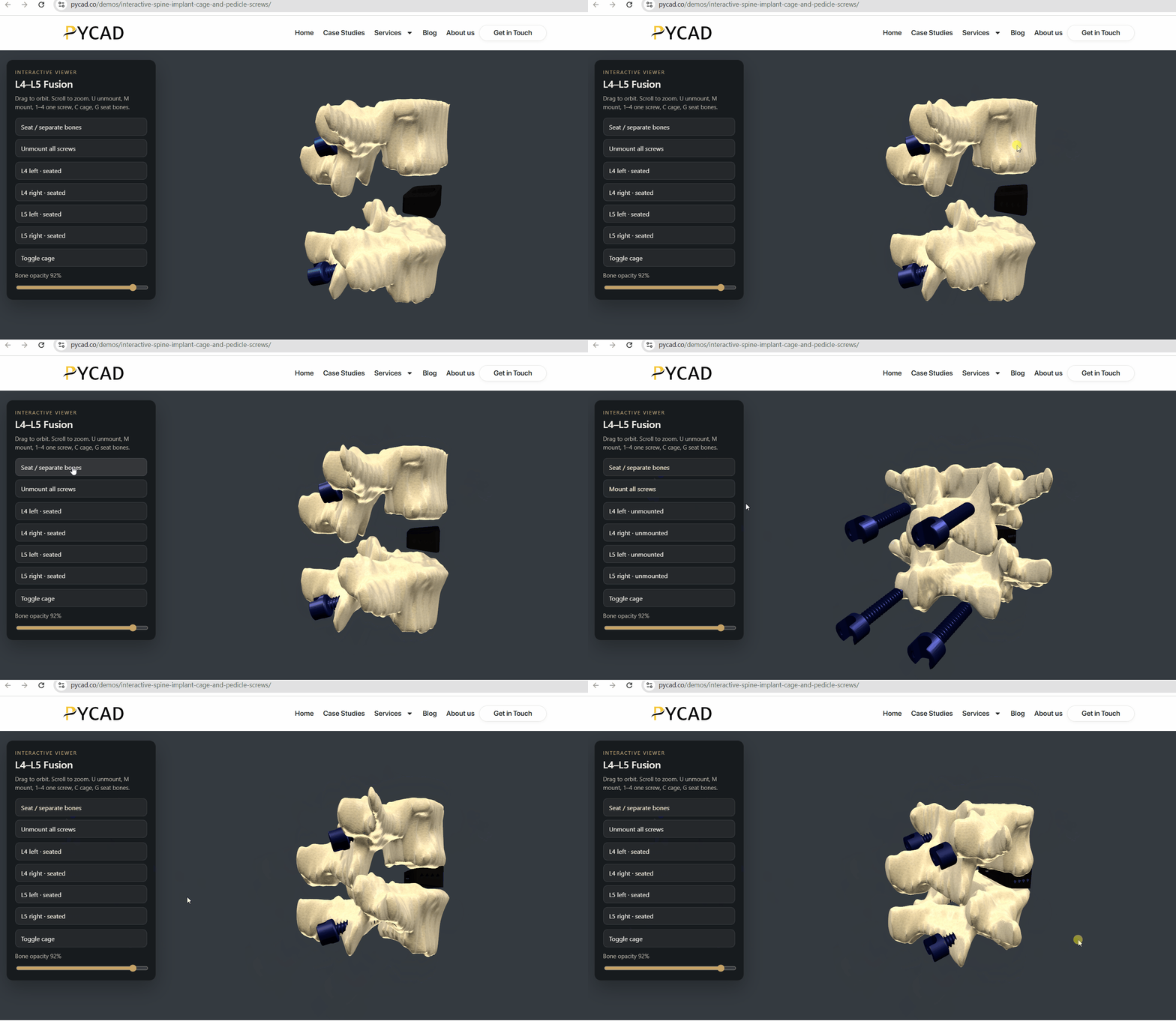
Interactive implant 3D embed. The commercial cage, plate, or screw family in the browser or on a tablet. The visitor orbits, explodes, switches variants, and reads the construct in their own time. Ideal when a sales call or product page needs the SKU under the user’s control.
When animation wins
Pick a rendered film when:
- The story needs controlled pacing and emotion (launch, patient journey, technique story)
- You want a loop on a booth LED that reads from ten meters away
- Legal and brand want every frame approved as a fixed asset
- The goal is awareness, not catalog exploration
A great film still helps sales afterward as a link in email. It does not replace the moment on a Zoom call where the surgeon says “rotate to the endplate view” and waits.
When interactive implant 3D wins
Pick an interactive SKU embed when:
- The product page must answer spatial questions about your catalog
- Reps need a leave-behind that replaces “imagine this angle” on flat slides
- Med-ed wants one consistent object for courses and workshops
- Buyers compare footprints, heights, and screw options by touching the model
That is the gap a hero photo and a PDF leave open. Animation can show one beautiful path through the device. Interaction lets each visitor take their own path.
A practical split many teams use
Use both without forcing one format to fake the other’s job.
- Launch and congress splash: animation film or high-end stills for the big screen.
- Product page and rep tablet: interactive embed of the commercial meshes, with the PDF size table still linked for numbers.
- Follow-up: film link for story; embed link for “play with the SKU.”
Medical animation production remains the right call for directed films. Interactive embed work is a different brief: catalog meshes, variant logic, embed snippet, domain allowlisting, tablet layout.
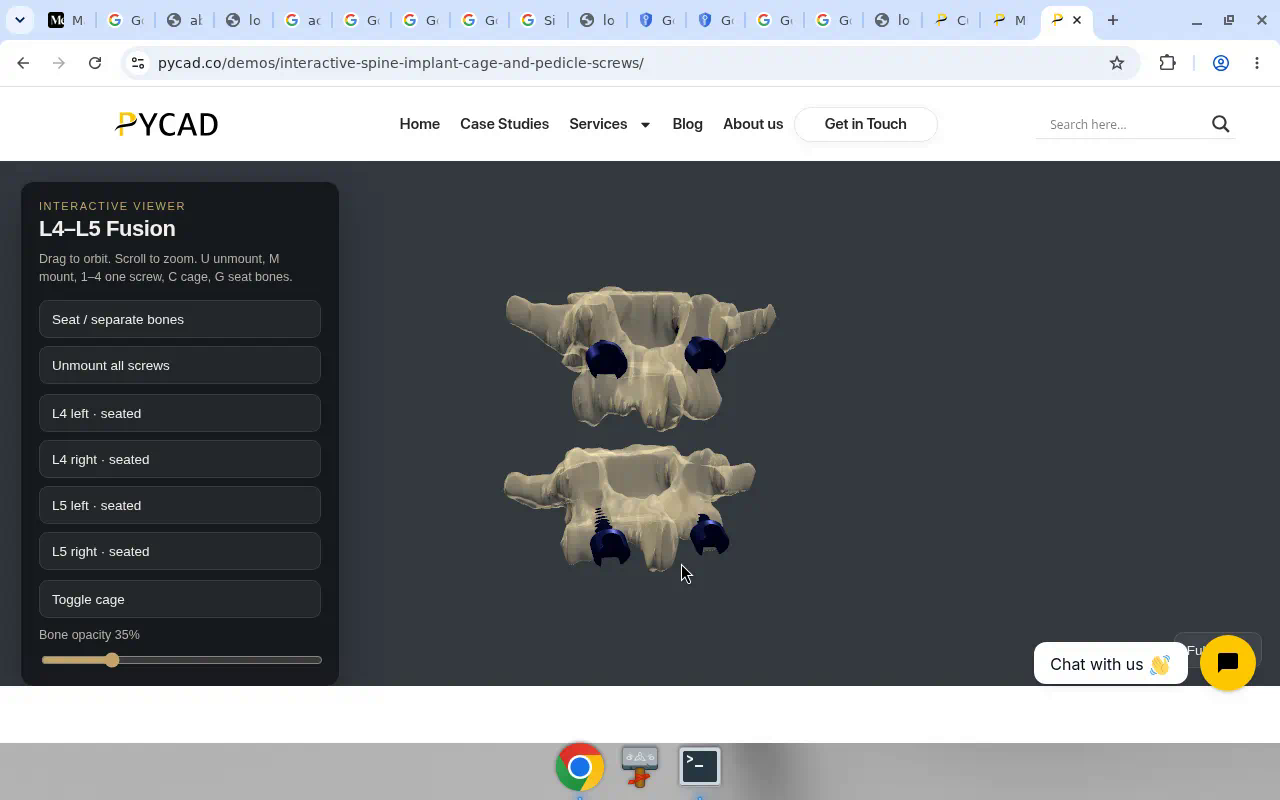
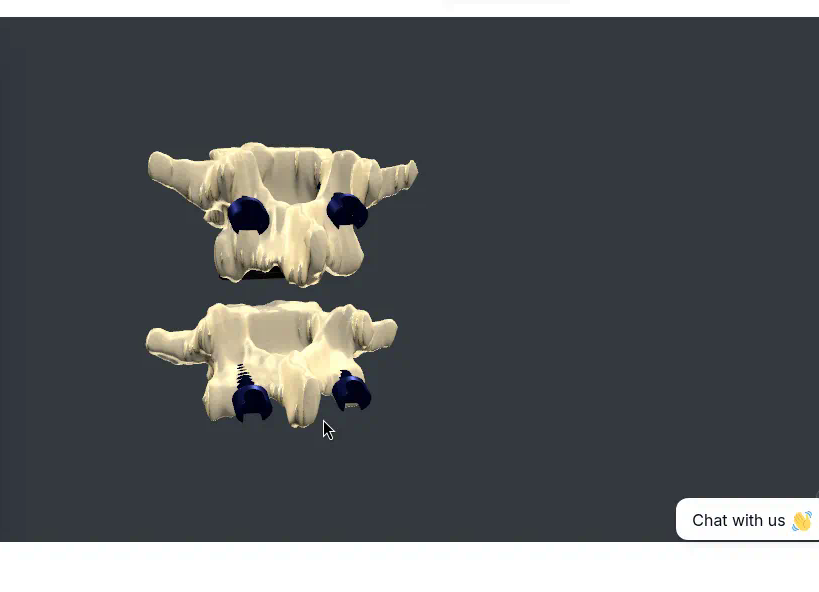
Our public example for the embed side is the interactive spine cage and pedicle screws demo. Open it, orbit the construct, then ask whether your next sales motion needs that control or a directed camera path.
How to brief without mixing the RFPs
Animation brief: storyboard, duration, voiceover, anatomy context, brand frames, delivery formats for web and booth.
Embed brief: SKU list, mesh sources, variants to expose, product-page vs microsite vs tablet, who updates the catalog when a screw family changes.
If you put both in one RFP without splitting success criteria, you get a film that cannot switch footprints or an embed that tries to act like a movie and fails at both.
Cost and timeline, without fake numbers
Animation timelines follow storyboard, revision rounds, and render. Embed timelines follow mesh cleanup, variant wiring, and web integration. One is creative production. The other is product integration onto your site and tablets.
Budget owners sometimes expect the cheaper of the two to cover both jobs. It does not. A mid film will not become a catalog configurator. A solid embed will not replace a thirty-second brand film on the main stage. Fund the job you are hiring for; add the second format when the channel needs it.
Objections from marketing teams
“We already paid for beautiful renders.” Keep them. Use them in the hero and in ads. Add interaction where the call stalls on geometry.
“Surgeons will not click 3D.” Some will not. Reps still will, and the surgeons who ask for another angle get an answer in the meeting instead of a follow-up email with five cropped JPEGs.
“Our catalog changes every quarter.” That is an argument for an embed with a clear mesh update path, and for not baking every screw option into a two-minute film you must re-render from scratch.
Next step
If your gap is manipulable SKU 3D for product pages, microsites, or rep tablets, Contact us. Send the SKU set and where it should live. If your gap is a directed launch film, brief an animation production partner with a storyboard. Many roadmaps need both; they rarely need both from the same sentence in the same RFP.