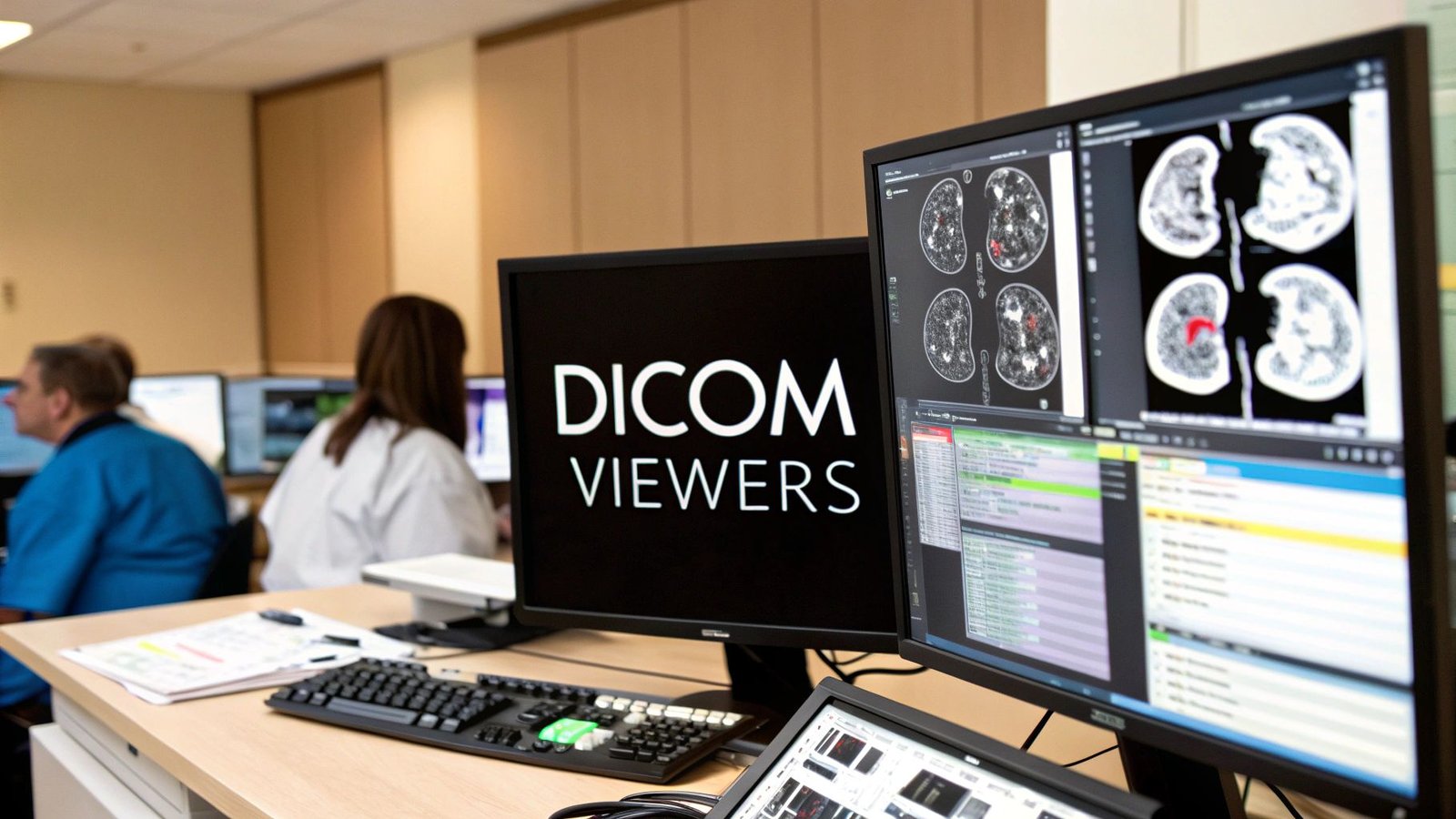
Navigating the world of medical imaging requires tools that are not only powerful but also precise and intuitive. The right software can transform complex datasets into clear, actionable insights, accelerating diagnostics, research, and development. This guide is crafted to illuminate the path for healthcare innovators, from hospital IT departments to pioneering medtech startups, in selecting the best DICOM viewers for Windows. We move beyond simple feature lists to provide a comprehensive analysis of the top-tier solutions available today.
Each entry in our curated list offers a deep dive into what truly matters: real-world performance, integration capabilities with PACS and EMR systems, and support for advanced modalities like 3D/MPR. We'll explore everything from lightweight, fast-loading viewers for quick reviews to robust platforms designed for in-depth surgical planning and AI-driven analysis. Before diving into specific software features, it's crucial to understand the regulatory landscape. For professional use, you should be familiar with guidelines to ensure HIPAA compliance when handling sensitive medical data.
This resource is your strategic partner in decision-making. Whether you are looking for a free tool for academic research or a commercially supported platform for clinical deployment, you will find practical insights, direct links, and screenshots to guide you. For those with unique workflow requirements, remember that off-the-shelf solutions may not be enough. We at PYCAD, build custom web DICOM viewers and integrate them into medical imaging web platforms to meet your specific needs. Explore our work on our portfolio page to see how tailored solutions can redefine what's possible. Let's find the viewer that will empower your next breakthrough.
1. Advanced ct scan reader for Precise Diagnostics
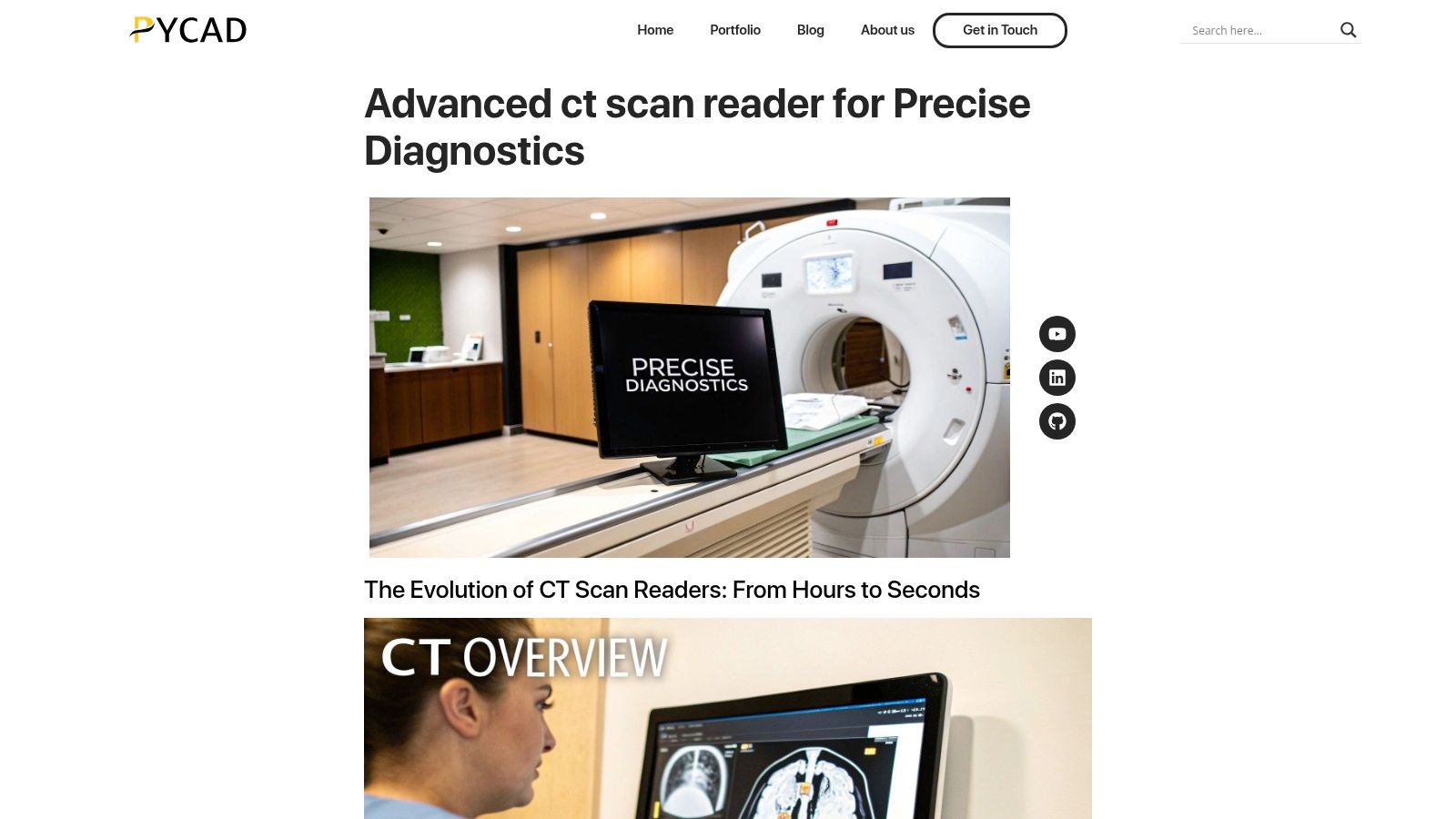
PYCAD’s Advanced CT Scan Reader represents a paradigm shift for clinical institutions and medtech developers seeking more than just a standard DICOM viewer for Windows. It is an enterprise-grade, web-native platform engineered to transform diagnostic workflows from fragmented, time-consuming processes into an integrated, AI-powered ecosystem. This solution is particularly compelling for high-volume environments like hospitals and imaging centers where speed, accuracy, and scalability are paramount.
Its core strength lies in its ability to dramatically accelerate the entire imaging lifecycle. By leveraging advanced computational power and medical AI, the platform delivers near-real-time 3D reconstructions and analyses from CT scans, a task that traditionally could take hours. This efficiency gain empowers radiologists to make critical decisions faster, directly impacting patient outcomes and operational throughput.
Why It Stands Out: Beyond Viewing
What truly distinguishes this platform is its deep integration of AI-assisted tools directly into the clinical workflow. It moves beyond simple image rendering to provide intelligent, actionable insights.
- AI-Assisted Detection: The system automatically highlights potential areas of interest, acting as a crucial second set of eyes for radiologists and reducing the risk of missed findings.
- Automated Measurements: Standardized, automated annotations and measurements ensure consistency across studies and clinicians, improving diagnostic precision and reproducibility.
- Seamless Workflow Integration: Designed for modern healthcare IT, it offers tight integration with existing PACS, EMR, and even CRM systems. This centralizes patient data, imaging studies, and reports, fostering better collaboration and streamlining patient management from diagnosis to follow-up.
Practical Use Cases and Implementation
This solution is ideal for organizations aiming to modernize their radiology departments or for medtech companies building next-generation diagnostic applications. The web-based architecture supports both secure cloud and on-premise deployments, offering flexibility to meet diverse IT and regulatory requirements.
It’s important to note that we at PYCAD, build custom web DICOM viewers and integrate them into medical imaging web platforms. For organizations with unique workflow needs or legacy systems, this expertise is invaluable for ensuring a smooth implementation. You can explore their work on their portfolio page.
Website: https://pycad.co/ct-scan-reader/
| Feature Analysis | Assessment |
|---|---|
| Deployment Model | Web-native (Cloud or On-Premise) |
| Core Advantage | AI-driven speed and workflow automation |
| Best For | Hospitals, imaging centers, and medtech developers needing scalable, high-performance solutions. |
| Pricing | Enterprise-level licensing; requires consultation for a custom quote. |
Pros:
- Blazing-fast image reconstruction reduces turnaround from hours to seconds.
- AI-assisted detection and automated measurements enhance diagnostic accuracy.
- Secure, web-based viewer integrates with PACS and CRM for centralized management.
- Tools are purpose-built for clinical workflows, boosting productivity.
Cons:
- Integrating with legacy PACS/EHR systems may require dedicated IT resources.
- Advanced enterprise features can represent a higher initial investment.
2. RadiAnt DICOM Viewer
RadiAnt stands out as one of the fastest and most intuitive DICOM viewers for Windows, engineered for pure performance. Its native Windows architecture delivers an exceptionally responsive user experience, making it a favorite among radiologists and clinicians who require speed and efficiency when reviewing complex studies like CT and MR scans. The interface is clean and uncluttered, allowing medical professionals to focus on diagnostic tasks without navigating a steep learning curve.
This tool is more than just a viewer; it's a powerful workstation-lite packed into a small footprint. RadiAnt excels at fundamental and advanced visualization techniques, offering robust support for multi-planar reconstruction (MPR), maximum intensity projection (MIP), and basic 3D volume rendering. Its ability to seamlessly query and retrieve from PACS servers and handle DICOMDIR from physical media makes it a versatile asset in any clinical environment. To deepen your understanding of how such viewers handle medical imaging data, you can learn more about the foundational DICOM standard.
Key Features and Considerations
RadiAnt's strength lies in its focused, performance-oriented feature set.
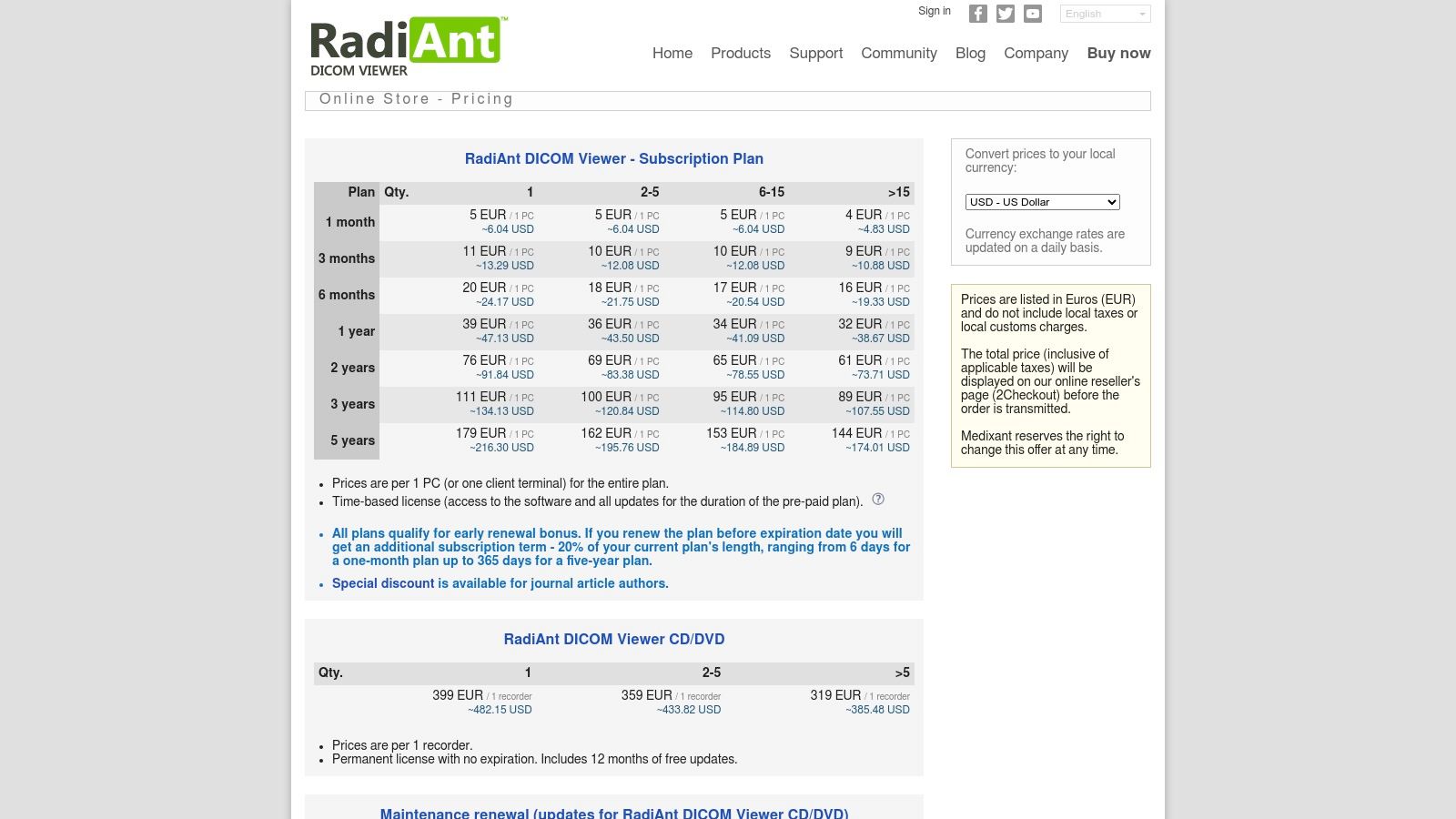
- Licensing Model: It operates on a time-based subscription model, with clear pricing tiers available directly on their website. This is ideal for organizations that prefer predictable operational expenses over a large capital investment.
- Deployment: As a desktop-native application, it requires installation on a Windows PC. While it lacks zero-footprint web capabilities, its portable mode is a practical solution for sharing studies on CDs or USB drives.
- Use Case: Best suited for individual clinicians, small practices, and research settings needing a high-performance, cost-effective diagnostic viewer with essential 2D, MPR, and 3D tools.
For organizations seeking a more integrated, web-based solution, custom development is often the answer. We at PYCAD, build custom web DICOM viewers and integrate them into medical imaging web platforms.
3. MicroDicom
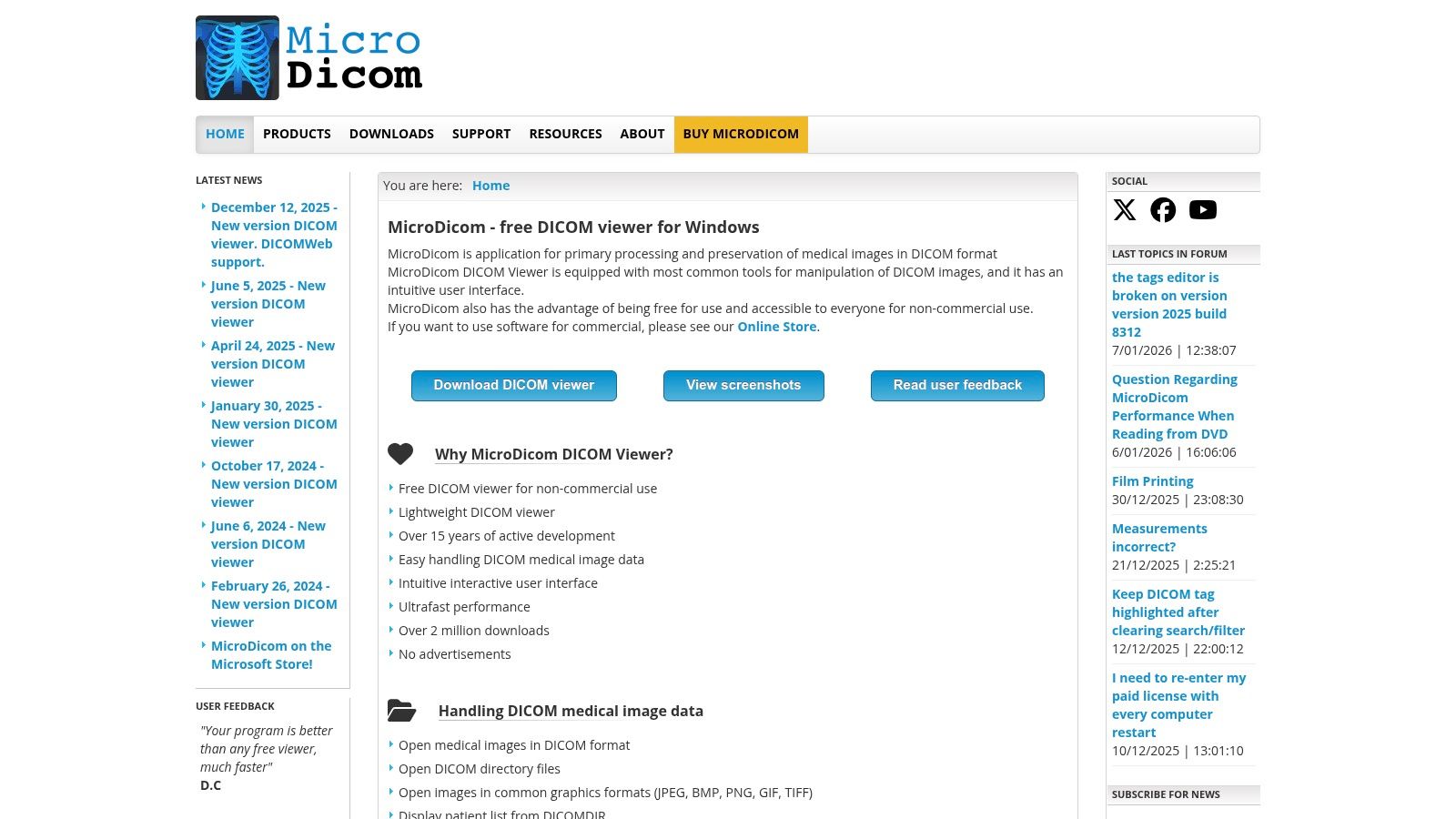
MicroDicom carves out a unique niche by offering a powerful, free-for-non-commercial-use DICOM viewer for Windows, making it an exceptionally accessible tool for education, research, and patient use. Its design philosophy prioritizes functionality and lightweight deployment, providing a robust set of features without the complexity or cost of enterprise-level solutions. The interface is straightforward and practical, ensuring that users can quickly open and analyze DICOM studies, regardless of their technical expertise.
This viewer is more than just a basic image display tool; it incorporates essential clinical workflow features typically found in paid software. MicroDicom offers impressive PACS connectivity, supporting C-FIND, C-MOVE, and C-STORE operations, as well as modern DICOMweb protocols like QIDO, WADO, and STOW. It also includes valuable utilities such as image anonymization and the ability to export studies into common image and video formats, enhancing its utility for presentations and data sharing.
Key Features and Considerations
MicroDicom’s strength is its blend of no-cost accessibility with surprisingly advanced features.
- Licensing Model: It is entirely free for non-commercial and educational purposes. A very affordable commercial license is available for clinical use, making it a cost-effective choice for small practices.
- Deployment: It offers unmatched flexibility with an installer, a portable package, and an autorun version for creating patient CDs/DVDs. Its availability on the Microsoft Store further simplifies installation and updates.
- Use Case: Ideal for academic institutions, researchers, students, and small clinics needing a capable, easy-to-deploy viewer for secondary review. The portable media creation is a standout feature for distributing studies to patients and referring physicians.
For healthcare organizations that require a more integrated, browser-based viewing experience across their enterprise, a custom solution is often the best path forward. We at PYCAD, build custom web DICOM viewers and integrate them into medical imaging web platforms.
4. Weasis
Weasis emerges as a powerful, open-source DICOM viewer for Windows that champions flexibility and custom integration. As a cross-platform tool, it offers both a standalone desktop application and a web-embeddable version, making it a highly adaptable choice for diverse ecosystems. Its modular architecture and extensive support for PACS, RIS, and DICOMweb protocols position it as an excellent foundation for institutions and developers looking to build upon a proven, no-cost imaging framework.
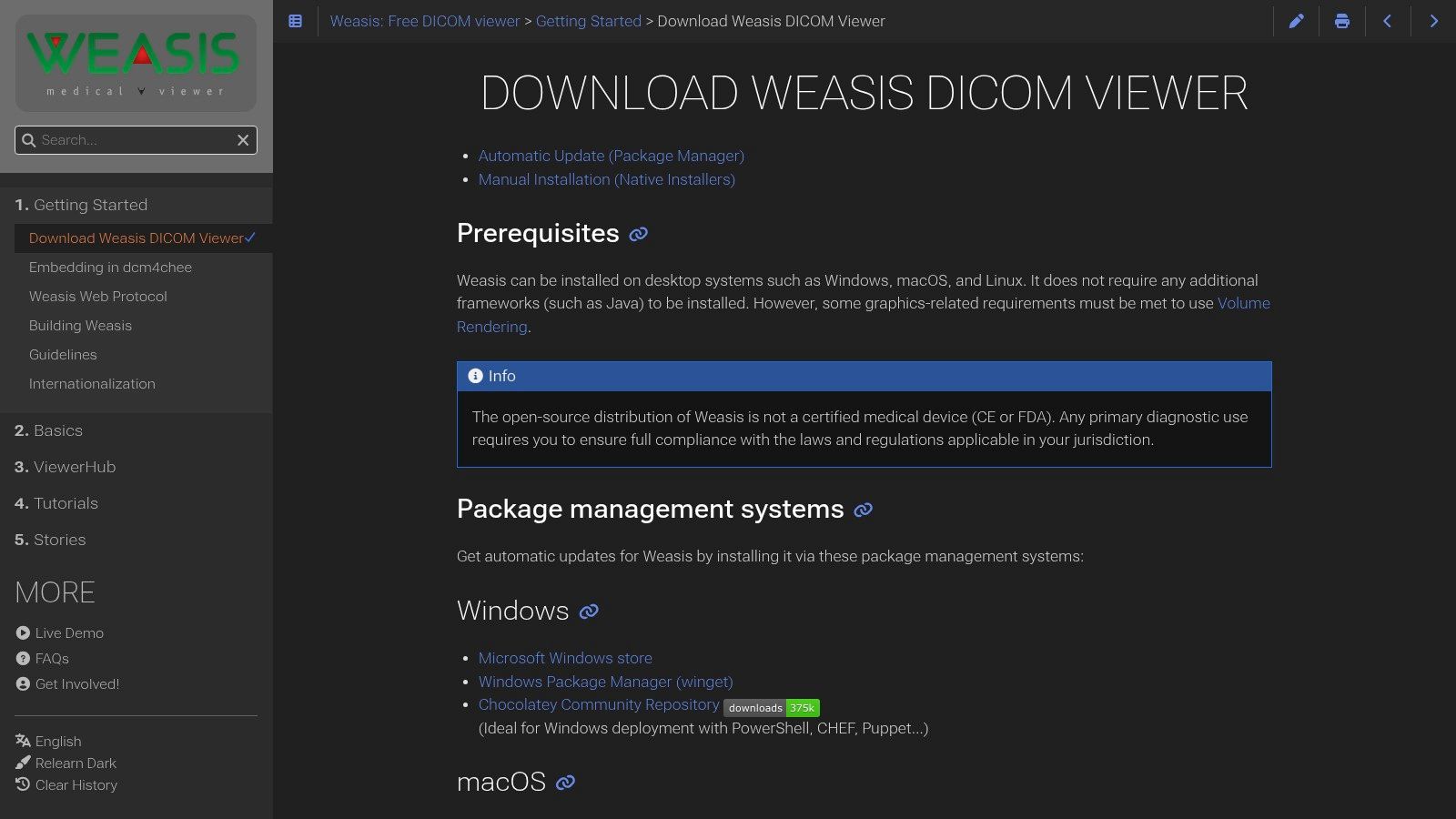
The platform is uniquely enterprise-friendly, with straightforward deployment options via Windows package managers like winget and Chocolatey, as well as the Microsoft Store. This simplifies large-scale rollouts and maintenance for hospital IT departments. Weasis delivers a modern user experience with a high-DPI aware interface and smooth rendering, appealing to both clinical users and researchers. Understanding the basics of its core data format is key, and you can get a primer on how to handle .dcm files.
Key Features and Considerations
Weasis provides a robust, community-driven alternative to commercial viewers.
- Licensing Model: It is completely free and open-source (FOSS), making it an ideal choice for academic institutions, researchers, and organizations with limited budgets or those prioritizing transparent, auditable code.
- Deployment: Weasis supports native desktop installation on Windows, Linux, and macOS. Its web-based components allow for integration into existing EHR or patient portal systems, offering a flexible deployment strategy.
- Use Case: Best for hospitals, research networks, and medtech companies needing a customizable viewer that can be deeply integrated into their infrastructure. It is also perfect for developers who require a solid open-source base for their projects.
While Weasis is a powerful tool, customizing it for specific workflows requires technical expertise. For organizations needing a tailored solution without the in-house development burden, we at PYCAD, build custom web DICOM viewers and integrate them into medical imaging web platforms.
5. 3D Slicer
3D Slicer transcends the role of a simple viewer, establishing itself as a powerful, open-source platform for medical image analysis and visualization. It is one of the most versatile DICOM viewers for Windows, especially popular in academic and research communities. Its strength lies in its modular architecture, allowing users to extend its core functionalities with a vast ecosystem of plugins for tasks ranging from advanced segmentation and registration to quantitative analysis, making it an indispensable tool for scientific discovery.
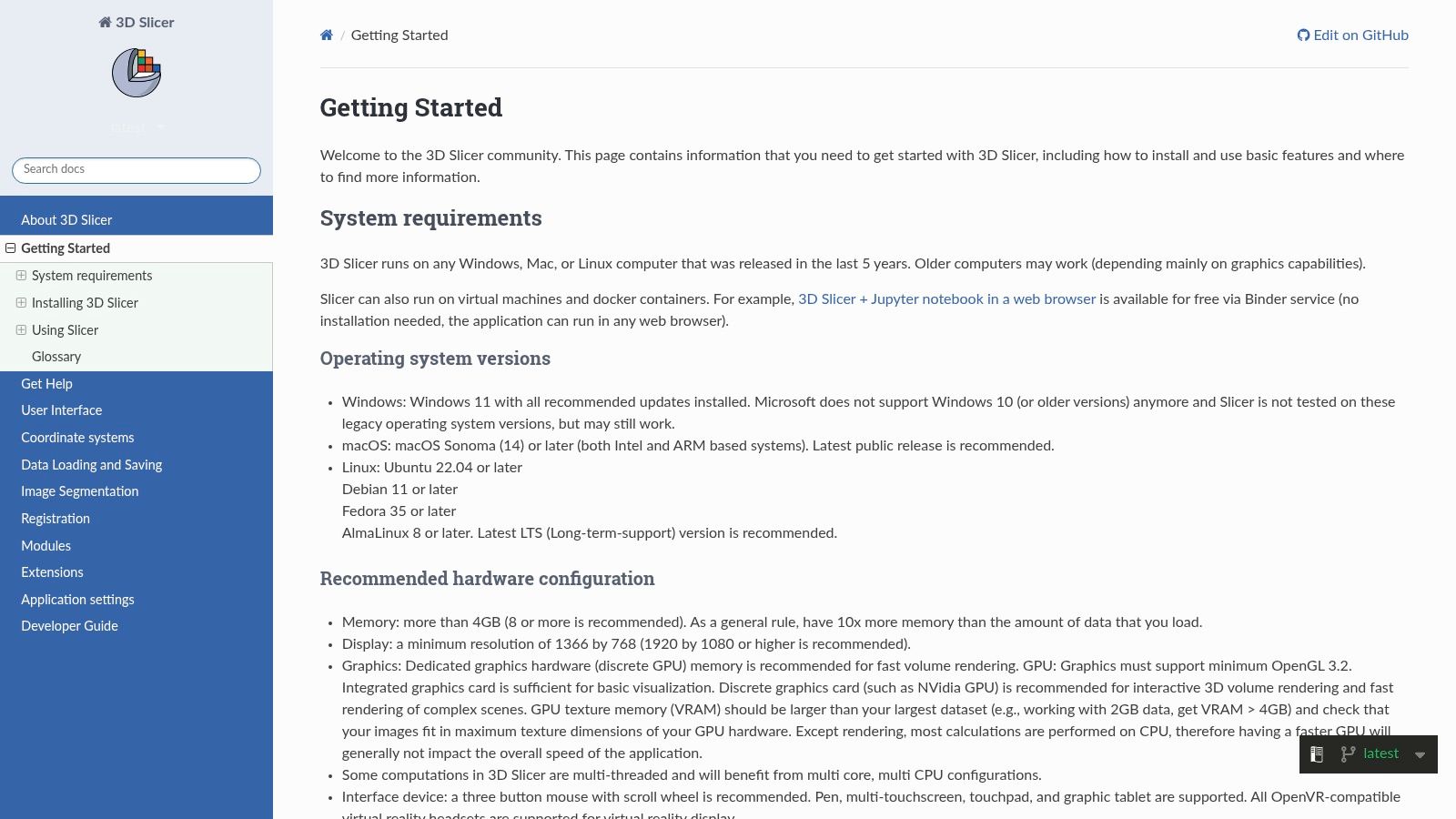
While its primary audience is researchers, 3D Slicer provides a robust DICOM browser and viewer capable of handling complex 2D, MPR, and 3D rendering tasks with exceptional quality. This makes it an excellent choice for prototyping new medical imaging workflows or for educational purposes where cost is a significant barrier. Its capabilities in converting medical imaging data are also noteworthy; you can explore how 3D Slicer can be used for tasks like converting DICOM to STL for 3D printing applications.
Key Features and Considerations
3D Slicer’s power comes from its unparalleled flexibility and community-driven development.
- Licensing Model: Completely free and open-source (BSD-style license), which eliminates any financial barrier to entry for institutions, researchers, and students.
- Deployment: A native desktop application that requires installation on a 64-bit Windows system. It is not a zero-footprint web solution, focusing instead on leveraging local hardware for intensive computational tasks.
- Use Case: Ideally suited for academic institutions, medical researchers, and medtech developers who need a platform for advanced image analysis, algorithm development, and prototyping rather than just routine clinical review.
For organizations that require a more streamlined, browser-based viewing experience for clinical workflows, custom development is often necessary. We at PYCAD, build custom web DICOM viewers and integrate them into medical imaging web platforms.
6. PostDICOM
PostDICOM shifts the paradigm from traditional desktop software to a fully integrated, cloud-native PACS solution, making it one of the most accessible DICOM viewers for Windows available. Its core is a zero-footprint HTML5 viewer that operates directly within any modern web browser, eliminating the need for client-side installation and maintenance. This approach empowers clinicians, researchers, and patients to securely upload, view, and share medical imaging studies from any location with an internet connection, fostering seamless remote collaboration and teleradiology workflows.
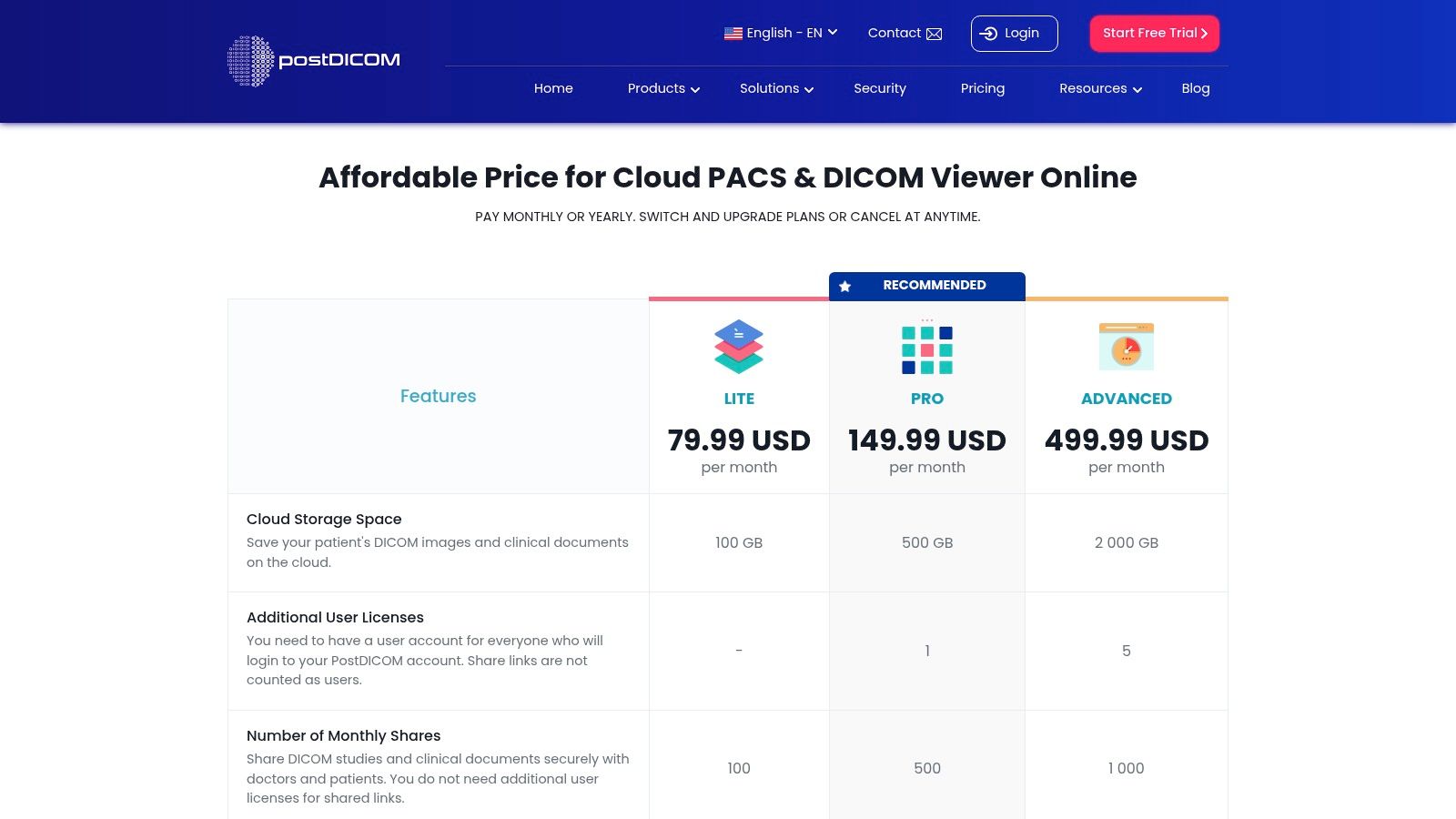
The platform is more than a viewer; it’s an entire imaging ecosystem designed for agility and security. It offers features like shareable links with expiry dates, role-based access controls, and robust AES-256 encryption. By bundling storage, viewing, and sharing into a single subscription, PostDICOM provides a turnkey solution that can be deployed almost instantly. For organizations exploring similar integrated platforms, understanding the components of a robust DICOM network architecture is essential.
Key Features and Considerations
PostDICOM's all-in-one cloud model presents distinct advantages and trade-offs.
- Licensing Model: It uses a transparent, tiered monthly subscription model based on storage, user limits, and feature sets. A free trial is available, allowing teams to evaluate the service before committing.
- Deployment: As a zero-footprint, web-based platform, it requires no local installation. However, performance is entirely dependent on the user's internet connection quality and speed.
- Use Case: Ideal for small to mid-sized clinics, research groups, and teleradiology services needing a scalable, secure, and rapidly deployable cloud PACS and viewer without the overhead of on-premise hardware.
For organizations that require more tailored functionalities beyond what off-the-shelf platforms offer, a custom solution is the superior path. We at PYCAD, build custom web DICOM viewers and integrate them into medical imaging web platforms.
7. MedDream DICOM Viewer (Softneta)
MedDream positions itself as a mature, enterprise-grade HTML5 zero-footprint viewer, making it a powerful choice among DICOM viewers for Windows when integration and scalability are paramount. Its web-native architecture allows for flexible deployment, accessible from any device with a browser, while still offering dedicated Windows installers for server-side components. This hybrid approach appeals to large healthcare organizations seeking a unified viewing solution across diverse clinical departments and IT infrastructures.
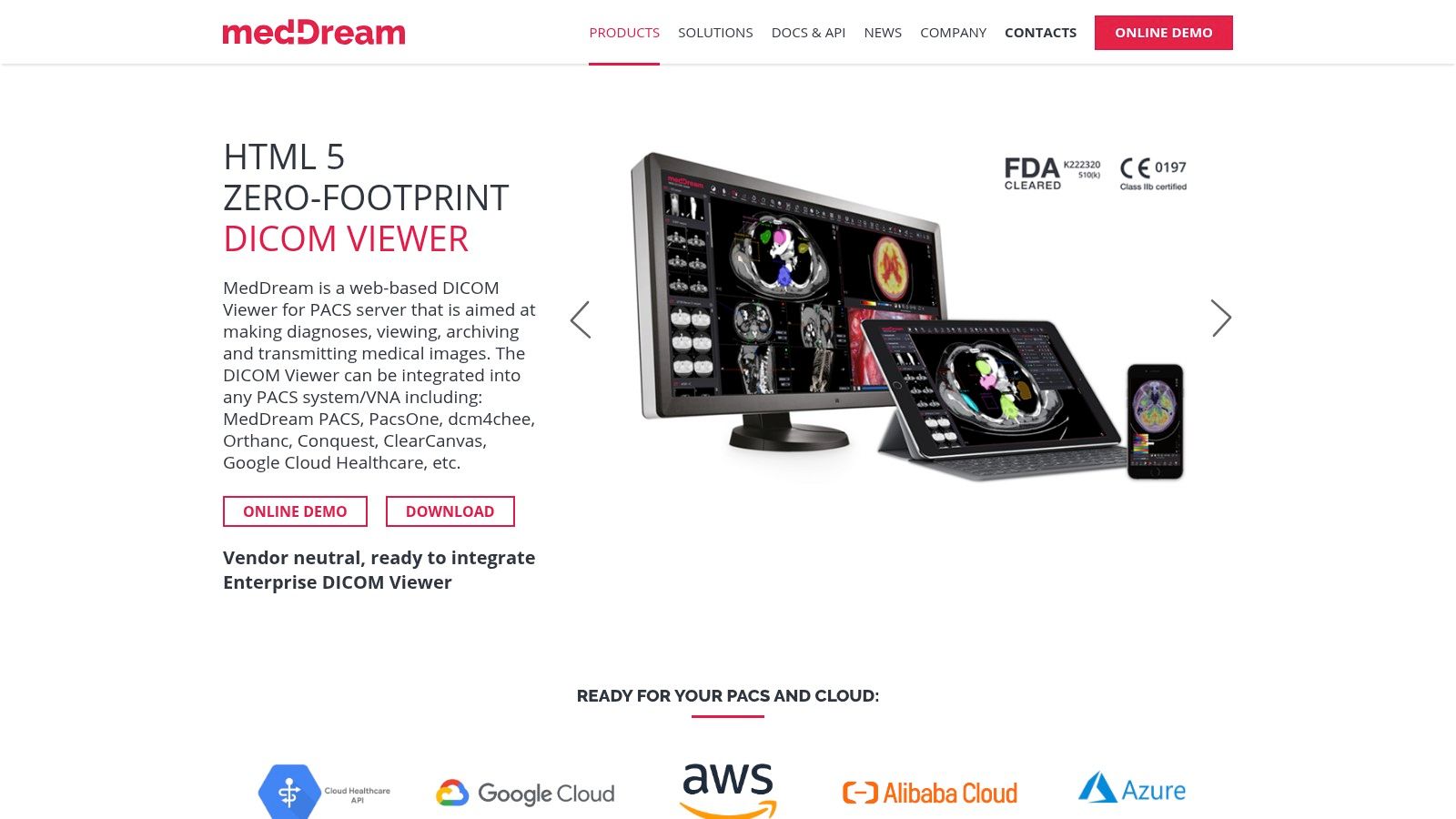
The platform shines with its specialized toolsets for radiology, cardiology, and ophthalmology, which go beyond basic viewing to include advanced functions like MPR, MIP, and video playback. MedDream is built for deep integration, supporting PACS, VNA, and various EMR systems through standards like DICOMweb and IHE profiles. Its diagnostic certifications and active release cycle provide the assurance of a medically compliant and continuously improving tool, ready for demanding clinical environments.
Key Features and Considerations
MedDream's enterprise focus is evident in its architecture and feature set.
- Licensing Model: Pricing is quote-based, tailored to the specific integration needs, modules, and scale of the healthcare enterprise. This model is typical for solutions requiring significant professional services for deployment.
- Deployment: As an HTML5 zero-footprint viewer, it requires no client-side installation for end-users. The server-side components can be deployed on Windows or Linux, demanding IT involvement for configuration and integration.
- Use Case: Ideal for hospitals, large imaging centers, and VNA/PACS vendors needing a certified, highly integrable web viewer that supports multiple specialties. It is less suited for individuals or small clinics seeking a simple, standalone application.
For organizations that find off-the-shelf enterprise solutions too rigid, a bespoke approach is often superior. We at PYCAD, build custom web DICOM viewers and integrate them into medical imaging web platforms.
8. DICOM Library (online)
DICOM Library offers a unique, browser-based approach, standing out as one of the most accessible DICOM viewers for Windows users who need immediate, zero-installation access. This free online service is designed for sharing, education, and research, allowing users to upload, view, anonymize, and share medical imaging studies directly from their web browser. Its core strength lies in its simplicity and universal accessibility, removing the friction of software downloads and configurations for quick case reviews or collaborative discussions.
The platform, powered by the MedDream viewer, provides a solid set of web-based tools for image manipulation, including measurements and annotations. Its standout feature is the built-in anonymization tool, which helps prepare studies for educational or research purposes by stripping patient-identifiable information before they are even uploaded to the server. This focus on quick, shareable, and anonymized access makes it an invaluable resource for academics, students, and researchers who need to distribute case studies without complex setup or privacy concerns.
Key Features and Considerations
DICOM Library’s value is in its web-native convenience and focus on secure sharing.
- Licensing Model: The service is completely free for its intended use cases, which are explicitly non-clinical. Its terms of service restrict its use for primary diagnosis, positioning it as a tool for educational and research purposes only.
- Deployment: As a purely web-based platform, there is no installation required. However, performance is dependent on internet connection speed, which can be a limiting factor when uploading large CT or MRI studies.
- Use Case: Ideal for academic institutions, researchers, and students needing to quickly share and view anonymized DICOM files. It's also a practical tool for patients who want to view their own medical images without installing specialized software.
While DICOM Library is excellent for public sharing, organizations requiring a secure, integrated, and compliant solution for clinical data often need a tailored platform. We at PYCAD, build custom web DICOM viewers and integrate them into medical imaging web platforms.
9. OHIF Viewer
OHIF Viewer represents the pinnacle of open-source innovation for web-native DICOM viewers for Windows and other platforms. As a zero-footprint solution, it operates entirely within a web browser, eliminating the need for local software installation and providing unparalleled accessibility. It's not just a viewer but a powerful, extensible framework trusted by leading academic institutions and commercial entities for building sophisticated medical imaging applications. The platform's commitment to modern web standards like DICOMweb makes it a future-proof choice for integrating with contemporary PACS and VNA systems.
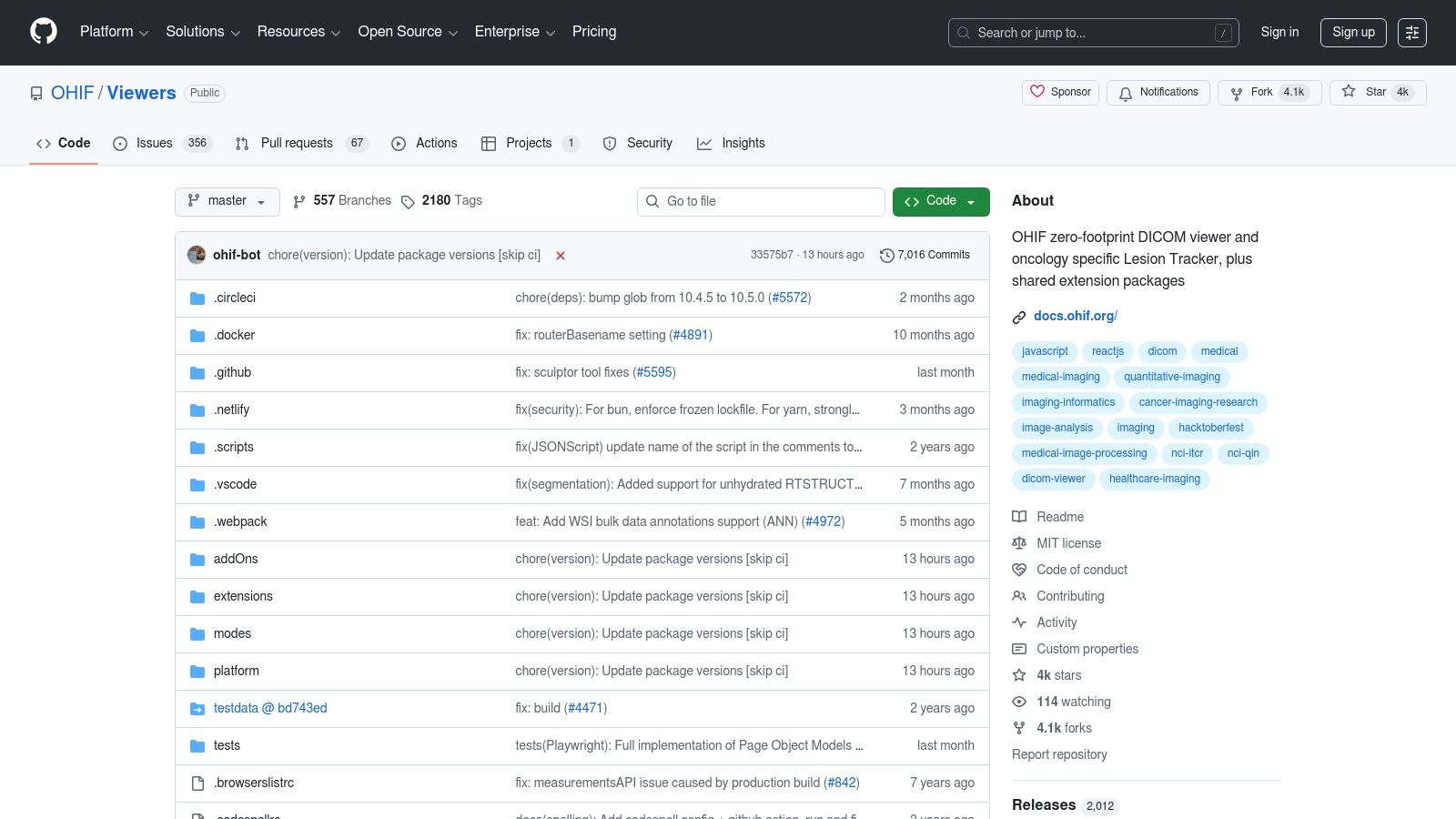
This viewer is built for developers and organizations aiming to create custom, integrated imaging solutions. Its modular architecture supports an extensive plugin system, enabling the addition of advanced functionalities like AI-driven segmentations, complex measurement tools, and structured reporting. With robust support for 2D, MPR, and 3D volume rendering, OHIF provides a solid foundation for both clinical review and advanced research, democratizing access to high-end imaging tools. Its vibrant community and comprehensive documentation, including Docker templates, streamline the deployment process for those with technical expertise.
Key Features and Considerations
OHIF's strength lies in its open-source flexibility and powerful web-native architecture.
- Licensing Model: Completely free and open-source (MIT License). Costs are associated with the hosting, development, and maintenance required for a production-ready deployment.
- Deployment: As a web-based platform, it requires self-hosting on a server. This gives complete control over data, security, and integration but necessitates IT infrastructure and expertise.
- Use Case: Ideal for medtech companies, academic researchers, and healthcare organizations that require a customizable, web-based viewer to integrate into larger platforms like EMRs, research portals, or AI marketplaces.
For organizations that need the power of a web-based solution without the in-house development overhead, we at PYCAD specialize in this domain. We at PYCAD, build custom web DICOM viewers and integrate them into medical imaging web platforms.
10. VolView (Kitware)
VolView carves out a unique niche among DICOM viewers for Windows by prioritizing advanced, in-browser 3D cinematic rendering. Developed by Kitware, a leader in open-source scientific computing, this tool runs entirely on the client side, meaning your sensitive patient data remains on your local machine by default. Its drag-and-drop interface simplifies the process of loading DICOM series, making sophisticated visualization accessible without any installation, perfect for research, education, and demonstrations.
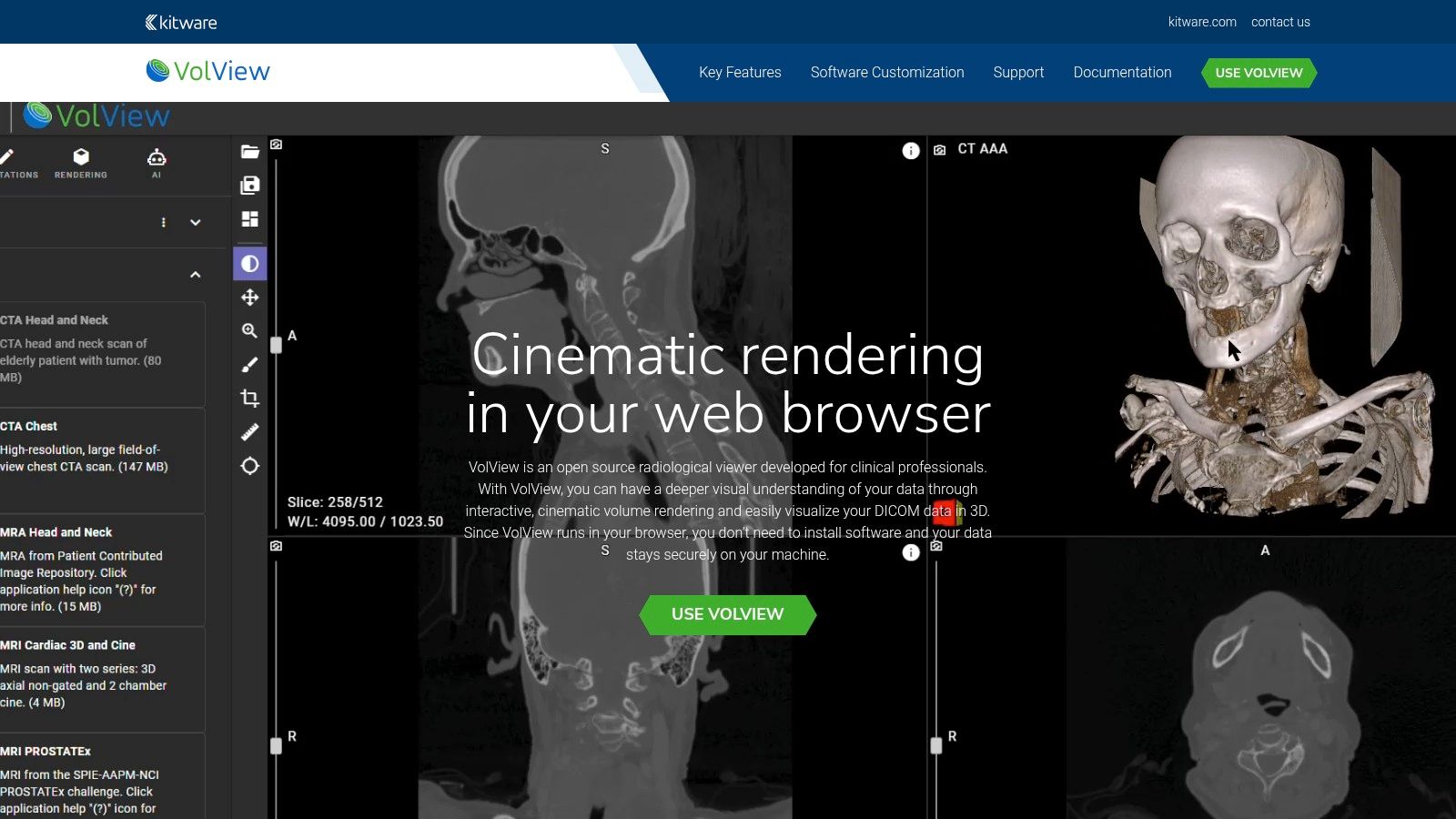
The platform’s strength is its high-quality volume rendering engine, which produces stunning, near-photorealistic 3D models from standard CT or MR scans. This makes it an exceptional tool for anatomically complex presentations or for gaining intuitive spatial understanding of pathology. While it's not designed to be a full-fledged PACS workstation, its focus on powerful, secure, and zero-footprint visualization offers a glimpse into the future of medical imaging access.
Key Features and Considerations
VolView excels in accessibility and advanced visualization, with a few targeted considerations.
- Licensing Model: VolView is open-source and free to use, making it an invaluable resource for academic, research, and educational purposes where budgets are a primary concern.
- Deployment: As a browser-based tool, it requires no installation for immediate use on any modern Windows machine with a capable GPU. It can also be self-hosted and integrated into other web applications.
- Use Case: Ideal for researchers, educators, and clinicians needing powerful, shareable 3D visualizations without complex software setups. It's particularly effective for surgical planning presentations and teaching anatomy.
For organizations that need these powerful visualization capabilities integrated into a broader clinical workflow, building a tailored solution is the best path. We at PYCAD, build custom web DICOM viewers and integrate them into medical imaging web platforms.
11. Inobitec DICOM Viewer
Inobitec offers a versatile and modern DICOM viewer for Windows, designed to serve a broad spectrum of medical imaging needs. Its cross-platform capability is a significant advantage, but the native Windows application is particularly well-refined, providing a stable and feature-rich environment for routine diagnostic workflows and advanced 3D analysis. The viewer is engineered to integrate smoothly with PACS servers, making it a practical choice for clinics and hospitals looking for an efficient way to manage and review imaging studies.
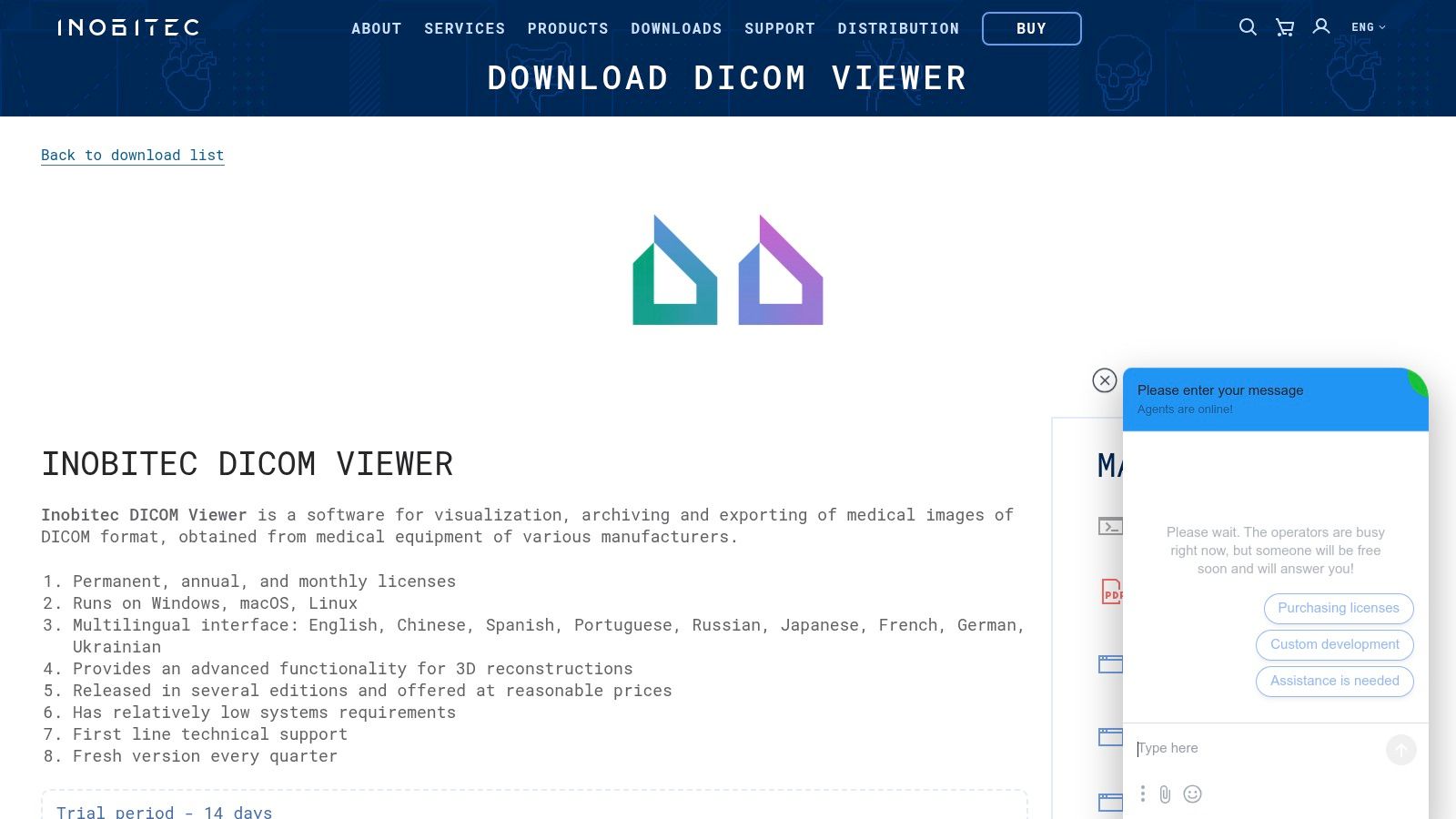
The platform stands out with its flexible licensing and tiered editions, allowing users to select a feature set that precisely matches their clinical or research requirements. From basic 2D viewing to sophisticated 3D volume rendering, Multi-planar Reconstruction (MPR), and Maximum Intensity Projection (MIP), Inobitec provides a comprehensive toolkit. This scalability makes it an appealing option for organizations that anticipate their imaging needs will grow over time.
Key Features and Considerations
Inobitec balances advanced functionality with user-centric design and flexible access models.
- Licensing Model: It provides exceptional flexibility with perpetual, annual, and monthly licenses. A 14-day free trial is available, allowing for thorough evaluation before commitment.
- Deployment: The viewer is a native desktop application with dedicated installers for 32-bit and 64-bit Windows systems. This ensures optimized performance and stability on the host machine.
- Use Case: Ideal for small to medium-sized practices, research institutions, and individual specialists who require robust 2D and 3D visualization tools with predictable licensing options.
For enterprises requiring a fully integrated, browser-based solution, custom development offers the ultimate flexibility. We at PYCAD, build custom web DICOM viewers and integrate them into medical imaging web platforms.
12. IrfanView (with DICOM plugin)
IrfanView is a legendary, ultra-fast image viewer for Windows, renowned for its small footprint and incredible versatility. While not a dedicated medical tool, it earns its place on this list of DICOM viewers for Windows through its powerful plugin system. By installing the official DICOM plugin, users can quickly open and view DICOM files within the familiar, lightning-fast IrfanView interface, making it an excellent utility for non-diagnostic tasks.
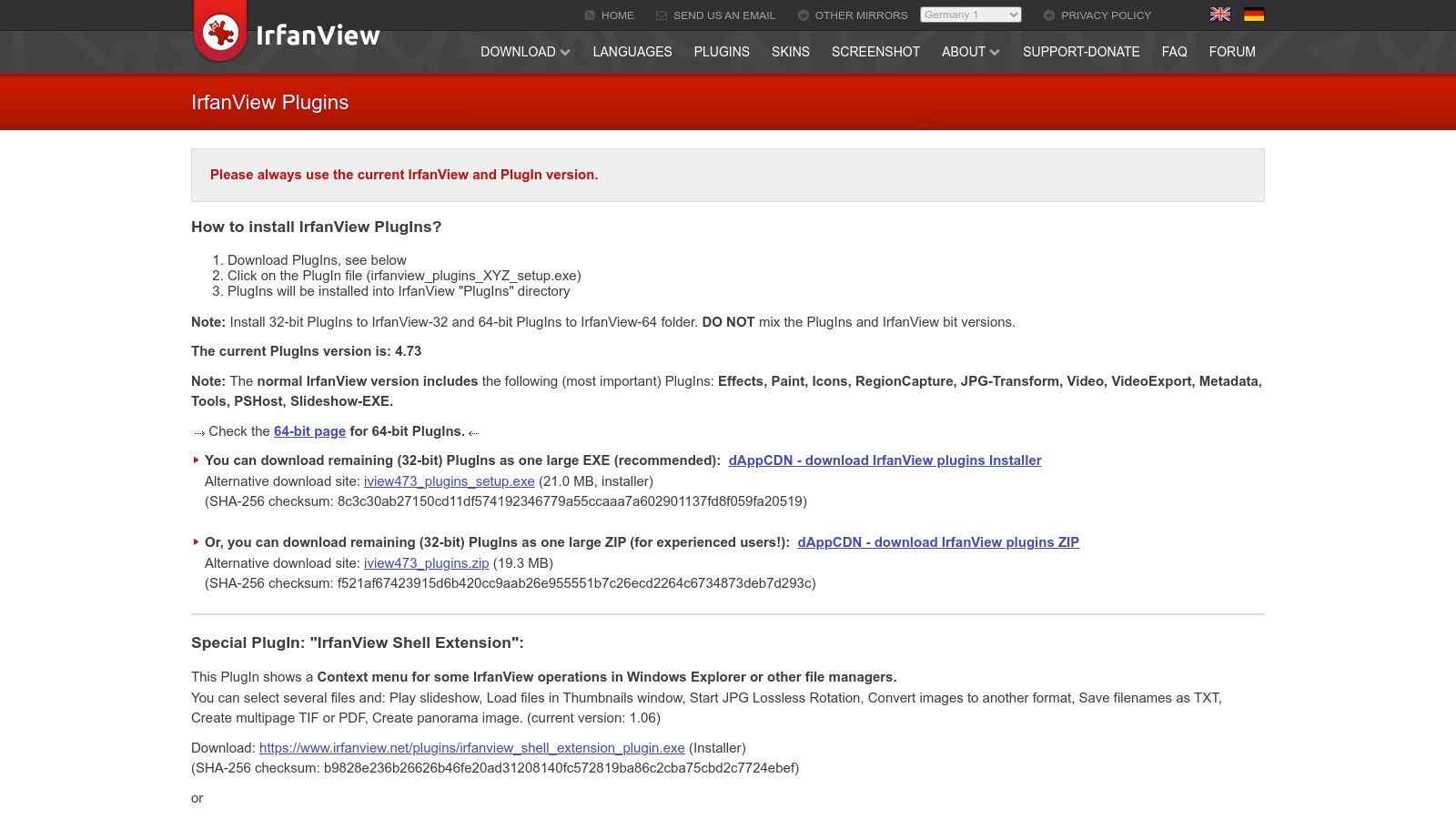
This setup is ideal for administrative staff, researchers, or developers who need to quickly verify image content without the overhead of a full clinical workstation. It excels at batch processing, allowing users to convert DICOM images to standard formats like JPG or PNG in bulk. Although it lacks specialized medical tools like MPR or advanced measurement capabilities, its simplicity is its greatest strength for occasional or general-purpose viewing.
Key Features and Considerations
IrfanView's value comes from its accessibility and speed for basic image handling.
- Licensing Model: It is completely free for private, non-commercial, and educational use. A very affordable license is required for commercial or business environments, making it a cost-effective utility.
- Deployment: As a classic desktop application, it requires installation on a Windows machine. Its extreme lightweight nature and portable version options mean it can be run from a USB drive without installation.
- Use Case: Perfectly suited for developers, academic researchers, or administrative personnel who need a quick, no-frills way to view or convert DICOM images. It is not intended for primary diagnosis.
For organizations that need robust, compliant, and feature-rich viewing platforms, a custom-built solution is often the best path forward. We at PYCAD, build custom web DICOM viewers and integrate them into medical imaging web platforms.
Comparison of 12 Windows DICOM Viewers
| Product | Core features | UX / Quality | Value & Price | Target & USP |
|---|---|---|---|---|
| PYCAD — Advanced CT Scan Reader | Web-native DICOM viewer, real‑time CT reconstruction, AI-assisted measurements/annotations | ★★★★★; enterprise-grade, secure | 💰 Enterprise / quote; higher upfront but workflow ROI | 👥 Hospitals & imaging centers; ✨ near-real-time AI analysis; 🏆 integrated CRM & PACS |
| RadiAnt DICOM Viewer | MPR/MIP/3D VR, PACS query/retrieve, portable mode | ★★★★☆; very fast on Windows | 💰 Time-based licenses; clear pricing | 👥 Radiologists & imaging practices; ✨ responsive desktop performance |
| MicroDicom | DICOM/DICOMweb client, anonymization, export to image/video | ★★★★; lightweight and simple | 💰 Free non-commercial; commercial license available | 👥 Clinics & patient distribution; ✨ portable/CD/USB packages |
| Weasis | Multi-platform desktop & web-embeddable viewer, DICOMweb support | ★★★★; FOSS with enterprise deploy options | 💰 Free (open-source); IT cost for customization | 👥 Hospitals, integrators & research; ✨ customizable modules; 🏆 enterprise-friendly rollout |
| 3D Slicer | Advanced 3D visualization, segmentation, extensible modules | ★★★★★; feature-rich but steeper learning curve | 💰 Free; community-supported | 👥 Researchers & academia; ✨ powerful analysis & prototyping |
| PostDICOM | Cloud PACS + zero-footprint HTML5 viewer, secure sharing | ★★★★; turnkey cloud UX | 💰 Tiered monthly pricing; free trial | 👥 Small–mid practices & remote teams; ✨ quick cloud setup & shareable links |
| MedDream (Softneta) | HTML5 zero-footprint diagnostic toolset across modalities | ★★★★☆; mature enterprise viewer | 💰 Quote-based enterprise pricing | 👥 Large hospitals & PACS vendors; ✨ certified diagnostic toolsets; 🏆 broad integrations |
| DICOM Library (online) | In-browser anonymize/upload/view/share (MedDream-based) | ★★★☆☆; instant browser access | 💰 Free for uploads (limits apply) | 👥 Educators & researchers; ✨ immediate sharing for teaching/cases |
| OHIF Viewer | Zero-footprint browser viewer, plugin/extension system, DICOMweb | ★★★★☆; highly extensible | 💰 Free/open-source; hosting costs apply | 👥 Developers, integrators & enterprises; ✨ plugin ecosystem; 🏆 widely adopted |
| VolView (Kitware) | Client-side DICOM drag‑and‑drop, advanced cinematic 3D rendering | ★★★★; excellent 3D visualization | 💰 Free; local operation minimizes infra cost | 👥 Visualization/teaching/research; ✨ high‑quality client-side 3D rendering |
| Inobitec DICOM Viewer | 2D/3D toolkit, multiple editions, multilingual UI | ★★★★; flexible feature tiers | 💰 Perpetual/annual/monthly options; trial available | 👥 Practices needing licensing flexibility; ✨ multiple editions & 3D focus |
| IrfanView (+ DICOM plugin) | Fast image viewer with DICOM plugin, batch export | ★★★☆☆; tiny footprint, quick view | 💰 Free personal/educational; commercial license required | 👥 General users & admin teams; ✨ ultra-lightweight DICOM access |
Final Thoughts
Navigating the landscape of DICOM viewers for Windows can feel like charting a complex anatomical map. We've journeyed through a dozen powerful tools, from the feature-rich clinical workhorses like RadiAnt and MedDream to the extensible research platforms of 3D Slicer and OHIF Viewer. Each application presents a unique philosophy on how to unlock the diagnostic and scientific potential embedded within medical images. The right choice is never about finding the single "best" viewer; it's about discovering the perfect instrument for your specific mission.
The core takeaway is that the modern DICOM viewer is far more than a simple image display tool. It is an ecosystem, a gateway to advanced analysis, and a critical node in the larger network of healthcare data exchange. The distinction between a standalone desktop application and a web-enabled platform is blurring, with hybrid solutions offering the best of both worlds: the performance of local processing and the accessibility of the cloud.
Synthesizing Your Selection Strategy
As you reflect on the options presented, from the lightweight utility of MicroDicom to the specialized power of an advanced CT scan reader, distill your decision-making process down to three core pillars: Purpose, People, and Platform.
- Purpose (The "Why"): Are you performing routine clinical reviews, conducting groundbreaking volumetric research, or integrating a viewing component into a larger medtech product? A radiologist's daily workflow demands speed and efficiency, prioritizing MPR/MIP capabilities and seamless PACS integration. A researcher, however, might prioritize advanced segmentation, scripting, and support for esoteric data formats, making a tool like 3D Slicer indispensable.
- People (The "Who"): Consider the technical aptitude of your end-users. A clinical team needs an intuitive, minimal-learning-curve interface to maintain diagnostic velocity. Conversely, a team of biomedical engineers or data scientists will thrive with a viewer that offers robust APIs, plugin architectures, and scripting capabilities for custom algorithm development.
- Platform (The "How"): Your existing and future infrastructure is paramount. Do you need a viewer that lives entirely within your hospital's secure network, or do you require a solution that supports teleradiology and remote collaboration via DICOMweb? Evaluating a tool’s integration capabilities, from HL7 messaging to RESTful APIs, will determine how well it fits into your technological puzzle, not just as a tool, but as a strategic asset.
Beyond the Viewer: The Rise of Custom Solutions
While the off-the-shelf DICOM viewers for Windows we've explored offer incredible functionality, they represent a standardized approach. For medical device manufacturers, medtech startups, and research institutions pushing the boundaries of what's possible, the ultimate viewer is often one that doesn't exist yet. It's a bespoke solution, meticulously engineered to complement a novel imaging modality, support a specific AI-driven workflow, or integrate flawlessly into a proprietary telehealth platform.
This is where the paradigm shifts from selecting a tool to building a capability. A custom web-based DICOM viewer can provide a user experience precisely tailored to your clinical or commercial objectives. It ensures that every feature, button, and workflow is optimized for your specific use case, eliminating the clutter of irrelevant functions and accelerating user adoption. It moves you from being a consumer of technology to a creator of it.
Your journey to find the perfect DICOM viewer is a critical step in enhancing patient care, accelerating research, and building the future of medical technology. Whether you choose a proven desktop application or architect a custom web-based solution, the goal remains the same: to transform pixels into perception, data into decisions, and images into insights that can change lives.
Is a standard viewer not enough for your innovative project? At PYCAD, we at PYCAD, build custom web DICOM viewers and integrate them into medical imaging web platforms. Explore our past projects at our portfolio page and contact us at PYCAD to learn how we can build the exact viewing solution your platform needs.