
In the intricate world of medical imaging, having the right tool to view, analyze, and manage DICOM files on your Windows machine is not just a convenience, it's a clinical necessity. The clarity of a diagnosis, the precision of a surgical plan, or the efficiency of a research project often hinges on the capabilities of your chosen viewer. The market for dicom viewers windows is filled with options, from high-speed desktop clients for radiologists to versatile web-based platforms for collaborative teams.
This guide is designed to cut through the noise, offering an in-depth look at 12 exceptional viewers. We will move beyond simple feature lists to explore their unique strengths, practical use cases, and honest limitations. Our goal is to empower you to find the perfect fit that transforms your imaging workflow from a complex challenge into an intuitive, seamless experience. Each option includes screenshots and direct links to help you evaluate them quickly.
For companies developing their own Windows DICOM viewers, ensuring an intuitive user experience is paramount for clinical adoption. Collaborating with specialized MedTech SaaS design agencies can be crucial to blending powerful features with user-centric navigation that clinicians will embrace.
Furthermore, if your needs extend beyond off-the-shelf solutions, we at PYCAD specialize in this domain. We build custom web DICOM viewers and seamlessly integrate them into comprehensive medical imaging web platforms. You can see examples of our work in our portfolio. Let's dive into the best tools available today.
1. Software To Visualize & Annotate DICOM / NIfTI Files
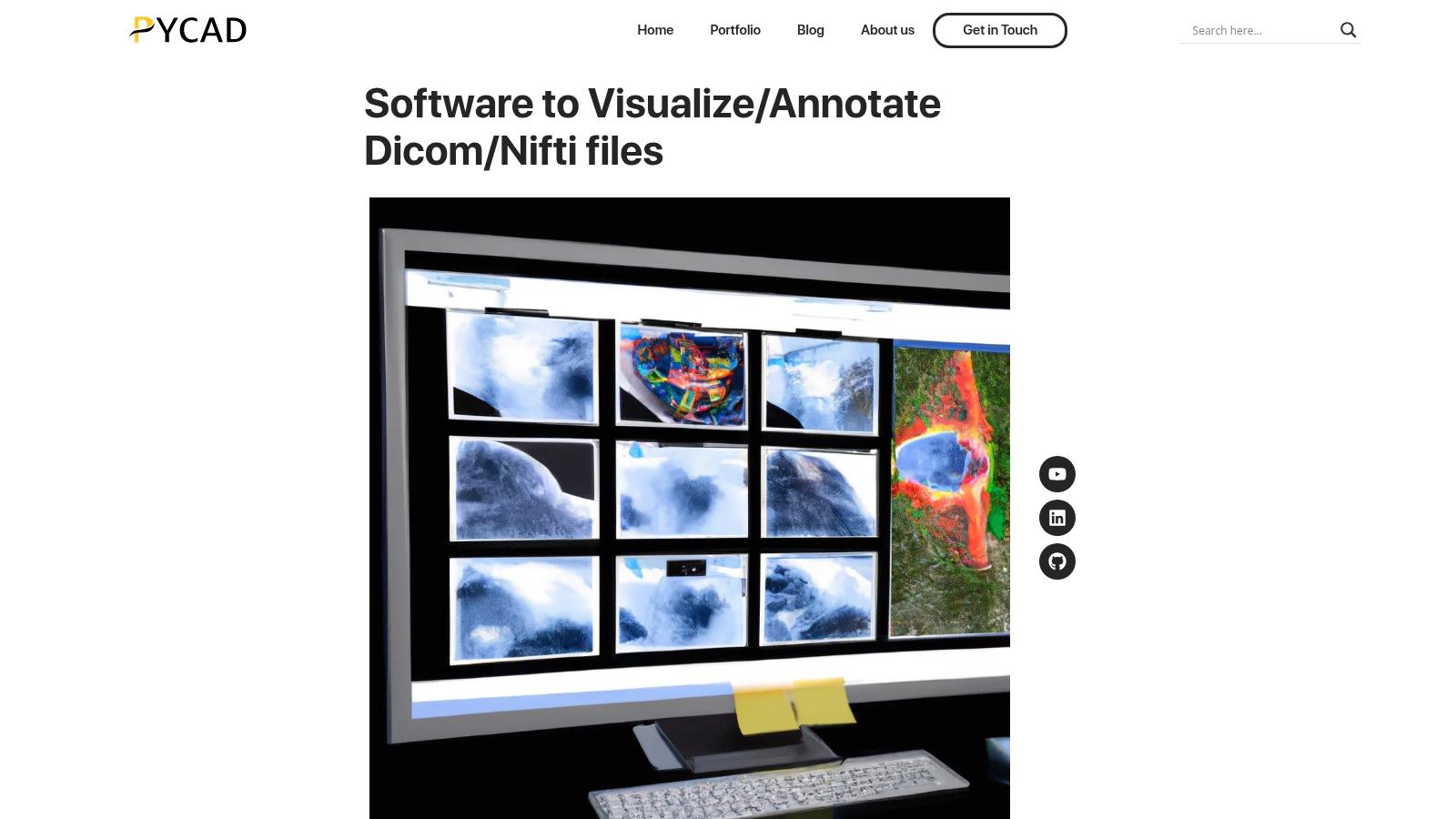
As our featured choice, PYCAD's integrated DICOM and NIfTI viewer stands out not just as a tool but as a comprehensive imaging platform for modern healthcare and research. It moves beyond the limitations of traditional, standalone desktop applications by offering a secure, web-first environment designed for collaborative, data-driven workflows. This solution is engineered for institutions that view medical imaging as a critical component of a larger operational and clinical ecosystem, rather than an isolated task.
Its core strength lies in its seamless integration into a broader healthcare platform. Unlike many dedicated DICOM viewers for Windows, this tool connects directly to PYCAD’s CRM and AI capabilities. This transforms image review from a passive activity into an actionable step within patient care, clinical trials, or research projects, bridging the gap between diagnosis and operational execution.
Core Features and Workflow Integration
PYCAD's platform delivers a high-fidelity, multi-planar rendering engine that supports both DICOM and NIfTI formats, making it versatile for clinical and research settings.
- Integrated Annotation and Measurement: Tools for pixel-accurate annotation are not just for marking images; they feed structured data directly into the connected CRM, populating patient records or research databases without manual data entry.
- AI-Assisted Workflows: Leverage optional AI tools to accelerate segmentation, labeling, and quality control, significantly reducing the time spent on repetitive tasks and allowing specialists to focus on higher-value analysis.
- Enterprise-Ready Security: The viewer is built with HIPAA-style security in mind, featuring role-based access controls to ensure that sensitive data is only accessible to authorized personnel.
- Customization and Integration: We at PYCAD, build custom web DICOM viewers and integrate them into medical imaging web platforms. This ensures the solution fits your specific workflow needs. See examples of our work in our portfolio.
Practical Use Cases and Implementation
This solution is ideal for hospitals, imaging centers, and clinical research organizations aiming to centralize their imaging workflows. While many commercial viewers are built on closed-source models, understanding the origins of proprietary software can provide valuable context when evaluating different architectural choices for your institution.
Key Advantage: By embedding the viewer within a unified platform, annotations, and radiological findings can instantly trigger next steps, such as scheduling follow-up appointments, updating patient records in an EHR, or flagging images for a multi-disciplinary team review, all within a single system.
Pros:
- Web-based access removes the need for local software installation and maintenance.
- Direct integration with CRM/workflow tools streamlines clinical and research handoffs.
- Supports both DICOM (clinical) and NIfTI (research) formats.
- Optional AI modules provide a clear path to automating and scaling image analysis.
Cons:
- Requires IT resources for initial PACS/EHR integration and configuration.
- As a web-based service, performance can be dependent on network quality.
2. RadiAnt DICOM Viewer
RadiAnt DICOM Viewer has earned its place as a powerhouse among DICOM viewers for Windows by mastering the essentials: speed, simplicity, and clinical utility. It's designed from the ground up to be exceptionally fast and responsive, even on modest hardware. This makes it an ideal choice for clinicians, researchers, and students who need to quickly review studies without being bogged down by a heavy, complex interface. RadiAnt’s intuitive design significantly shortens the learning curve, empowering users to perform advanced visualizations almost immediately.
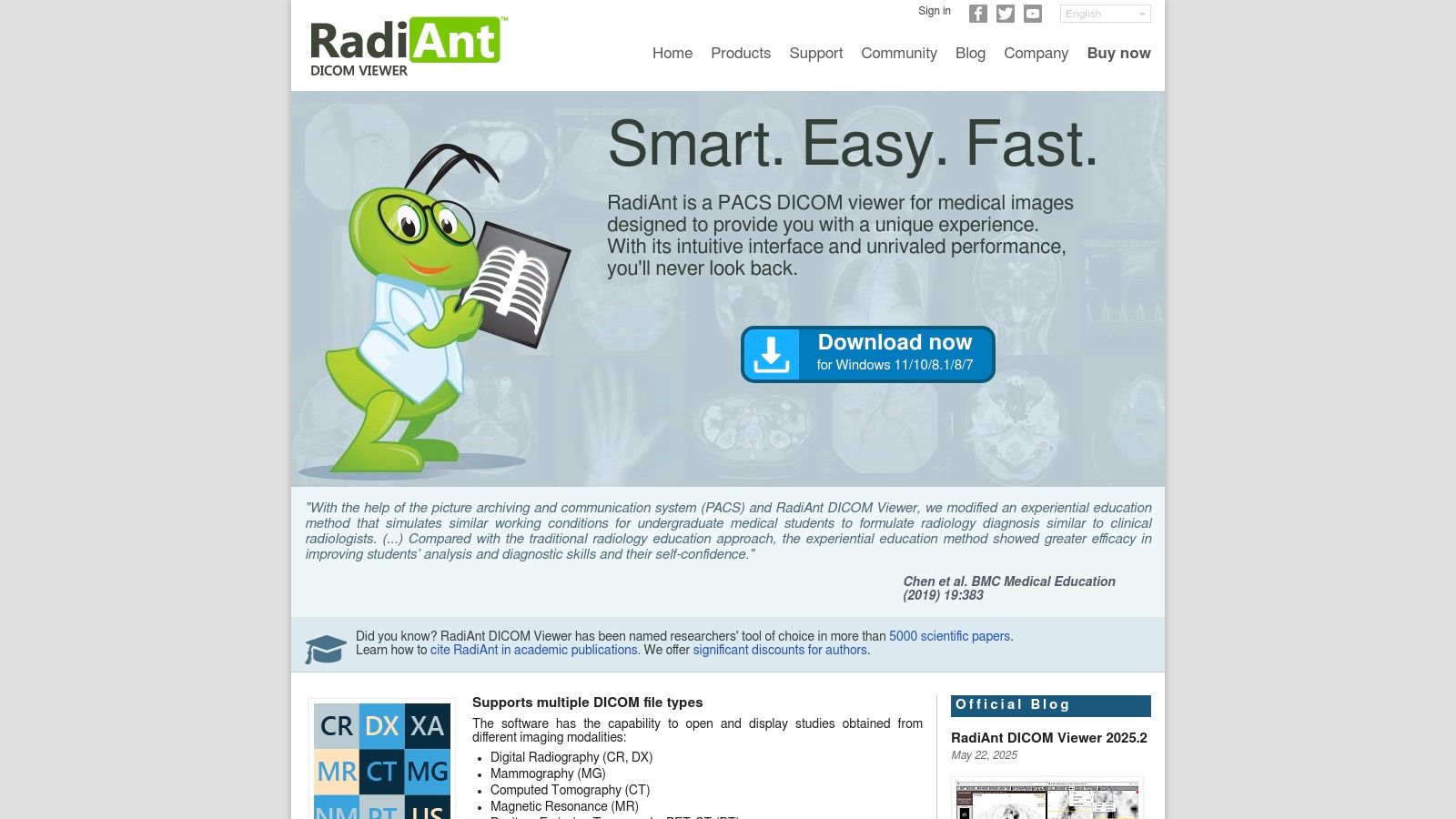
Its strength lies in providing essential clinical tools without unnecessary bloat. Users can effortlessly perform 2D and 3D multi-planar reconstructions (MPR), create Maximum Intensity Projections (MIP), and even execute PET-CT fusion to compare metabolic activity with anatomical structures. The platform also includes robust annotation and measurement tools, alongside seamless PACS query and retrieve functionality (C-FIND, C-MOVE, C-STORE).
Pricing and Licensing
What truly sets RadiAnt apart is its flexible, time-based licensing model. Instead of a large, one-time purchase, users can subscribe for specific periods, with plans starting from around €5 per month per PC. This affordable entry point makes it highly accessible for individual practitioners, small clinics, and academic institutions.
Pros and Cons
- Pros:
- Extremely Fast: Optimized for Windows, offering a fluid and responsive user experience.
- User-Friendly: Minimal learning curve allows for immediate productivity.
- Cost-Effective: The subscription model offers a low barrier to entry for professional-grade tools.
- Cons:
- Subscription-Only: Access is tied directly to an active plan; it ceases when the subscription ends.
- Windows-Exclusive: The viewer is a native Windows application and is not available on macOS or Linux.
For organizations seeking a more integrated, cross-platform solution, a custom-built viewer may be more suitable. At PYCAD, we build custom web DICOM viewers and integrate them into medical imaging web platforms, offering tailored workflows that go beyond what standalone desktop software can provide.
Website: https://www.radiantviewer.com
3. MicroDicom
MicroDicom carves out a unique niche among DICOM viewers for Windows by prioritizing simplicity, portability, and accessibility. It's an excellent choice for users who need a straightforward, no-frills viewer for fundamental 2D image review, tag editing, and data export. Its lightweight nature ensures it runs smoothly on nearly any Windows machine, making it a reliable tool for quick inspections, academic use, or patient education without requiring powerful hardware.
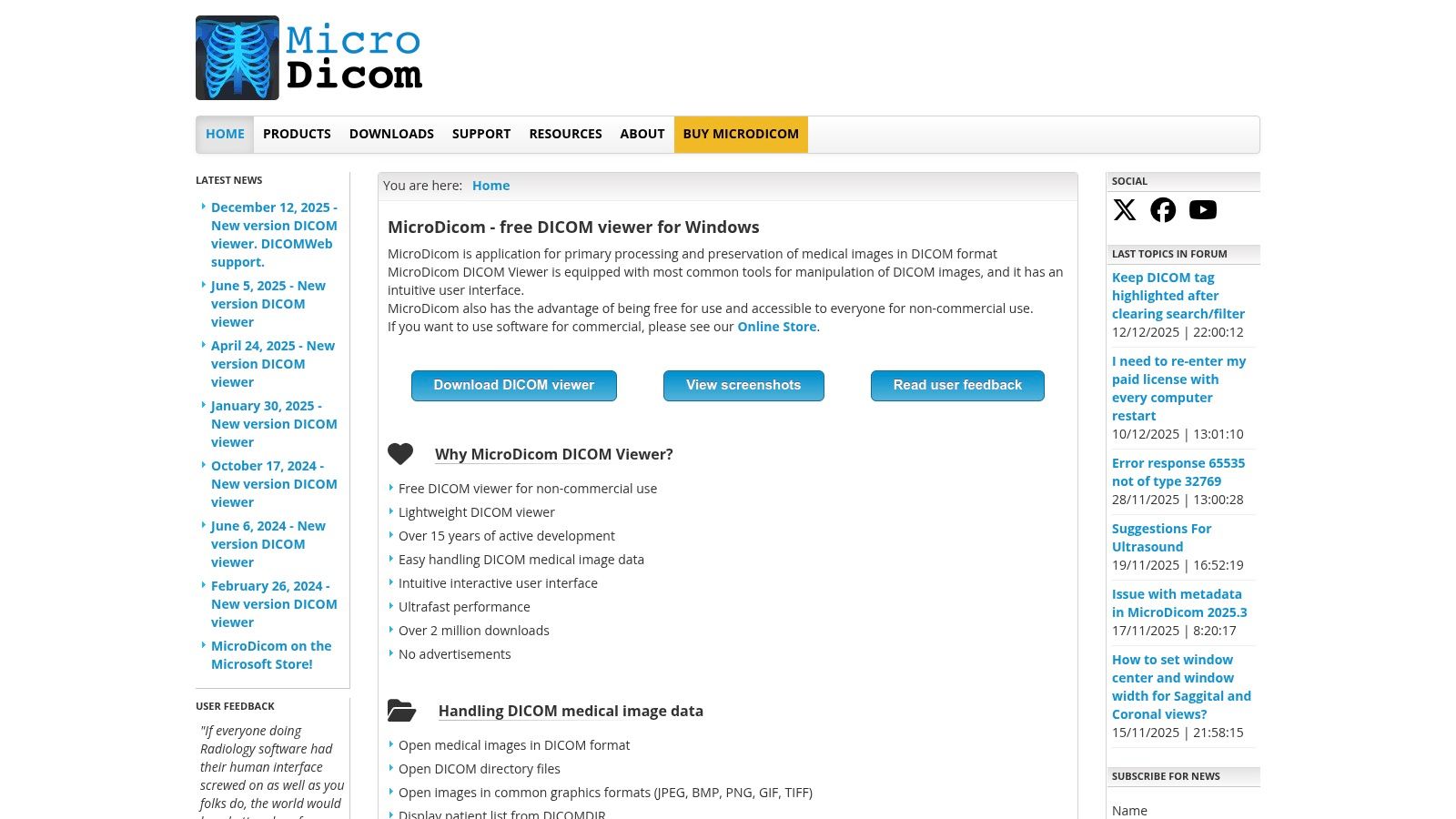
The platform shines with its practical features, including robust DICOM tag anonymization and editing, which is critical for research and data privacy. It also offers basic PACS query and retrieve functionality (C-FIND, C-GET, C-MOVE, C-STORE) and can export studies to common image formats like JPEG and BMP, or even video files. One of its standout features is the portable ZIP version, allowing it to run directly from a USB drive without installation, as we explore in our guide to opening DCM files.
Pricing and Licensing
MicroDicom offers a compelling dual-licensing model. The software is completely free for non-commercial use, which is ideal for students, researchers, and personal projects. For commercial or clinical environments, it offers a reasonably priced perpetual license, a one-time purchase that grants permanent access to its full feature set, including an autorun CD/DVD edition for distributing studies.
Pros and Cons
- Pros:
- Robust Free Version: Offers extensive functionality for non-commercial purposes.
- Simple and Portable: Easy deployment with a minimal learning curve and a portable version.
- Perpetual License: A one-time purchase option for commercial use provides long-term value.
- Cons:
- Limited 3D Capabilities: Primarily a 2D viewer lacking advanced multi-planar reconstruction or 3D rendering.
- Commercial Use Requires License: Clinical or for-profit applications necessitate purchasing the paid version.
For medical device companies and clinics requiring more advanced, integrated solutions, a standalone viewer may not suffice. At PYCAD, we build custom web DICOM viewers and integrate them into medical imaging web platforms, creating secure, cloud-native workflows tailored to your specific operational needs.
Website: https://www.microdicom.com
4. Weasis
Weasis stands out in the world of DICOM viewers for Windows by combining the power of open-source flexibility with enterprise-grade deployment features. As a free, multi-platform viewer, it offers a robust toolset without any licensing costs, making it an excellent choice for academic institutions, research projects, and healthcare organizations looking to standardize on a powerful, freely distributable solution. Its native Windows MSI installer and availability via package managers like winget and Chocolatey simplify deployment and updates across an entire organization.
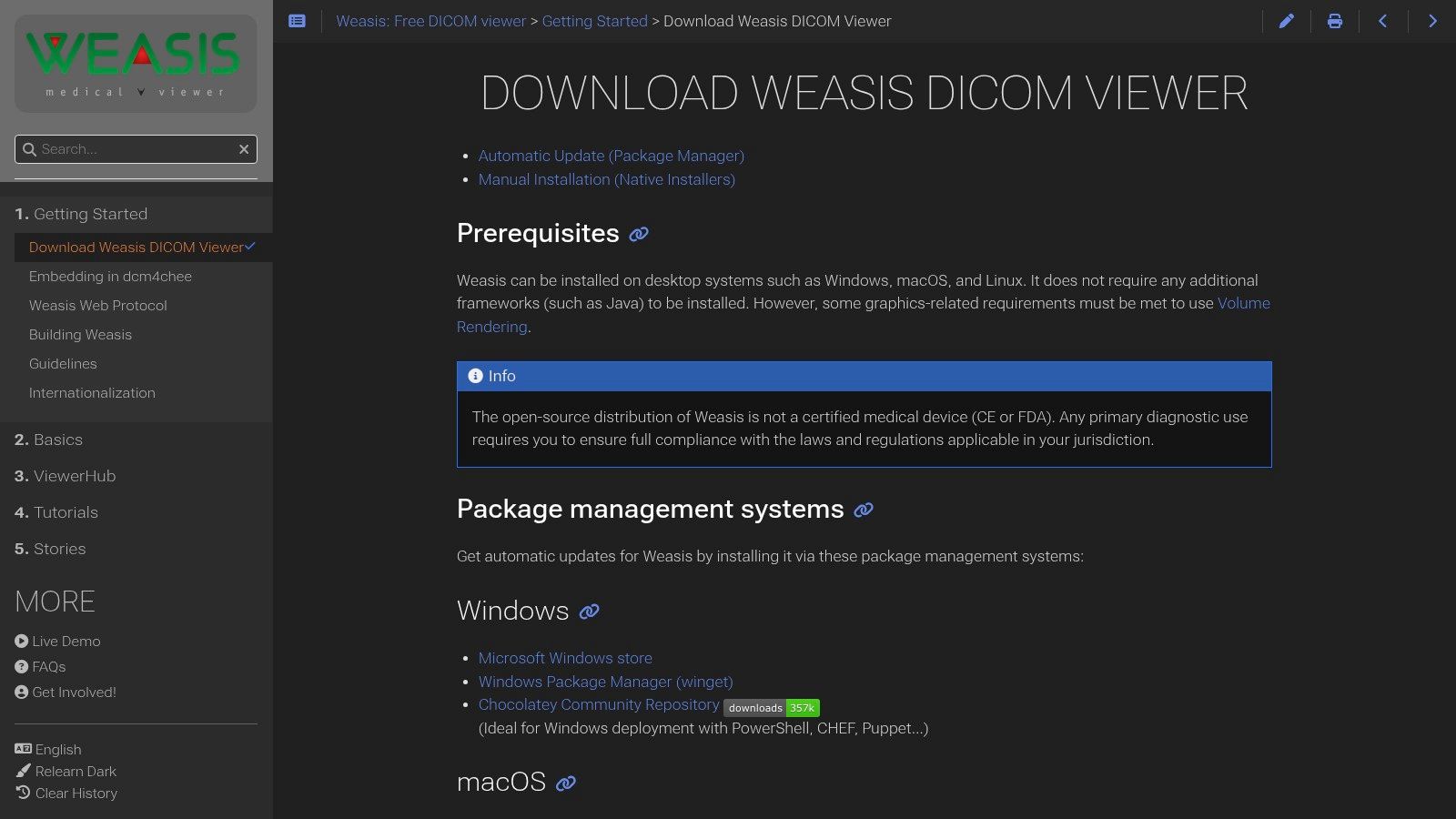
The platform is more than just a basic viewer; it supports 2D and 3D viewing, Multi-Planar Reconstruction (MPR), structured reports, and full query/retrieve functionality for seamless PACS integration. One of its most compelling features is the ability to be launched from web portals or existing PACS systems using a custom weasis:// protocol. This allows for tight integration into existing clinical workflows, bridging the gap between web-based systems and a powerful desktop viewing experience.
Pricing and Licensing
Weasis is completely free and open-source, distributed under the Eclipse Public License (EPL). There are no fees for usage, distribution, or modification, which makes it an incredibly cost-effective solution for large-scale deployments in hospitals, clinics, and educational settings. The project is sustained by an active community and optional professional support plans.
Pros and Cons
- Pros:
- Completely Free: No licensing fees for a feature-rich, professional-grade viewer.
- Enterprise-Ready: Supports easy deployment and can be launched from web/PACS contexts.
- Cross-Platform: While optimized for Windows, it is available on other operating systems.
- Cons:
- Community-Driven Support: Lacks the dedicated commercial support of paid alternatives.
- Package Manager Limitations: Some sandboxed installations may have restricted functionality.
While Weasis offers powerful desktop integration, many modern workflows demand a fully browser-based solution. At PYCAD, we build custom web DICOM viewers and integrate them into medical imaging web platforms, providing a seamless, secure, and accessible experience without requiring any local software installation.
Website: https://weasis.org/en/getting-started/download-dicom-viewer/
5. PostDICOM
PostDICOM shifts the paradigm from traditional desktop software to a comprehensive, cloud-native solution. As a zero-footprint web viewer, it is instantly accessible from any Windows browser without installation, making it one of the most versatile DICOM viewers for Windows users needing remote access. This platform is more than just a viewer; it's a full-fledged cloud PACS, combining HIPAA-friendly storage, secure sharing capabilities, and advanced viewing tools into a single, cohesive service. Its core strength is enabling seamless collaboration and access to medical images from anywhere.
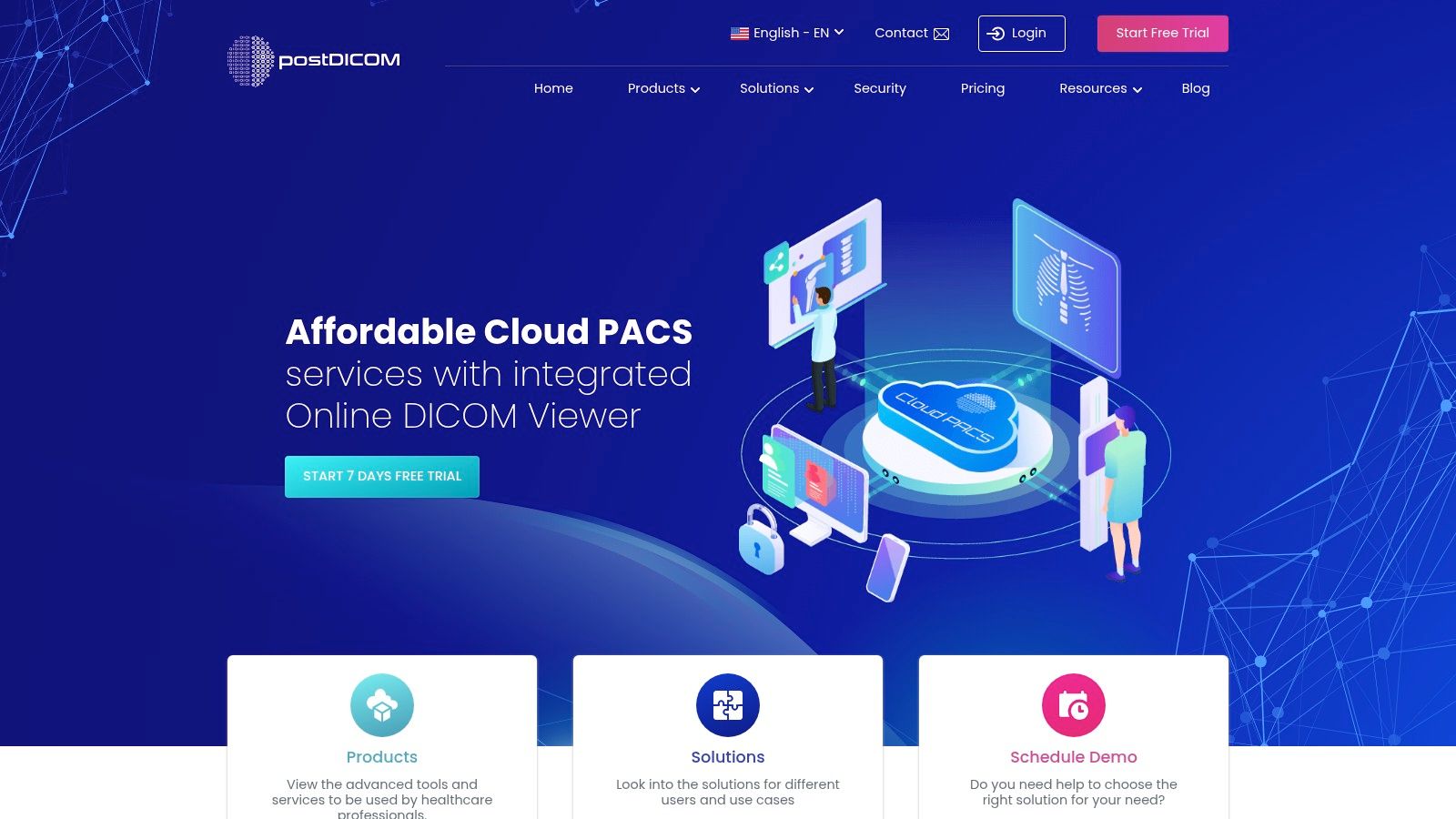
The platform empowers users to upload, store, and view studies directly in the cloud. It offers essential clinical tools for image manipulation, measurements, and annotations. For organizations looking to integrate, PostDICOM provides powerful add-ons like a DICOMweb server and FHIR server, facilitating interoperability with other healthcare systems. This cloud-first approach is ideal for teleradiology, multi-center research studies, and clinics aiming to reduce their on-premise IT footprint.
Pricing and Licensing
PostDICOM operates on a multi-tier subscription model based on storage, sharing quotas, and the number of users. Plans are clearly defined, with options for individuals, groups, and institutions. A 7-day free trial allows new users to explore the platform's full capabilities, including advanced features, before committing to a paid plan. This structure provides scalability, allowing services to grow alongside an organization's needs.
Pros and Cons
- Pros:
- Zero-Footprint: Instantly accessible via a web browser on Windows with no installation required.
- Integrated Cloud PACS: Combines viewing, storage, and secure sharing in one HIPAA-friendly platform.
- Scalable: Clear subscription tiers and add-ons make it easy to scale usage.
- Cons:
- Internet Dependent: Functionality is entirely reliant on a stable internet connection and vendor cloud availability.
- Ongoing Costs: The subscription model means continuous monthly or annual expenses.
For organizations requiring deeper integration or a fully self-hosted solution, a proprietary platform may be a better fit. At PYCAD, we build custom web DICOM viewers and integrate them into medical imaging web platforms, offering greater control over data, security, and workflow customization.
Website: https://www.postdicom.com
6. Sante DICOM Viewer Pro (Santesoft)
Sante DICOM Viewer Pro stands out as a comprehensive and mature solution among DICOM viewers for Windows, offering a suite of professional-grade tools within a single package. It goes beyond simple viewing by integrating a powerful converter, anonymizer, and even CD/DVD burning capabilities. This all-in-one approach positions it as a workhorse for radiologists, medical physicists, and researchers who require a robust, self-contained toolkit for managing and distributing medical imaging studies.
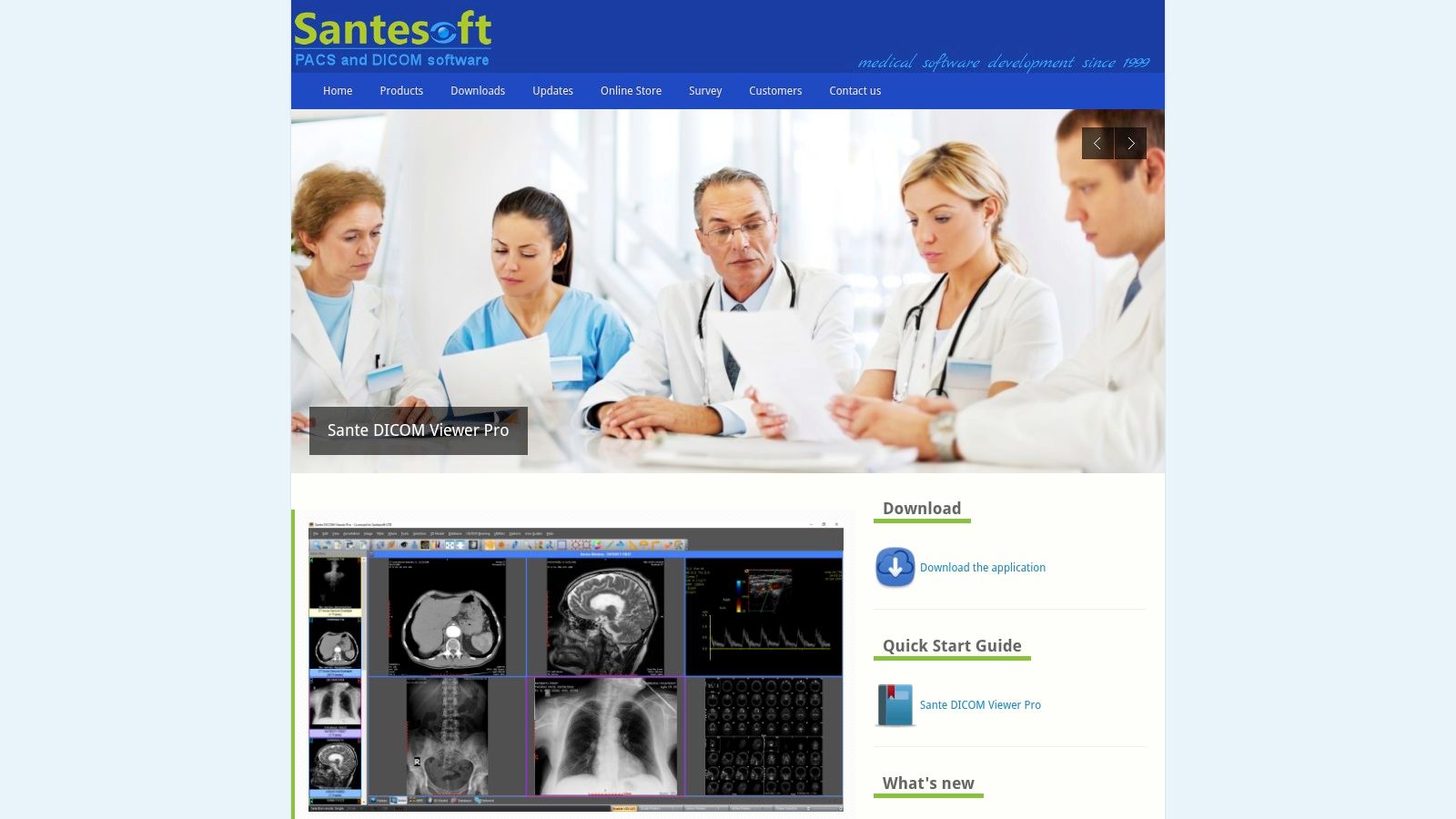
The platform supports a vast range of DICOM modalities and provides advanced 2D/3D visualization tools. Its feature set is further enhanced with mini-PACS client/server functionalities, allowing it to act as a small-scale, localized image archive. Compatible with a wide spectrum of Windows versions, from Windows 7 to 11 and even Windows Server editions, it ensures reliability and stability in diverse IT environments.
Pricing and Licensing
Santesoft differentiates itself with a perpetual licensing model. Users make a one-time purchase, which includes all future updates and maintenance without recurring fees. This predictable, long-term investment is highly attractive for institutions and individuals who prefer to own their software outright rather than manage ongoing subscriptions.
Pros and Cons
- Pros:
- One-Time Purchase: A perpetual license with free lifetime updates provides excellent long-term value.
- All-in-One Toolkit: Includes a converter, anonymizer, and mini-PACS server, reducing the need for multiple applications.
- Broad Windows Compatibility: Runs reliably on both client and server versions of Windows, ensuring easy integration.
- Cons:
- Higher Upfront Cost: The initial investment is greater than that of subscription-based viewers.
- Windows-Exclusive: The software is purpose-built for the Windows ecosystem and lacks cross-platform support.
For organizations that need collaborative, platform-agnostic solutions, a web-based approach offers greater flexibility. We at PYCAD, build custom web DICOM viewers and integrate them into medical imaging web platforms, creating centralized, accessible systems tailored to specific clinical workflows. See our portfolio for examples.
Website: https://www.santesoft.com/win/sante-dicom-viewer-pro/sante-dicom-viewer-pro.html
7. 3D Slicer
3D Slicer transcends the role of a simple viewer, establishing itself as a premier open-source platform for medical image research and analysis. While many DICOM viewers for Windows focus solely on review, 3D Slicer provides a comprehensive ecosystem for advanced 3D visualization, complex segmentation, and the development of novel analysis pipelines. Its power lies in its extensibility; users can enhance its core functionality through a rich library of modules or create custom workflows using Python scripting. This makes it an indispensable tool for researchers, engineers, and academics pushing the boundaries of medical imaging.
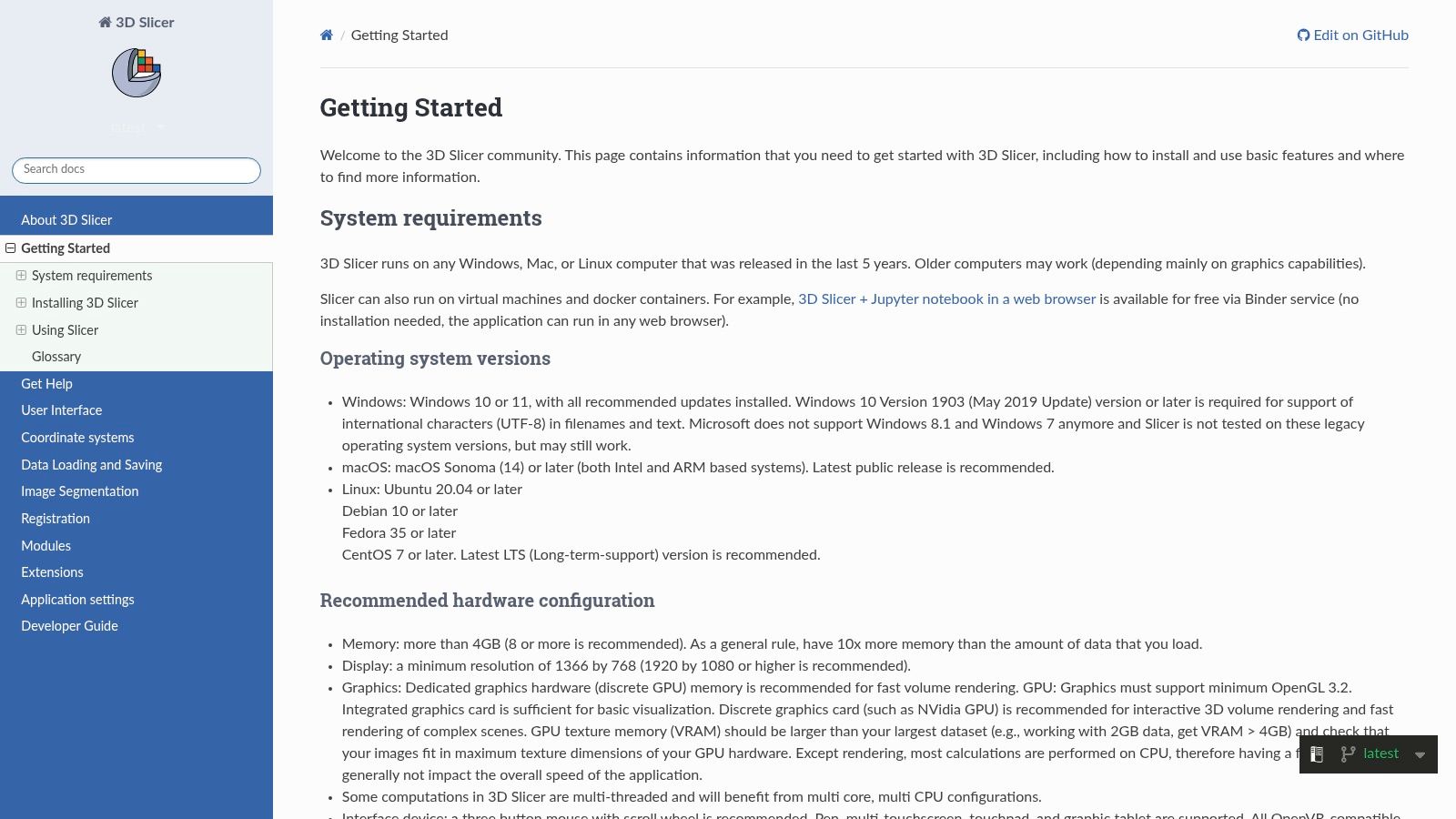
The platform is designed to handle large, complex datasets with robust DICOM import capabilities. Its main strength is the sophisticated toolset for registration, segmentation, and quantitative analysis, which is rarely found in free software. The active and supportive user community further enhances its value, providing a wealth of shared knowledge, tutorials, and custom modules that continually expand the platform's capabilities. It's a true sandbox for innovation in medical imaging.
Pricing and Licensing
3D Slicer is completely free and open-source, available under a BSD-style license. There are no fees, subscriptions, or hidden costs associated with downloading or using the software for any purpose, including commercial research. This commitment to open access makes it an incredibly powerful and accessible option for academic institutions, startups, and researchers worldwide.
Pros and Cons
- Pros:
- Completely Free: Offers an advanced, research-grade toolset at no cost.
- Highly Extensible: Can be customized with a vast library of modules and Python scripting.
- Powerful Analysis Tools: Excels at complex segmentation, registration, and 3D visualization.
- Cons:
- Steep Learning Curve: Its extensive features can be overwhelming for users needing only basic viewing.
- Not for Clinical Diagnosis: It is not an FDA-cleared viewer and is intended for research use only.
While 3D Slicer offers unparalleled research flexibility, clinical environments often require validated, integrated systems. We at PYCAD, build custom web DICOM viewers and integrate them into medical imaging web platforms, providing tailored, compliant solutions for diagnostic and operational workflows. You can see examples in our portfolio.
Website: https://slicer.readthedocs.io/en/latest/user_guide/getting_started.html
8. Orthanc
Orthanc carves out a unique niche not as a standalone viewer, but as a powerful, open-source DICOM server that transforms a Windows machine into a fully functional mini-PACS. It is the backbone for countless medical imaging workflows, providing a stable, extensible, and free foundation for storing, retrieving, and managing DICOM studies. While it includes basic viewing capabilities, its true power lies in its REST and DICOMweb APIs, which allow it to serve images to more advanced web viewers or integrate seamlessly into custom applications.
This makes Orthanc an indispensable tool for developers, researchers, and institutions needing to build a custom imaging ecosystem. Its architecture is lightweight yet robust, and its plugin system allows for extended functionalities like de-identification, cloud storage integration, and advanced routing rules. By pairing it with viewers like MedDream or Weasis, users can create a sophisticated, server-based DICOM viewers for Windows solution tailored to their specific needs. To understand how Orthanc functions as a core component, you can learn more about what a PACS system is and its role in healthcare.
Pricing and Licensing
Orthanc is completely free and open-source, licensed under the GPLv3. This means there are no fees for downloading, using, or modifying the software, making it an exceptionally cost-effective solution for both commercial and non-commercial projects. Support and maintenance are community-driven, though professional services are available from third-party companies.
Pros and Cons
- Pros:
- Completely Free: No licensing costs for the core server software.
- Highly Extensible: Robust plugin architecture and powerful APIs for custom integrations.
- Acts as a Mini-PACS: Provides a solid foundation for building a centralized image archive on Windows.
- Cons:
- Requires Administration: It is not a plug-and-play viewer; it requires setup and configuration.
- Basic Native Viewer: The built-in web viewer is functional but lacks advanced clinical tools without plugins.
For enterprises that require a more deeply integrated and user-friendly web viewing experience without extensive setup, a custom-built solution is often the best path. At PYCAD, we build custom web DICOM viewers and integrate them into medical imaging web platforms, creating seamless workflows that leverage the power of server-based architecture like Orthanc's.
Website: https://orthanc.uclouvain.be/downloads/windows-64/installers/
9. MedDream DICOM Viewer
MedDream DICOM Viewer distinguishes itself as a highly flexible and certified DICOM viewer for Windows deployment, built on a zero-footprint, web-based architecture. As an FDA-cleared and CE-marked diagnostic-grade viewer, it meets stringent clinical standards while offering the convenience of access from any HTML5-compliant browser. This makes it a powerful choice for healthcare institutions looking to integrate a robust viewer into their existing PACS or VNA infrastructure without mandating client-side software installations.
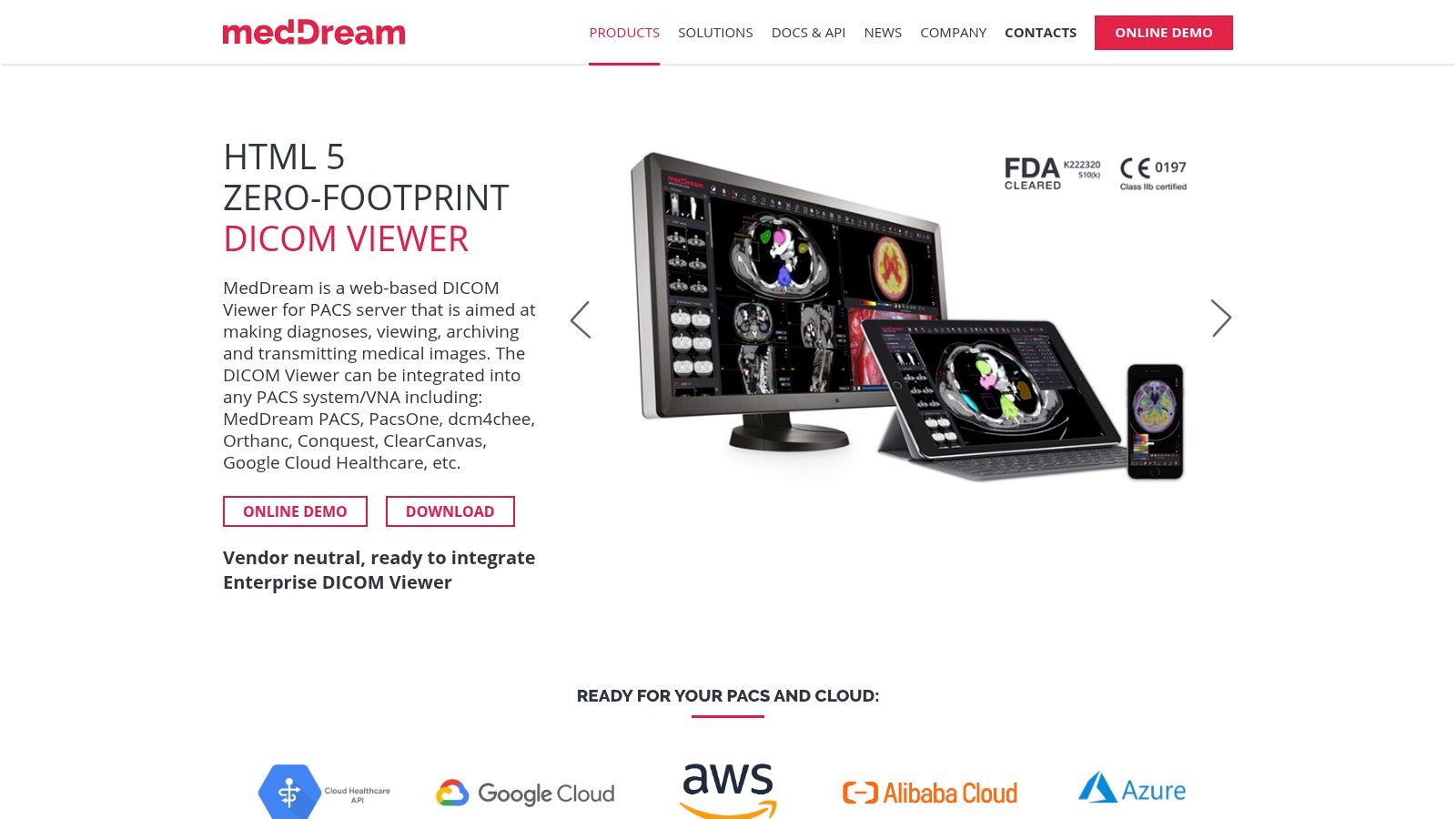
Its core strength is seamless integration. MedDream provides Windows installers and Docker builds, simplifying deployment within a Windows Server environment. It is designed to connect effortlessly with leading PACS systems like Orthanc and dcm4chee via standard protocols, including DICOMweb. The platform supports a wide array of modalities, including medical video and multiframe DICOM, ensuring broad clinical utility for radiologists, cardiologists, and other specialists who need reliable, fast access to imaging data across the enterprise.
Pricing and Licensing
MedDream operates on a commercial licensing model tailored to enterprise needs. Pricing is not publicly listed and requires direct contact with their sales team for a custom quote. This approach allows them to structure licensing based on the scale of deployment, specific integrations, and required features, making it suitable for both small clinics and large hospital networks.
Pros and Cons
- Pros:
- Diagnostic-Grade Certified: FDA clearance and CE marking ensure it meets high standards for clinical use.
- Zero-Footprint Web Viewer: Accessible from any modern browser without plugins, simplifying IT management.
- Strong Integration Capabilities: Designed to work with common PACS, VNAs, and information systems.
- Cons:
- Commercial Licensing: Requires a budget and direct sales engagement, unlike free or open-source tools.
- Server-Side Deployment: Requires initial setup and configuration on a Windows server or via Docker.
For organizations that need a fully bespoke solution beyond off-the-shelf integration, a custom-developed viewer can provide a competitive edge. We at PYCAD, build custom web DICOM viewers and integrate them into medical imaging web platforms, creating workflows perfectly aligned with your unique operational requirements.
Website: https://meddream.com/products/meddream-dicom-viewer/
10. Philips Multi‑Modality DICOM Viewer
The Philips Multi‑Modality DICOM Viewer (R3.0 series) serves a crucial role as a bridge between Philips imaging modalities and the clinicians who need to review patient data. Distributed via the Philips Support Library, this utility is primarily designed to ensure seamless viewing of studies originating from Philips equipment or shared on physical media like patient CDs/DVDs. Its strength lies in its origin; as an OEM-provided tool, it guarantees high compatibility with Philips-specific data sets, providing a reliable fallback for accessing and reviewing images without a full PACS workstation.
While not intended to be a full-featured diagnostic client, it's an indispensable tool for anyone in the Philips ecosystem. The viewer provides essential multi-modality viewing capabilities and is backed by official Philips documentation and support channels. This makes it a trusted, no-cost solution for quick consultations, patient-side reviews, or situations where a primary diagnostic system is unavailable. It stands as a testament to how major manufacturers support their users by providing essential, accessible tools.
Pricing and Licensing
This viewer is typically offered at no cost as a utility for Philips customers and partners. Availability is managed through official Philips support channels and websites, although the exact download path can sometimes vary by region.
Pros and Cons
- Pros:
- OEM Authenticity: Developed by Philips, ensuring excellent compatibility with their modalities and media.
- No Cost: Generally available free of charge as a support utility.
- Trusted Source: Comes with the reliability and support associated with a major medical equipment manufacturer.
- Cons:
- Utility Focus: Lacks the advanced diagnostic features found in dedicated PACS clients.
- Variable Availability: Finding the correct download link can sometimes be challenging depending on regional support site structures.
For healthcare organizations that need more than a basic utility viewer, a tailored solution is often the answer. We at PYCAD, build custom web DICOM viewers and integrate them into medical imaging web platforms, creating secure, feature-rich environments that streamline clinical workflows beyond what standard viewers can offer.
Website: https://www.philips.com
11. Intelerad InteleViewer
Intelerad InteleViewer is a cornerstone of enterprise imaging, serving as a powerful diagnostic client for large-scale hospital deployments. Unlike standalone applications, this DICOM viewer for Windows is deeply integrated into the Intelerad PACS ecosystem, offering a seamless workflow designed for high-volume, mission-critical environments. Its purpose is not just to view images but to serve as the primary diagnostic cockpit for radiologists, complete with sophisticated toolsets, customizable layouts, and efficient reporting integrations.
The platform is engineered for stability and performance at scale, ensuring that even the most complex studies load quickly and reliably across a hospital network. InteleViewer provides a full suite of diagnostic tools, including advanced 3D rendering, vessel analysis, and modality-specific workflows. It is built to support the rigorous demands of radiologists who require efficiency, accuracy, and robust system performance throughout their workday.
Pricing and Licensing
InteleViewer is not a standalone retail product. Access is exclusively available to organizations that have licensed an Intelerad PACS solution. Pricing is integrated into the overall enterprise package, and details are provided through direct sales consultations tailored to the institution's specific needs.
Pros and Cons
- Pros:
- Enterprise-Grade Performance: Optimized for high-volume hospital environments with proven stability and speed.
- Deep PACS Integration: Provides a seamless, unified workflow from image acquisition to reporting.
- Strong Vendor Support: Backed by extensive documentation, training, and professional customer support.
- Cons:
- Not a Standalone Product: Cannot be purchased or used without an Intelerad PACS license.
- Enterprise-Focused: The complexity and cost structure are prohibitive for individual users or small clinics.
For institutions requiring a more flexible, web-based solution that can be customized, a bespoke viewer might be the better path. We at PYCAD, build custom web DICOM viewers and integrate them into medical imaging web platforms, offering tailored solutions that align with unique clinical and research workflows.
Website: https://inteleviewer.documentation.intelerad.com
12. InVesalius
InVesalius stands out as a powerful, open-source tool dedicated to transforming 2D DICOM images into detailed 3D anatomical models. Developed for research, educational, and planning purposes, it is one of the more specialized DICOM viewers for Windows, focusing on advanced segmentation and 3D reconstruction. Its primary mission is not clinical diagnostics but rather to empower users to generate tangible, high-quality 3D models from medical scans like CT and MRI.
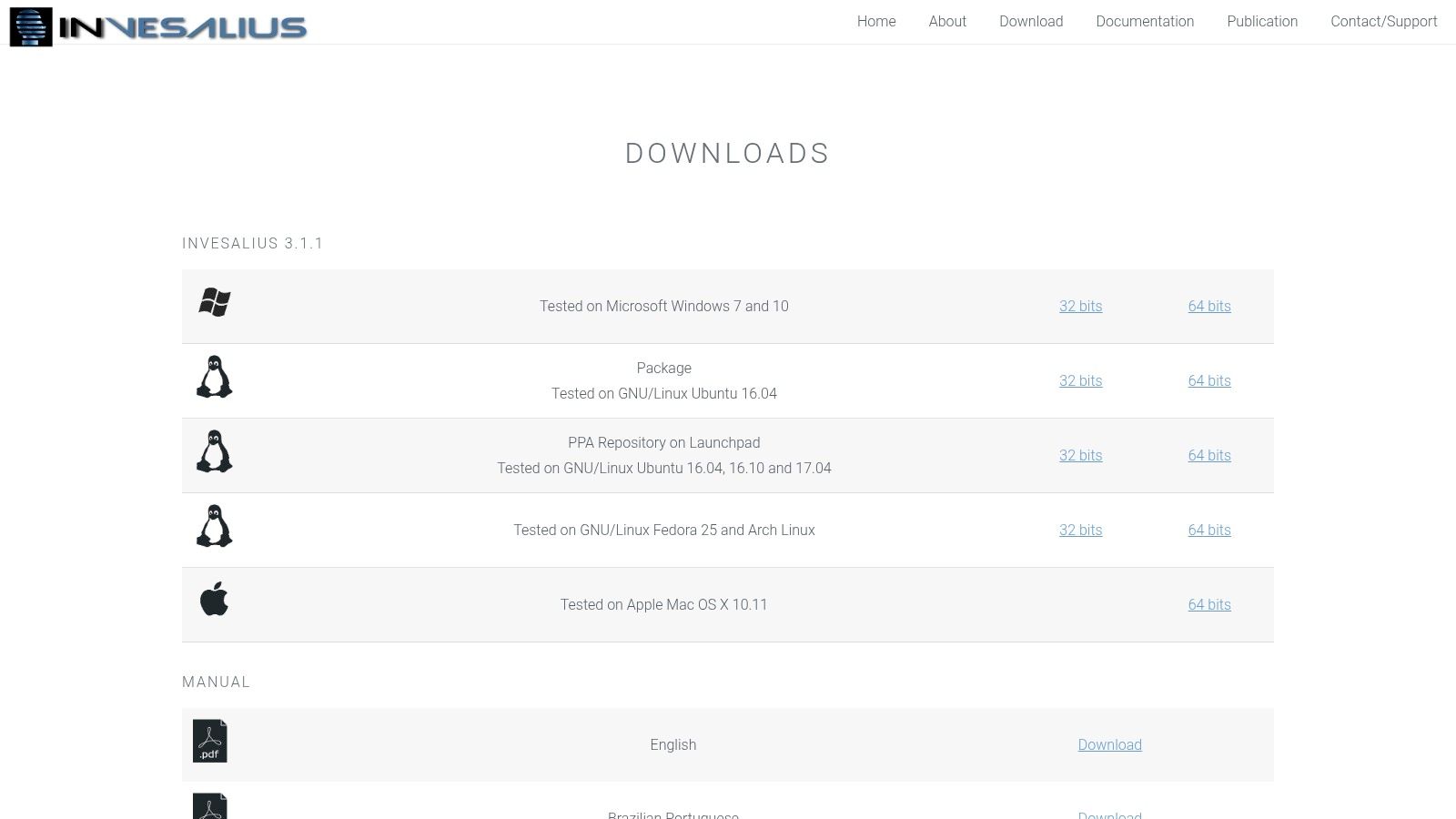
The platform shines in its ability to facilitate complex workflows, from image segmentation and surface creation to exporting models for 3D printing or further analysis. InVesalius provides Windows installers and includes sample datasets, making it an excellent starting point for students and researchers new to 3D medical visualization. Supported by multilingual manuals and a dedicated community, it provides the resources needed to master its sophisticated features.
Pricing and Licensing
InVesalius is completely free and open-source, distributed under a BSD license. This makes it an invaluable resource for academic institutions, individual researchers, and anyone operating on a limited budget. There are no fees, subscriptions, or hidden costs, providing unrestricted access to its full suite of 3D reconstruction tools.
Pros and Cons
- Pros:
- Completely Free: Open-source and community-driven, offering powerful 3D tools at no cost.
- Excellent for Learning: The inclusion of sample datasets makes it ideal for teaching and learning 3D reconstruction workflows.
- Strong 3D Focus: Excels at segmentation and generating high-quality 3D models from DICOM series.
- Cons:
- Niche Application: It is not a general-purpose diagnostic viewer and lacks comprehensive PACS integration.
- Slower Updates: The development cycle may be slower compared to commercially-backed alternatives.
While InVesalius is exceptional for 3D modeling, organizations needing integrated diagnostic and collaborative tools may require a different approach. We at PYCAD, build custom web DICOM viewers and integrate them into medical imaging web platforms, creating tailored solutions that support both advanced visualization and clinical workflows.
Website: https://invesalius.github.io/download.html
Top 12 Windows DICOM Viewers — Feature Comparison
| Solution | Core features ✨ | UX / Quality ★ | Price / Value 💰 | Target audience 👥 | USP / Notes 🏆 |
|---|---|---|---|---|---|
| Software To Visualize & Annotate DICOM / NIfTI Files (PYCAD) | ✨ Web‑first DICOM/NIfTI viewer, pixel‑accurate annotation, PACS/EHR & CRM integration, AI segmentation | ★★★★☆ Secure, team‑centric workflow | 💰 Enterprise / configurable (on‑prem/private cloud options) | 👥 Hospitals, imaging centers, research groups | 🏆 Integrated with PYCAD CRM + AI; secure, scalable web workflows |
| RadiAnt DICOM Viewer | ✨ Windows client; 2D/3D MPR, MIP, PET‑CT fusion, PACS connectivity | ★★★★☆ Fast, lightweight, responsive | 💰 Low‑cost time‑based (~5 €/mo per PC) | 👥 Clinicians & small imaging sites on Windows | 🏆 Excellent price/performance; very responsive UI |
| MicroDicom | ✨ 2D viewer, DICOM tag edit/anonymize, export, portable ZIP, PACS | ★★★★☆ Simple, robust for routine review | 💰 Free for noncommercial; perpetual commercial license | 👥 Students, noncommercial users, small clinics | 🏆 Free noncommercial use + portable deployment |
| Weasis | ✨ Cross‑platform 2D/3D + MPR, PACS query/retrieve, web launchable | ★★★★☆ Cross‑platform; community‑driven | 💰 Free / open‑source | 👥 IT teams, enterprises seeking open solutions | 🏆 Open‑source with enterprise distribution (winget/Chocolatey) |
| PostDICOM | ✨ Zero‑footprint web viewer, HIPAA‑friendly cloud storage, DICOMweb/FHIR add‑ons | ★★★★☆ Quick web start; cloud dependent | 💰 Subscription tiers; 7‑day trial | 👥 Clinics needing cloud PACS & sharing | 🏆 Cloud PACS + secure sharing & FHIR/DICOMweb options |
| Sante DICOM Viewer Pro (Santesoft) | ✨ Full 2D/3D, converter, anonymizer, CD/DVD, mini‑PACS | ★★★★☆ Mature Windows toolset | 💰 Higher upfront cost; perpetual license | 👥 Hospitals & labs preferring one‑time purchase | 🏆 Perpetual license + comprehensive Windows features |
| 3D Slicer | ✨ Advanced 3D rendering, segmentation, Python modules, DICOM import | ★★★★☆ Powerful for research; steep learning curve | 💰 Free (research/education) | 👥 Researchers, educators, advanced analysis users | 🏆 Extensible research‑grade platform with large community |
| Orthanc | ✨ DICOM server/VNA, REST & DICOMweb APIs, plugin ecosystem | ★★★★☆ Flexible but needs admin/setup | 💰 Free / open‑source (infra costs apply) | 👥 Developers, IT teams building mini‑PACS | 🏆 Lightweight VNA with strong integration APIs |
| MedDream DICOM Viewer | ✨ HTML5 zero‑footprint diagnostic viewer, PACS integrations, Docker/Windows deploy | ★★★★★ Diagnostic‑grade web viewer | 💰 Commercial — contact sales | 👥 Enterprises requiring browser‑based diagnostic view | 🏆 FDA/CE‑grade web viewer with enterprise integrations |
| Philips Multi‑Modality DICOM Viewer | ✨ OEM utility for Philips modalities & media (CD/DVD) | ★★★☆☆ Utility viewer for OEM media | 💰 Typically free via Philips support | 👥 Sites using Philips modalities / reading CDs | 🏆 OEM compatibility for Philips clinical media |
| Intelerad InteleViewer | ✨ Full diagnostic Windows client integrated with Intelerad PACS | ★★★★★ Hospital‑scale performance & workflows | 💰 Enterprise licensing via vendor | 👥 Large hospitals using Intelerad PACS | 🏆 Comprehensive diagnostic toolset with vendor support |
| InVesalius | ✨ 3D reconstruction & segmentation, DICOM import, sample datasets | ★★★★☆ Great for 3D teaching & planning | 💰 Free / open‑source | 👥 Educators, researchers, 3D planning users | 🏆 Free 3D reconstruction tool with educational datasets |
Beyond Viewing: Integrating Imaging into Your Core Workflow
Navigating the landscape of DICOM viewers for Windows reveals a rich ecosystem of tools, each with distinct strengths. We've journeyed through powerful open-source platforms like 3D Slicer and Weasis, celebrated for their community-driven innovation and extensibility, and examined high-performance commercial solutions like RadiAnt DICOM Viewer and InteleViewer, which offer enterprise-grade stability and support. From lightweight, fast viewers like MicroDicom perfect for quick reviews to comprehensive PACS-integrated systems like Orthanc, the right tool for a specific task is within reach.
However, the central takeaway is that the selection process should transcend a simple feature-for-feature comparison. The most crucial decision is not just which viewer to choose, but how that viewer will integrate into your broader operational fabric. A standalone application, no matter how powerful, can inadvertently create data islands, separating critical imaging insights from the clinical, research, or administrative workflows where they are most needed. The true power of medical imaging is unlocked when it becomes a seamless, interactive part of a larger, interconnected system.
The Strategic Shift from Standalone Tool to Integrated Ecosystem
The future of medical imaging is not found in a silo. It lies in embedding viewing, annotation, and analysis capabilities directly into the platforms your teams use every day. This strategic shift from a standalone tool to an integrated ecosystem addresses fundamental challenges in healthcare technology:
- Eliminating Friction: When a radiologist has to switch between their PACS, a specialized viewer, and the electronic health record (EHR), time is lost and the risk of error increases. An integrated viewer brings the image data directly into the relevant clinical context.
- Centralizing Data Intelligence: In a disconnected environment, valuable data like annotations, measurements, and AI-generated segmentations can become trapped within a specific viewer on a specific machine. An integrated system ensures this intelligence is captured, stored centrally, and made available across the organization.
- Enhancing Collaboration: Web-based, integrated viewers break down physical barriers, enabling secure, real-time collaboration between specialists, researchers, and referring physicians, regardless of their location.
This is where the conversation evolves beyond simply finding the best of the available "dicom viewers windows". It becomes about architecting a solution that fits your unique workflow, compliance requirements, and future ambitions. At PYCAD, we specialize in this very transition. We build custom, secure web DICOM viewers and integrate them seamlessly into comprehensive medical imaging platforms and even CRM solutions for medtech companies.
By embedding advanced viewing and AI-powered annotation tools directly within your core operational software, we eliminate the friction between seeing an image and acting on its insights. This unified approach ensures that every piece of data, from a pathologist's notes to a machine learning model's output, is captured, tracked, and leveraged to its full potential.
If your vision extends beyond just opening a DICOM file to creating a fully integrated, intelligent imaging ecosystem that drives efficiency and innovation, we can help build it. We invite you to explore our work and see how we're empowering healthcare organizations to unlock the true power of their medical data.
Explore our portfolio of custom medical imaging solutions: https://pycad.co/portfolio
Ready to move beyond off-the-shelf DICOM viewers for Windows and build a platform tailored to your specific needs? PYCAD specializes in developing custom web-based DICOM viewers and integrating them into secure, scalable medical imaging platforms that streamline your workflow and accelerate innovation. Visit us at PYCAD to learn how we can help you build the future of your imaging infrastructure.