
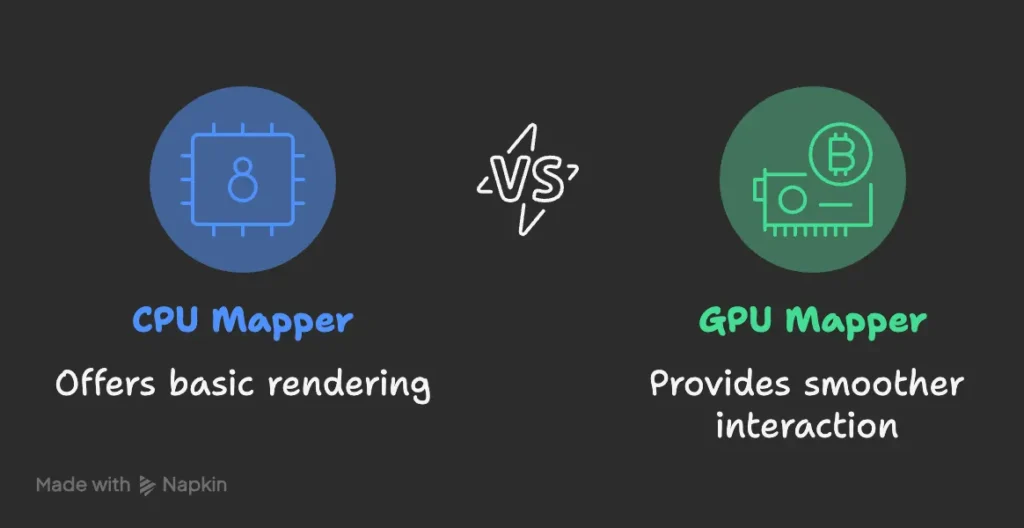
For a long time I used VTK’s CPU mapper for volume rendering out of habit. It worked. Once we switched to the GPU mapper, the difference was obvious. If the workstation or server has a GPU, moving from vtkFixedPointVolumeRayCastMapper to vtkGPUVolumeRayCastMapper is a small change that pays off immediately. This page is that swap. It is not “what volume rendering is.”
If you meant what volume rendering is (MIP / DVR / transfer functions) → volume rendering of CT. If you meant a Python VTK slice viewer (axial / coronal / sagittal, no volume render) → DICOM viewer in Python.
# explicit GPU mapper — not the CPU ray cast, not the auto pick
mapper = vtk.vtkGPUVolumeRayCastMapper()
# was: vtk.vtkFixedPointVolumeRayCastMapper()
# skip: vtk.vtkSmartVolumeMapper()  # auto-select; we set GPU on purpose
What changed in our viewer
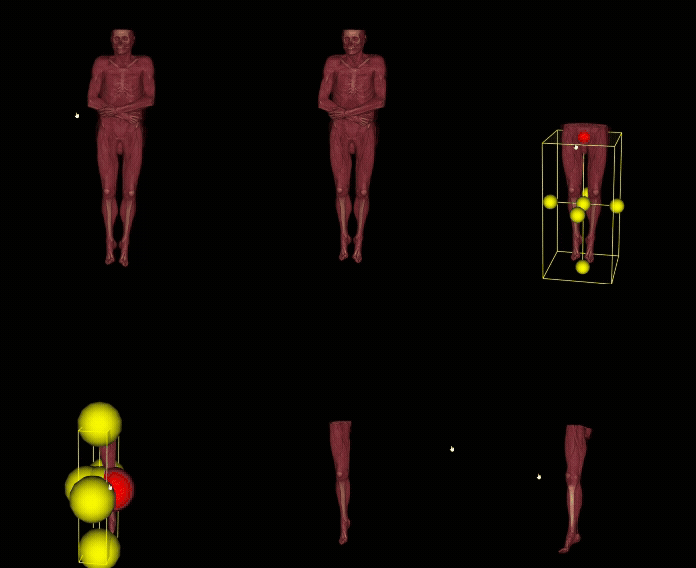
We pointed the viewer at vtkGPUVolumeRayCastMapper wherever a compatible GPU is available.
- Rotation and zoom stay fluid on large studies.
- Live cropping updates without the lag you learn to tolerate on the CPU.
- Lighting and gradient-based shading no longer hitch the camera.
The GIF is a full-body CT in that viewer — navigation and crop without the old stutter.
Why the GPU mapper is faster
Ray casting on the GPU uses 3D textures and parallel sampling. Shading, gradient opacity, and transfer-function edits are cheap enough to do while the mouse is down. Volumes that felt heavy on vtkFixedPointVolumeRayCastMapper become usable in a clinical click-path.
vtkSmartVolumeMapper
vtkSmartVolumeMapper can pick a mapper from the machine. In practice we set vtkGPUVolumeRayCastMapper ourselves so workstations and headless servers behave the same, then fall back to CPU only when we have to.
Setup that actually mattered
- Drivers and headless. On Linux servers use an offscreen OpenGL context (EGL) and the NVIDIA Container Toolkit if you are in Docker.
- VRAM. A large CT can exhaust the card. Resample, crop, or tile before you upload the whole series as one 3D texture.
- Scalars and transfer functions. Many CTs are 12–16 bit. Set
vtkVolumePropertyand the transfer functions to that range or you get banding / a washed-out window. - Sampling distance. Smaller is prettier and more expensive. Tune per modality.
- Shading on purpose.
vtkVolumePropertycan do gradient opacity and shading. Turn them on when they add a diagnostic edge, not by default on every study. - Crop in the mapper.
vtkGPUVolumeRayCastMapperhas cropping planes natively. That is why a region-of-interest stay interactive. - CPU fallback. No GPU or a dead driver → switch back to
vtkFixedPointVolumeRayCastMapper(or drop features) instead of crashing the viewer.
When we still use the CPU
- No compatible GPU, or drivers that will not give a usable context.
- Batch pipelines where nobody is dragging a camera.
- Memory-constrained boxes where CPU behaviour is the predictable one.
We do not quote a speed-up percentage. On a modern GPU you feel it on rotate, window/level, and crop. That is the result.
This is the mapper work we ship in PYCAD viewers — not a listicle. Case studies.