
When a medical device OEM asks us at PYCAD about a custom DICOM viewer, someone in the room usually brings up OHIF. Sometimes they name another strong open radiology viewer in the same breath. The question underneath is the same: why pay for specialty work if a free viewer already opens CT, MRI, and CBCT studies in the browser?
That question is fair. It should be answered with a buy decision, not with a primer on what OHIF is, and not with a list of free viewers.
The decision you are actually making
You are not choosing “viewer vs no viewer.” You are choosing whether a general radiology web viewer covers your product, or whether your product needs modules that general tools do not ship.
OHIF (and peers in that class) are excellent at a broad radiology job: study browser, hanging layouts, window/level, measurements, MPR, common plugins. Many internal portals and research tools should start there and stay there.
Specialty wins when your product is the difference from that baseline. Dental CBCT workflows, implant overlays on a manufacturer SKU (Stock Keeping Unit), virtual autopsy review, OEM-branded case flow, AI results that must sit inside your own auth and case model. Those are product surfaces, not hanging-protocol tweaks.
When OHIF is enough
Be honest with yourself before you brief an agency or a custom shop.
OHIF is enough when:
- Your users already think in radiology hanging protocols
- CT / MRI / CBCT open for review, measure, and share inside a standard web viewer
- You do not need a branded product shell beyond light theming
- Your differentiator lives elsewhere (device hardware, service, AI backend) and the viewer is a supporting tool
- Your team can maintain an OHIF-based stack without turning every release into a fork war
If that list matches your roadmap for the next year, build on OHIF. We say that out loud. Fighting free software that already fits is a bad use of budget.
When specialty wins
Specialty work pays when the buyer is buying your workflow, not a generic radiology portal.
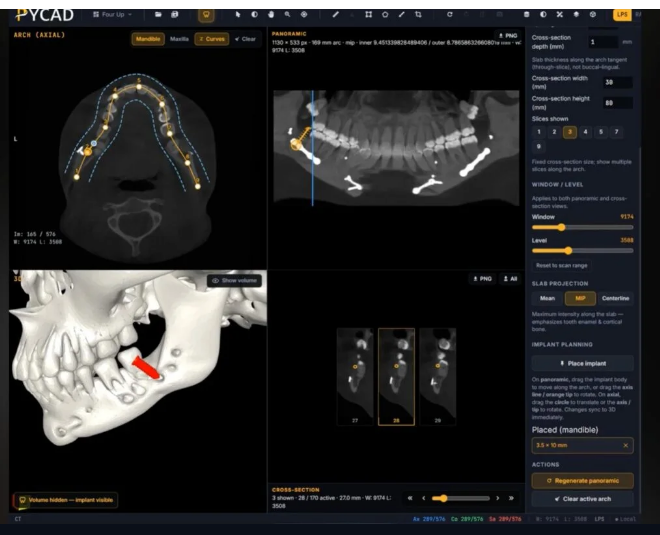
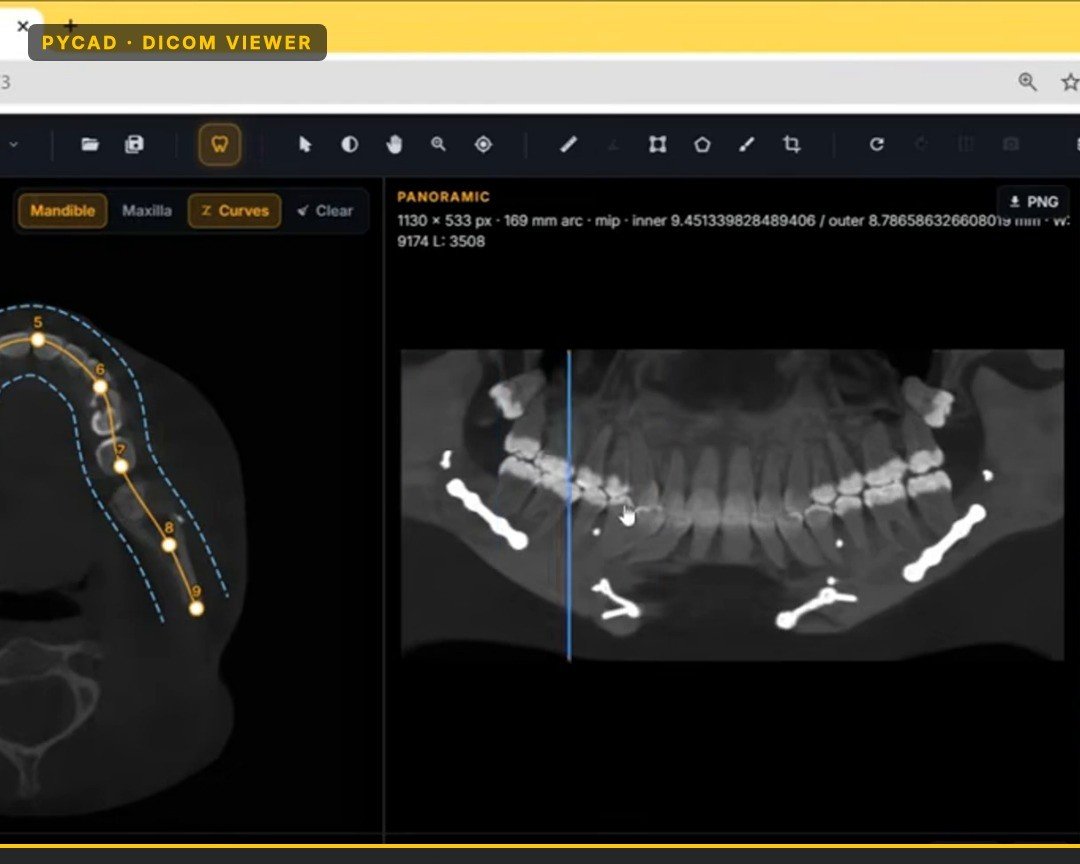
Dental CBCT product UX. Arch-aware views, panoramic rebuilds, synchronized cross-sections along the arch, implant or overlay tools that feel native to dental users. A general radiology layout can open the volume. It rarely feels like a dental product.
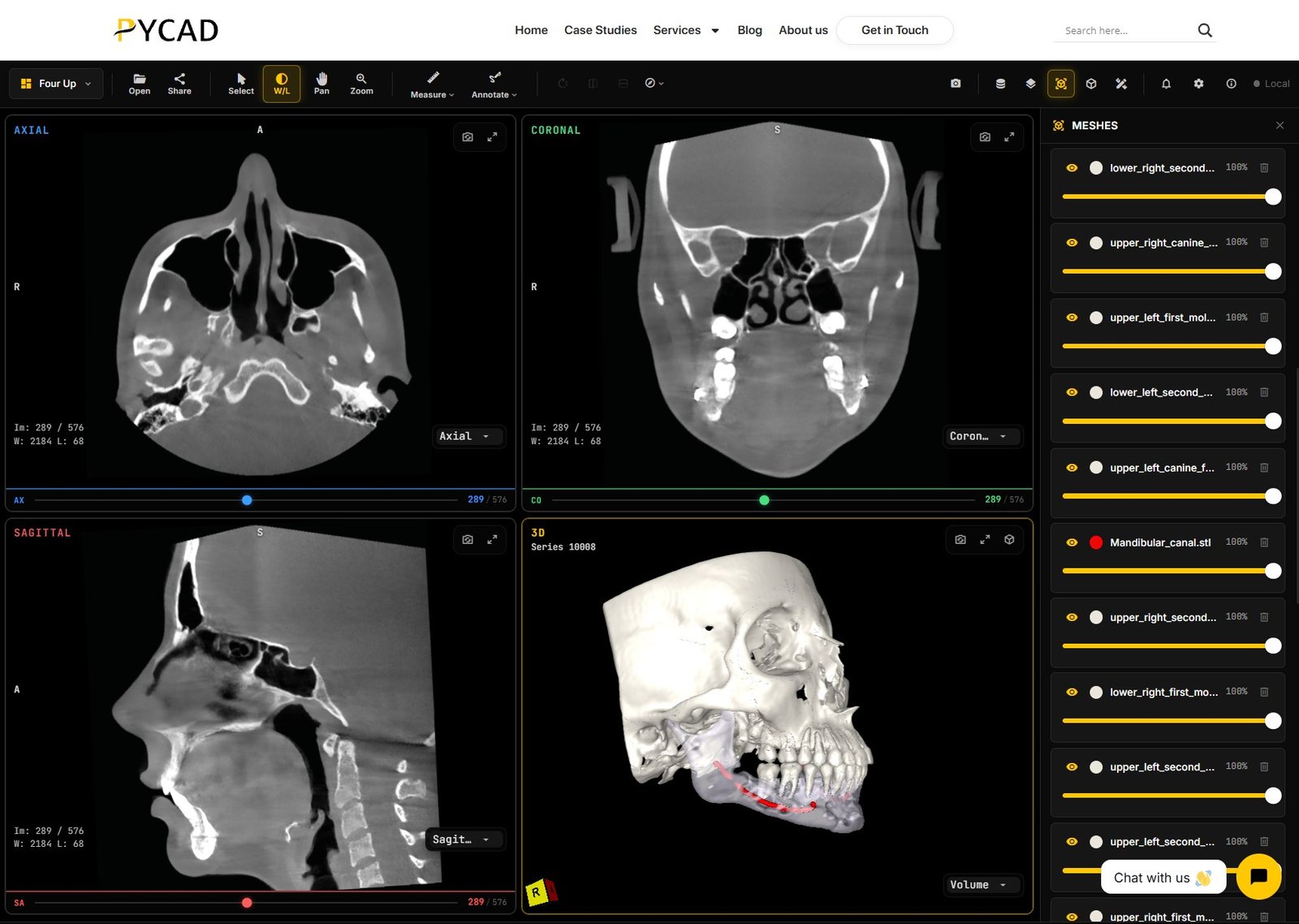
Implant and device overlays. Manufacturers and OEM platforms need the commercial construct on the scan or on a sales mesh, with controls that match the catalog. That is product identity, not a plugin checkbox.
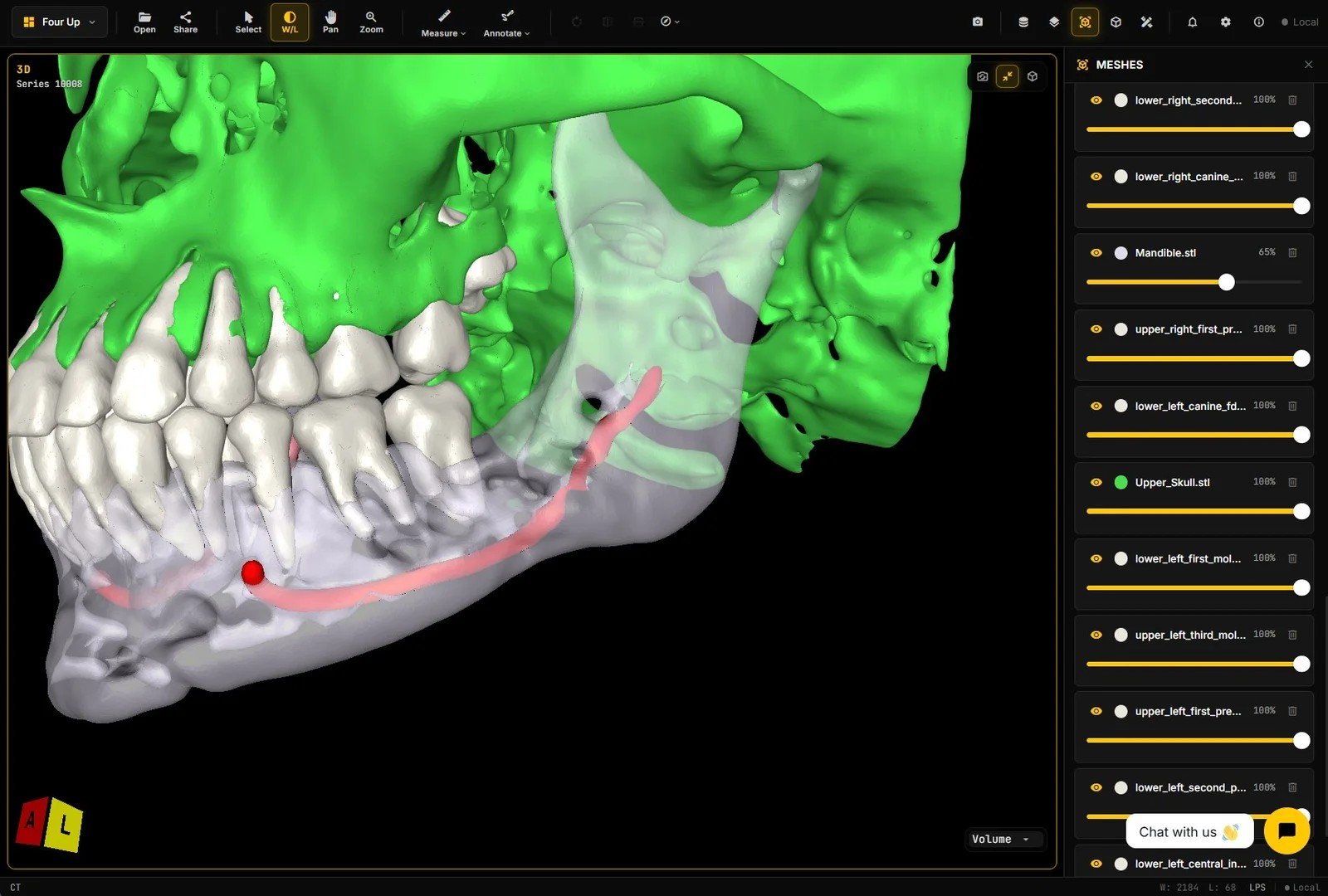
Forensic and specialty review. Virtual autopsy and other niche review flows need case structure, reporting, and review habits that do not match outpatient radiology.
OEM product fit. Auth, case model, AI outputs, share links, and branding owned by your product team. A drifting fork of a community viewer becomes a tax.
We have built toward that specialty fit in work such as an orthopedic implant manufacturing platform, a forensic information system for virtual autopsy, and a dental orthodontic reporting and CBCT AI platform. The common thread is not “we reinvented window/level.” It is product-shaped viewing for a specific buyer.
A short OEM framework
Use this in the kickoff, before anyone argues architecture.
- Job to be done. Is the viewer a portal feature or the product?
- Modalities and size. CT, MRI, CBCT – what is the worst case study you must open on the devices your users actually have?
- Modules that must feel native. Dental tools, implant overlays, autopsy review, AI results, share links, OEM branding.
- Who maintains it. Your team on OHIF, or a partner owning a custom surface with a clear release path.
- Buy bar. If removing the specialty modules still leaves a product you would sell, OHIF may be enough. If removing them kills the product story, specialty is the buy.
Write the answers down. They end circular debates about “but OHIF is free.”
Fit, not a bake-off
CT, MRI, and CBCT all show up in these builds. The fork is whether your users need a general radiology shell or a specialty product shell. That is a fit call, not a free-viewer bake-off and not a history lesson on open radiology projects.
How to decide this week
Pull one real study set (CT, MRI, or CBCT, whichever is your pain point). Open it in OHIF or the open radiology web viewer your team already likes. List the three clicks a customer must make that feel wrong or missing. If the list is empty, stay on the free stack. If the list is your roadmap, that is the specialty brief.
Contact us if you want a second set of eyes on that list before you fund a build. Bring the worst-case study and the three missing clicks. That is enough to choose.