
Two free desktop tools cover most “open this DICOM / NIfTI and paint a mask” jobs: 3D Slicer and ITK-SNAP. This is a click path, not a product list and not a PACS explainer. Browser Slicer is 3D Slicer online. A Python MVP is python-dicom-nifti-viewer. 2D training-data labelers are best image annotation tools. The hospital stack is medical imaging software.
Horos / OsiriX (macOS) and MITK sit on the same shortlist. They are not walked through here.
3D Slicer — download and install

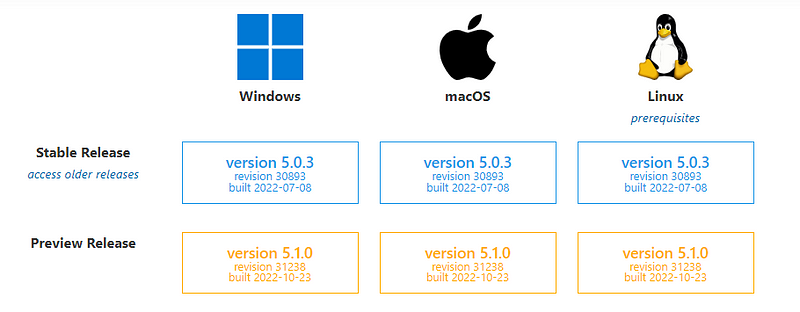
Get it from download.slicer.org. Pick your OS. Always take the Stable Release (as of August 2026 that is 5.12.3). The screenshots below were taken on 5.0.3; the menus are the same. Preview builds move every day and break extensions. Do not install those for this walkthrough.
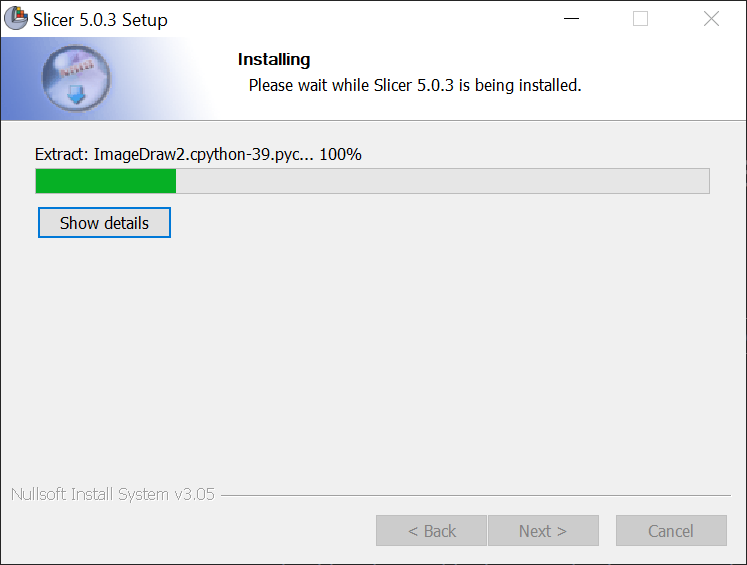
Run the installer and follow the welcome window.
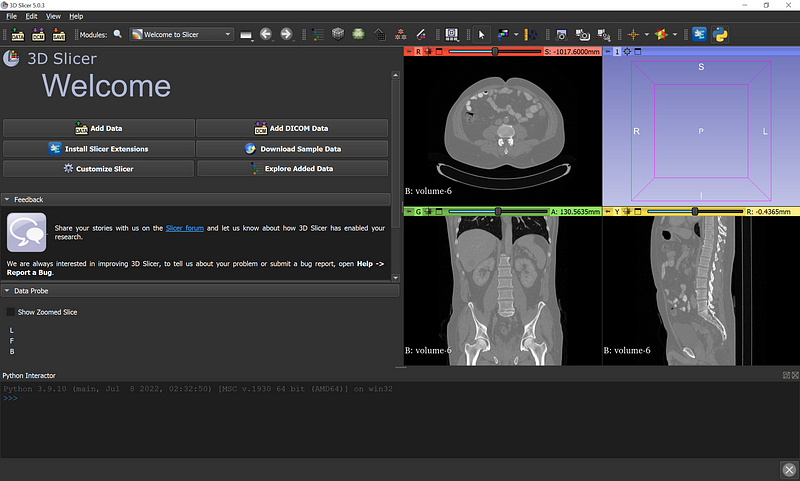
Open NIfTI and DICOM in Slicer
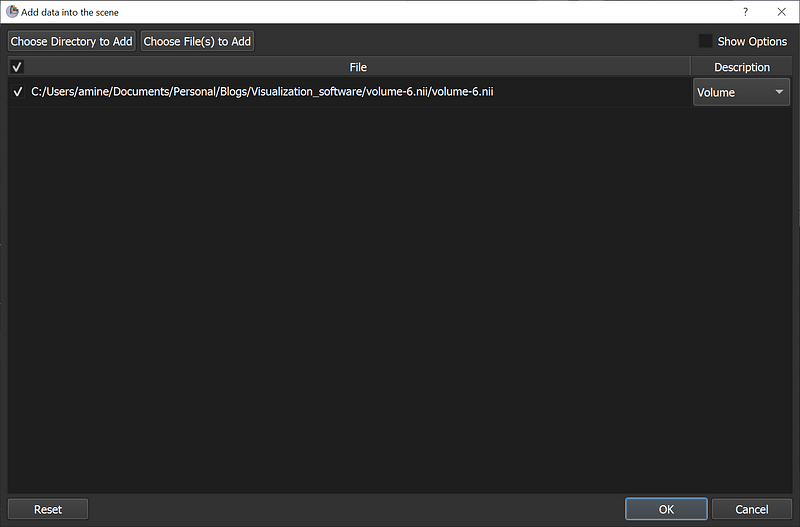
NIfTI: drag the .nii / .nii.gz onto the welcome window. Keep it as a volume, then OK.
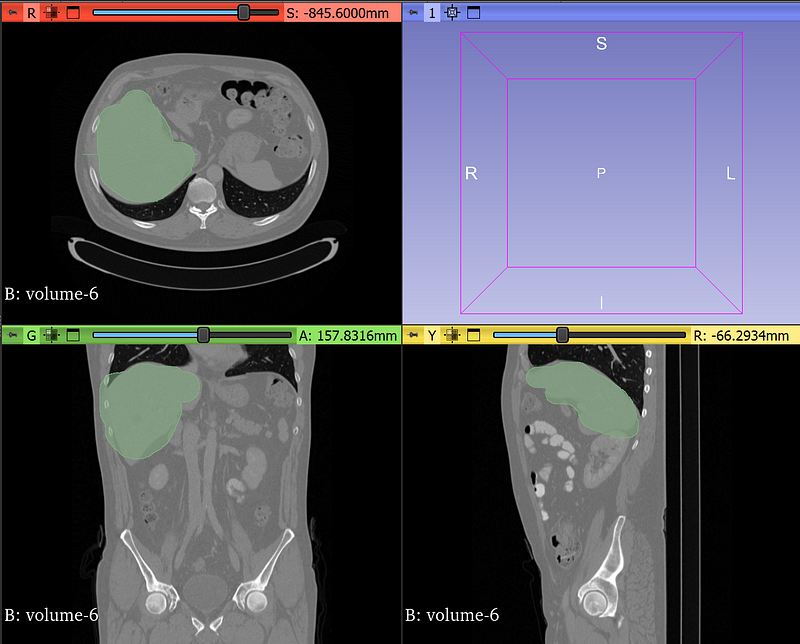
You get the three conventional views: axial, sagittal, coronal.
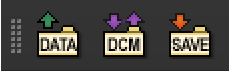
DICOM: use the DCM or DATA button. Pick one slice or a folder for the whole series.
Segment in Slicer
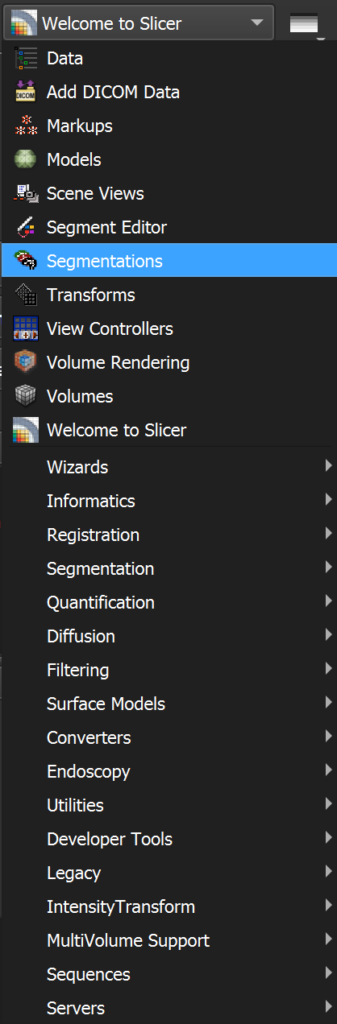
Open Segmentations in the module list.
Create a new segmentation.
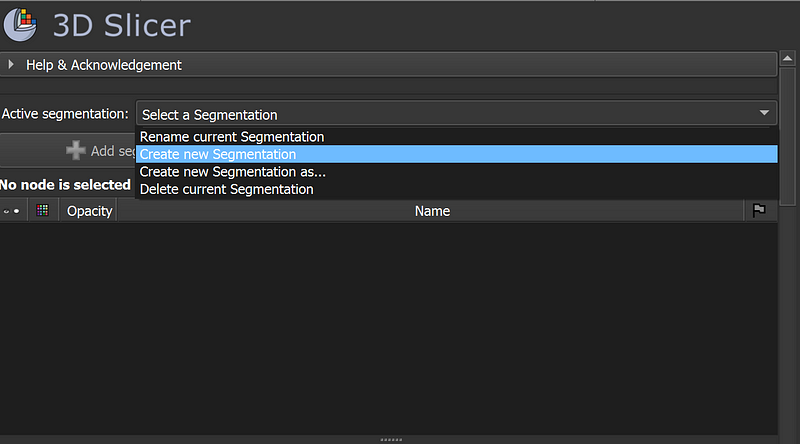
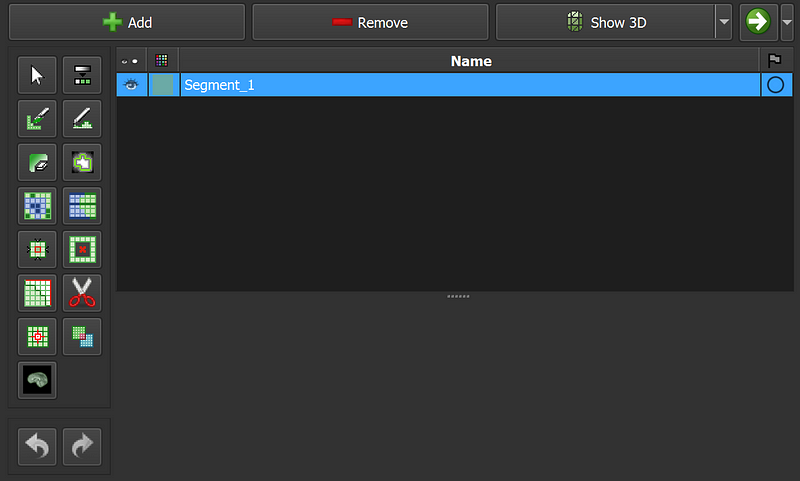
Add one segment per structure (Add segment). One segmentation file can hold many segments.

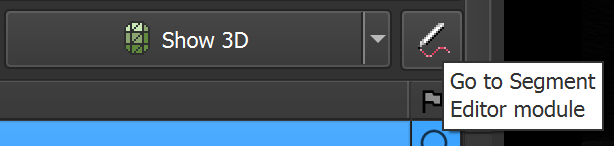
The pen opens the Segment Editor.
Manual (Paint / Draw) and semi-automatic tools live on that bar.
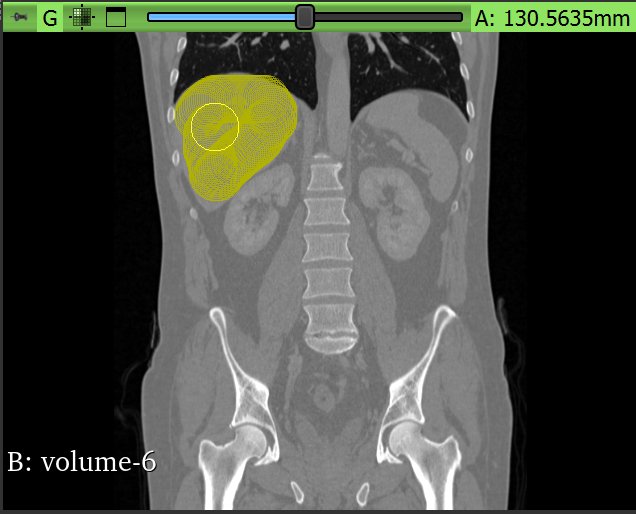
Paint with the brush. You only need to finish one orientation; Slicer applies the label on the other two planes.
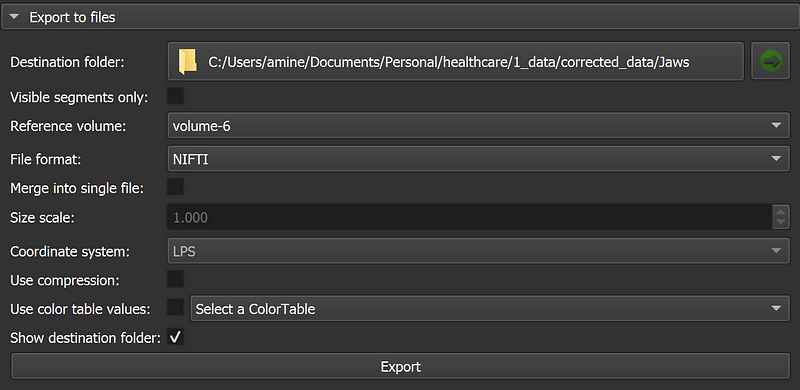
Export: green arrow → Export to file. Set the destination, the reference volume (required — this keeps the mask on the same grid), and the format (NIfTI for most ML work). Then export.

ITK-SNAP — download and install

Download from itksnap.org (SNAP3). Registration is optional; you can skip it.
Use 3.8, not 4.0. 4.0 still breaks for a lot of people. 3.8 is the build that opens the file and keeps the brush.
Open NIfTI and DICOM in ITK-SNAP
Drag the file onto the welcome screen. For a DICOM folder, drop one slice from that folder — SNAP loads the series.
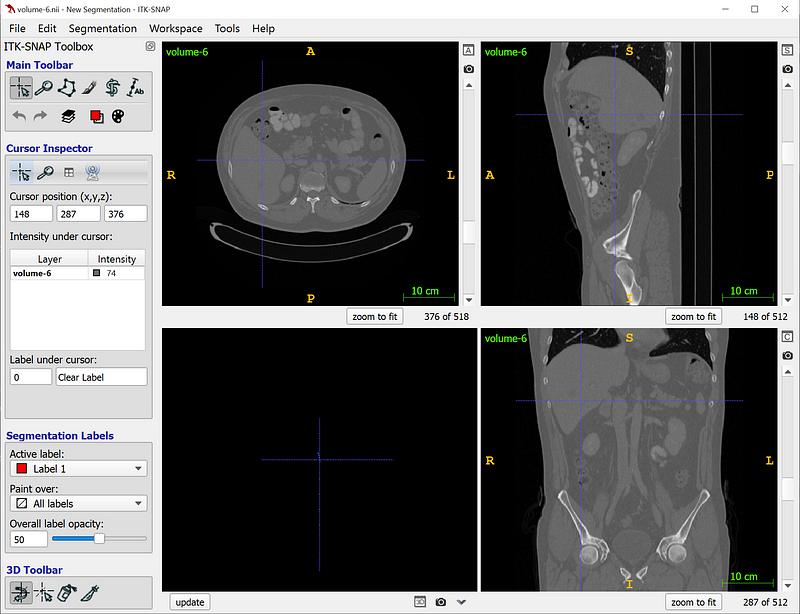
Segment in ITK-SNAP
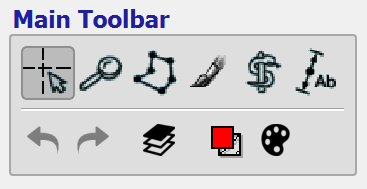
Main toolbar → brush.
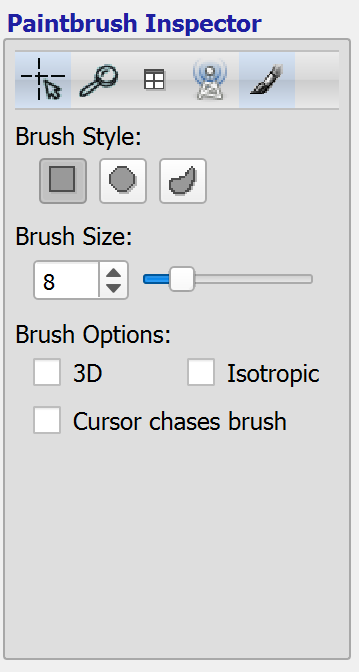
Set type and size. The 3D option paints a few neighboring slices when you paint one — useful, easy to over-paint.
Same as Slicer: finish one orientation; the label shows on the other two. You can also show the 3D surface.
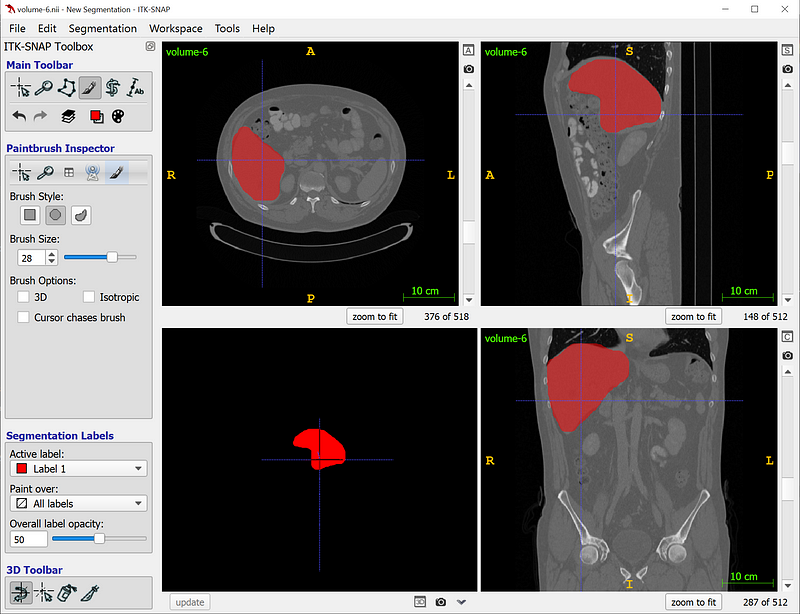
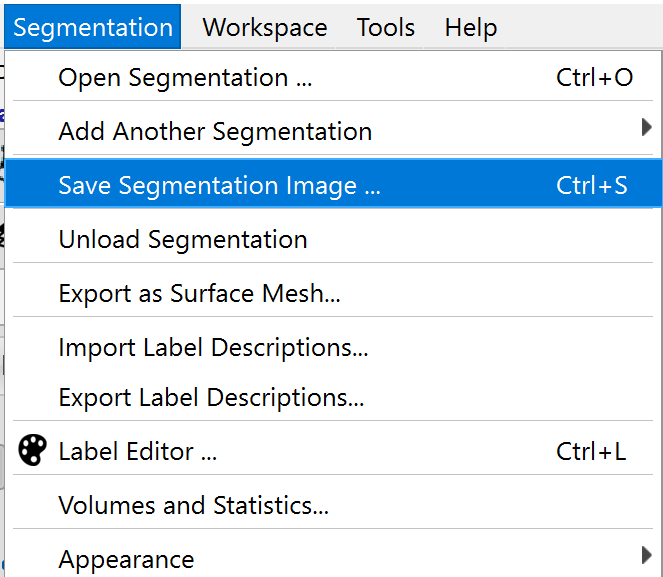
Save the mask as NIfTI from the segmentation save dialog.
Convert DICOM ↔ NIfTI inside Slicer
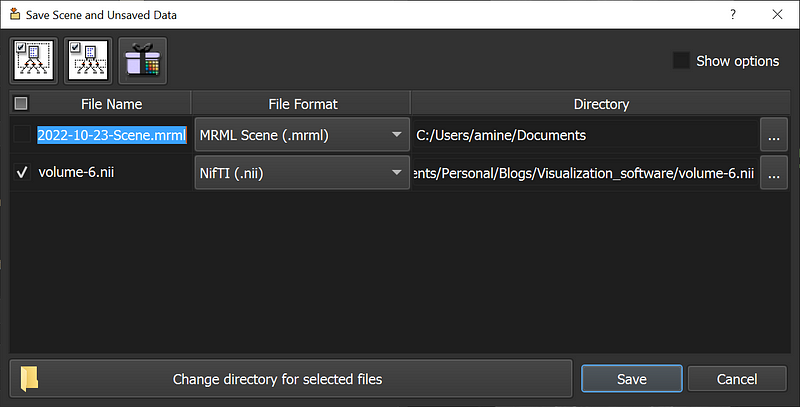
DICOM → one NIfTI: load the series, then the top Save button. Pick NIfTI for the volume and save.
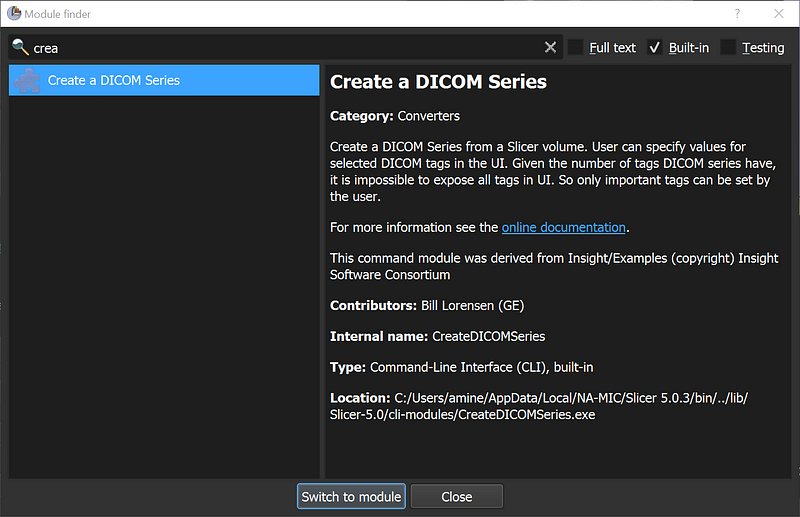
NIfTI → DICOM series: module Create a DICOM Series. Point it at the volume and an output folder.
Batch convert a folder: amine0110/Medical-Conversions. A Python course that actually exists: DICOM Simplified.
PYCAD builds the imaging side of this when the viewer or the mask has to live in a clinic app. Case studies.